












AI Research Assistant

Your AI research assistant

Ask questions, inspect the evidence, and connect ideas across your sources. Keep your research together in one workspace.

HSYZAWT

Used by 10,000+ researchers.

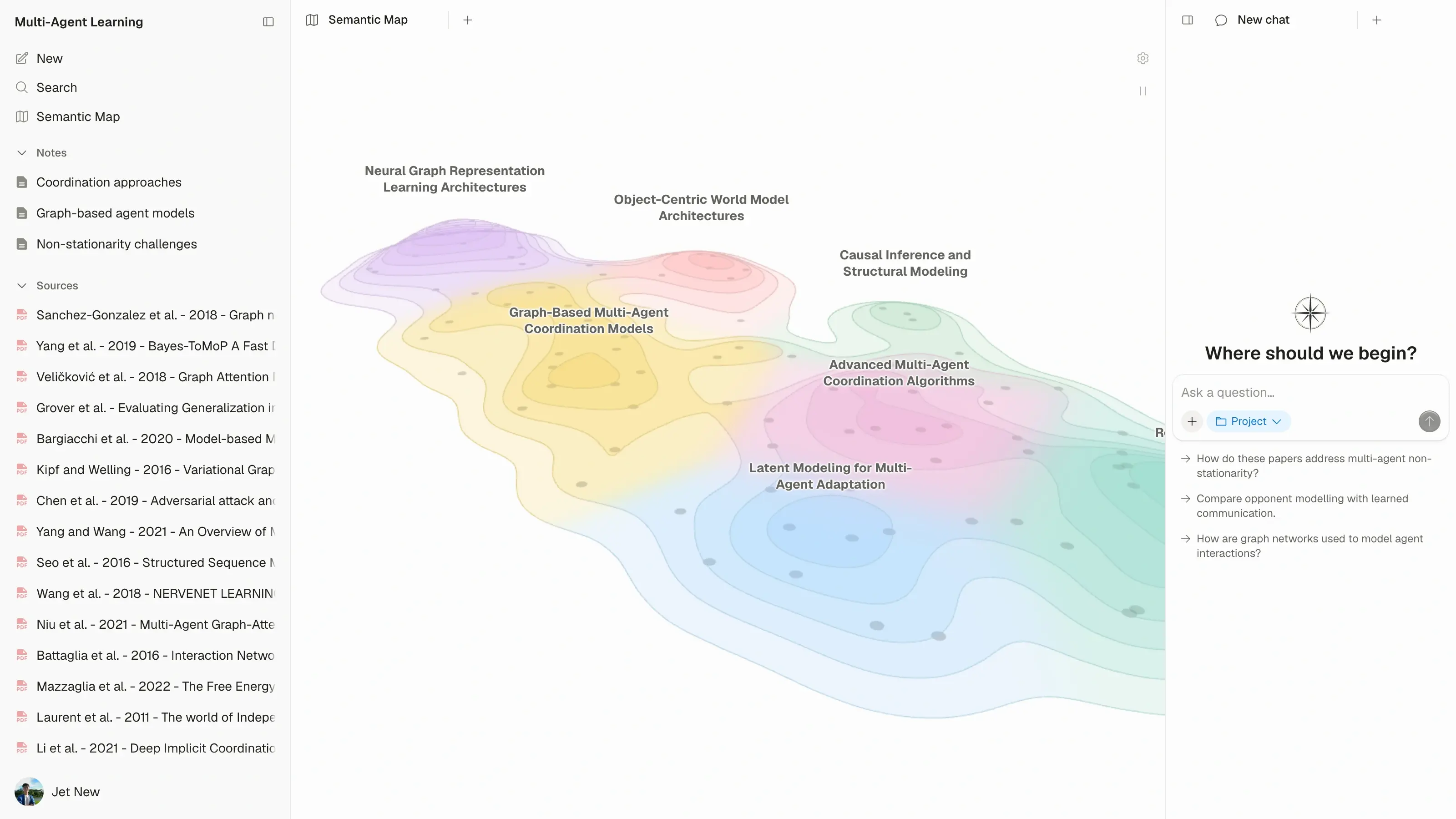
Atlas workspace showing a horizon-view semantic map of 110 multi-agent learning research papers
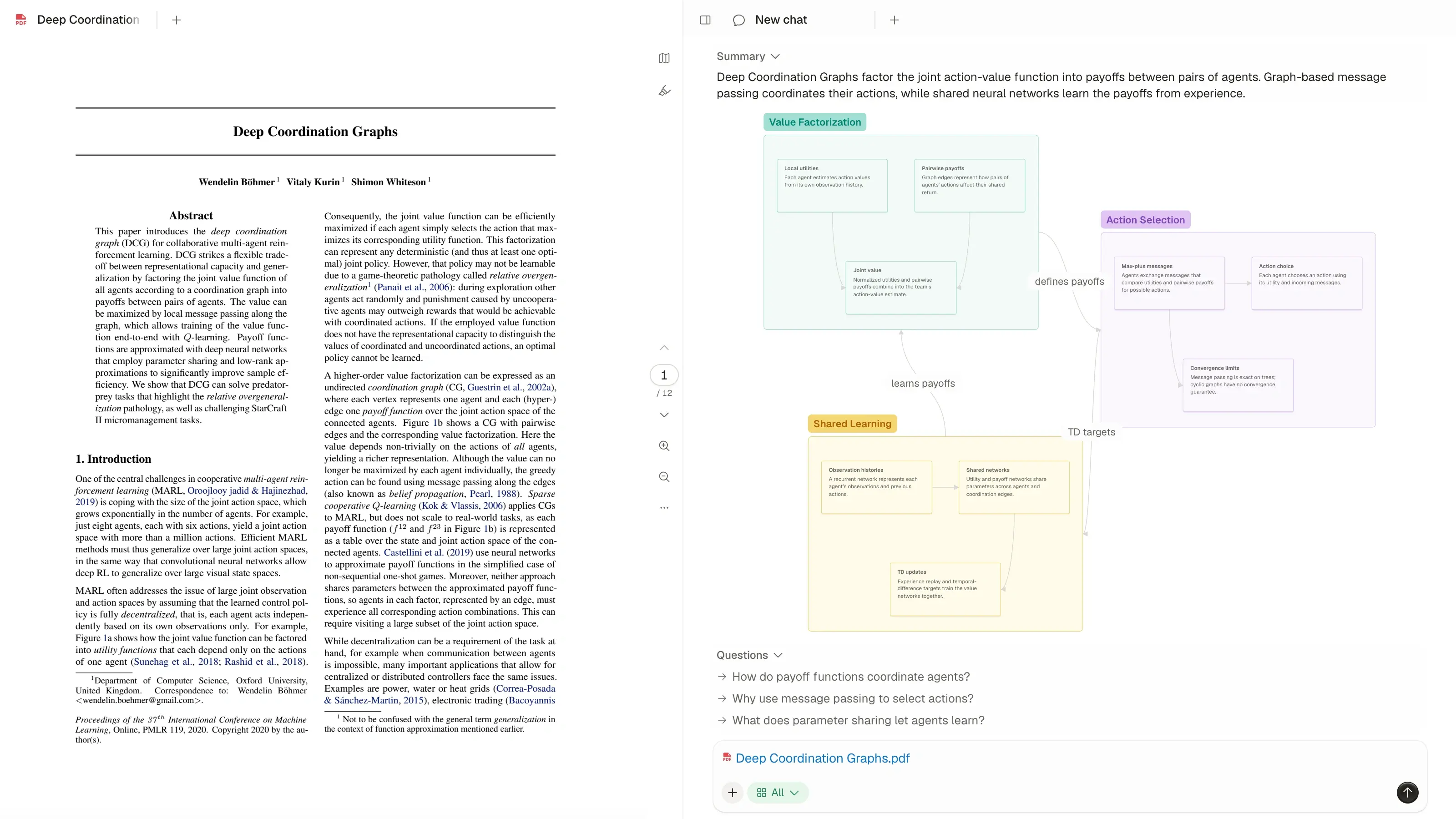
Atlas PDF reader alongside the paper’s knowledge map and chat
CambridgeMITStanfordHarvardOxfordETH ZurichTsinghuaNUSUC BerkeleyTokyoSeoul National

How to use an AI research assistant

Start with what you want to understand. Find relevant papers or bring your own sources, then ask Atlas to explain the ideas and evidence.

Ask your question

Ask about a concept, a finding or a question you are researching.

Find your sources

Search for papers in Atlas or add the sources you already have.

Follow the evidence

Read the answer, open its citations, and save useful findings as notes.

Research with PDFs, articles and videos

Bring a paper, an article or a YouTube lecture into your project. Ask for an explanation of one source or compare findings across several.

  • Understand a paper

    Get help with the argument, methods and findings in a paper or report.

  • Explore an explanation

    Ask follow-up questions about an article or a video's transcript.

  • Learn from a lecture

    Explore the ideas in a video through its transcript.

Explore supported sources

Understand the answer. See the evidence.

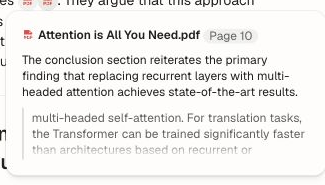
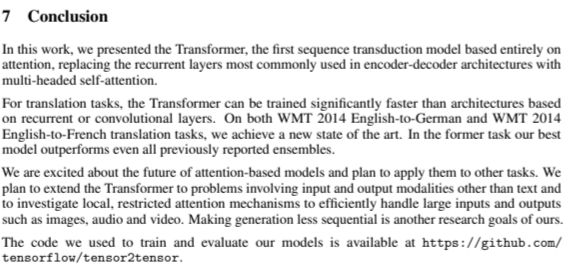
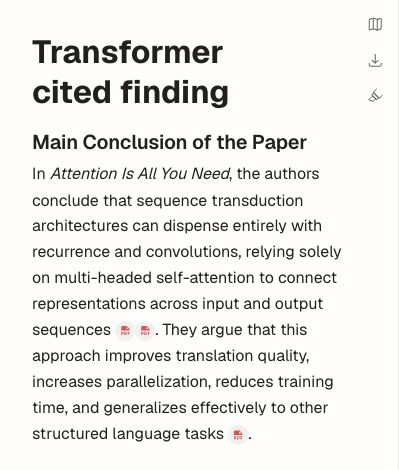
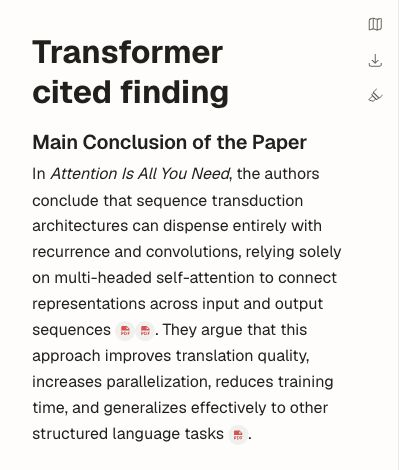
Follow a citation from the answer to the source. Read the surrounding passage to understand how the evidence supports the explanation.

Keep what you learn

Save useful answers as notes alongside your sources. When you return to your project, your papers, conversations and findings are there to continue from.

Frequently Asked Questions