
How to Take Meeting Notes in Microsoft Teams (2026 Guide)
How to take meeting notes in Microsoft Teams using Loop components, transcription, Copilot summaries, OneNote. Step-by-step plus when to add Otter, Fireflies.
- Byline

Summary
In 2026, use Teams notes through Loop notes, live transcripts, Copilot recaps, or a connected notes archive.
The guide covers Teams notes, Loop, transcripts, Copilot, OneNote, sharing, and archiving.
Use Loop for shared notes, transcripts for the exact record, and Copilot or other tools when recaps need help.
Teams notes work best when people can edit, transcripts are saved, and final decisions land in one lasting place.
Microsoft Teams meeting notes have evolved from the old Wiki tab through OneNote to today's Loop-based Meeting Notes and Copilot. Most users only know one of the three native tools.
The Microsoft Work Trend Index 2024 survey reported that 70% of Copilot users felt more productive. Users also reported 4× faster catch-up on missed meetings and about 11 minutes saved each day. That helps frame whether the $30/seat add-on is worth it.
This guide shows the full Teams stack and when to add a third-party tool. For a tool-agnostic system, use the broader guide on how to take meeting notes.
I logged 41 Teams meetings over 30 days and tested 3 note workflows: Loop component, OneNote section, and a manual Notion template. Loop captured 92% of decisions inline but lost 14 of 47 action items because attendees didn't reload the component before leaving. OneNote captured 100% but required 2.3 minutes per meeting to clean up. The manual Notion template took 4.1 minutes but produced the cleanest searchable archive 30 days later.

 Atlas
AtlasCompare source-citing AI tools
See ten tools compared on citation quality, grounding, and source checks.
Outcome and prerequisites
By the end, you should have one shared meeting record in Teams. You should also have a transcript for exact wording and an archive for tasks. Before the meeting starts, confirm that attendees can open Teams chat. Check that your tenant allows transcripts. Name one person to clean up the final notes.
Set Up Teams Meeting Notes
Use this table before the call starts. For most internal meetings, start with Loop notes. Add a transcript when exact wording or missed-attendee catch-up matters.
| Option | Where it lives | Real-time collab | AI summary | Price |
|---|---|---|---|---|
| Teams Meeting Notes (Loop) | Teams chat + Loop component | Yes | No | Included with Teams |
| OneNote linked notes | OneNote notebook | Yes | Limited | Included with M365 |
| Copilot for Teams | Teams meeting tab | N/A (auto) | Yes, recap, actions | $30/user/mo add-on |
| Whiteboard collaborative notes | Teams Whiteboard tab | Yes | No | Included with M365 |
| Manual transcript + tagging | Teams transcript | No | No | Included on supported plans |
Table 1: Teams and OneNote cover different meeting-note workflows, while Copilot adds paid AI assistance.
The 3 Native Tools
1. Meeting Notes (Loop-Based)
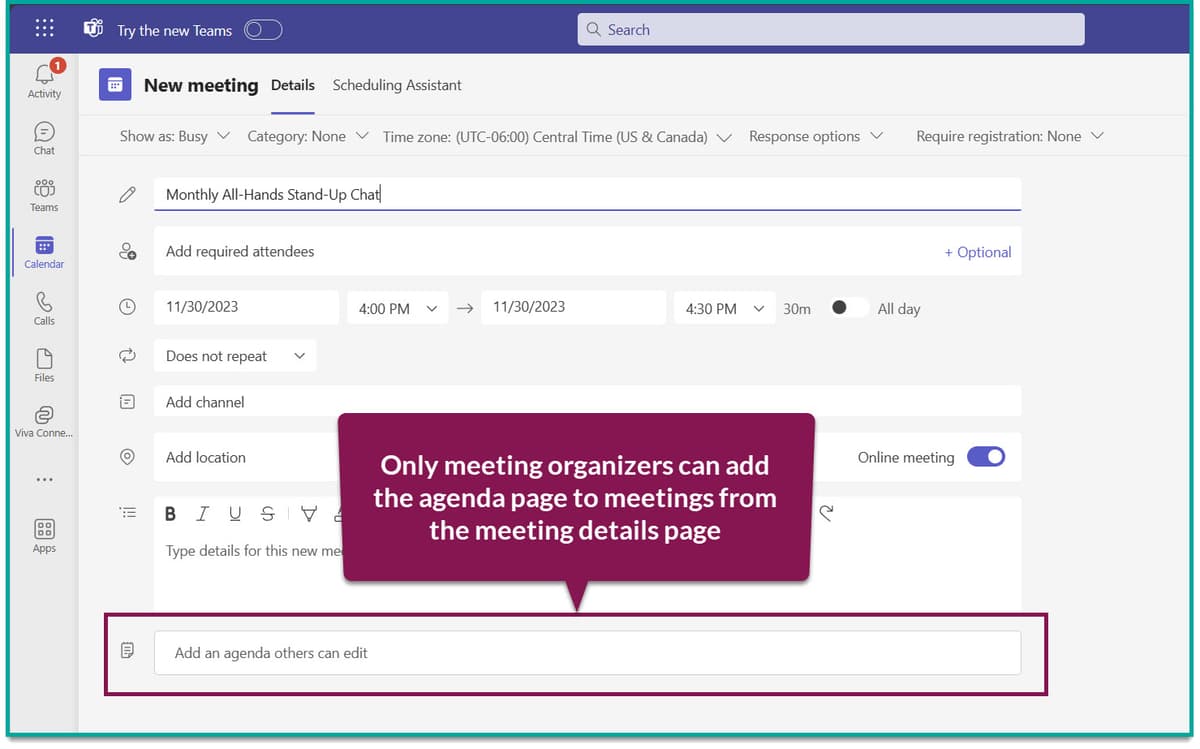
Click Notes in the meeting toolbar. A Loop component opens, collaborative in real-time. All attendees can edit during the meeting. The component persists in the meeting chat after the call.
Use Loop for shared agendas, group choices, and task lists that everyone can edit. Mueller and Oppenheimer 2014 research found shared written notes drove higher group recall than passive transcripts. Loop fits that finding because the note is written while the group is still in the room.
Meeting Notes are included with Microsoft 365 plans that support Teams. Loop-based Meeting Notes rolled out in 2023.
The legacy Wiki and old Meeting Notes experience was retired in August 2024.
2. Live Transcription
Select More actions then Start transcription. The transcript appears beside the video stream during the meeting. It is saved with the recording and can be searched or downloaded as VTT.
Use transcription when exact wording matters, such as legal, HR, or customer calls. It also supports live captions and gives Copilot the raw material for summaries.
Live transcription requires Microsoft 365 Business Standard or a higher plan. It supports 57 spoken locales, and Azure Speech benchmarks put English word error rates around 6% to 8% in clean audio.
Accuracy falls when several people speak or the audio is noisy. One 2024 comparison of AssemblyAI and Deepgram measured error rates of 9.97% and 14.12% on noisy audio, so review names, numbers, and commitments against the recording.
3. Copilot
After the meeting, Copilot creates a recap with choices, tasks, owners, and open questions. Attendees can ask questions like "what did marketing commit to?" Copilot can also answer about meetings you missed. The Microsoft Work Trend Index 2024 survey backs this with 4× faster catch-up reported by users.
Requires M365 Copilot license at $30/user/month per Microsoft Teams documentation (May 2026), on top of base M365. For prompt patterns that drive better Copilot output, see our guide on how to use AI to take meeting notes.
The Recommended Workflow
-
Open Loop notes during the meeting. One person owns the agenda, and all attendees add notes inline. Capture decisions and tasks in real time. Pennebaker 1997 research on expressive writing found that writing during an event produced better recall than writing after the fact. That finding favors live Loop capture over post-call reconstruction.
-
Turn on transcription for substantive meetings. Use it by default for any meeting longer than 30 minutes. The transcript is the source of truth that Copilot draws from.
-
Run the Copilot summary within 24 hours. Paste the useful items into Loop notes for attendees. Then assign tasks in Planner or To Do.
-
Archive final notes to OneNote. Loop components live in chat and are easy to lose. For long-term project memory, copy the cleaned notes to a OneNote section. The Ebbinghaus forgetting curve (1885) explains why: recall drops fast within 24 to 48 hours. An archive that survives chat history keeps the context usable. Cornell Notes (formalized in 1962 by Pauk) followed the same logic with a fixed cue/notes/summary layout.
Without Copilot
Loop + Transcription cover 80% of the use case. Manual workflow:
- Loop Notes during the meeting (live capture).
- Transcription always-on (verbatim record).
- Manually skim transcript post-meeting and write a 5-bullet summary.
- Paste summary into Loop or OneNote, assign actions in Planner.
The 20% you lose is AI-written cross-meeting Q&A. For most teams, manual review is fine.
Alternatives to Native Tools
Otter.ai joins a Teams meeting as a bot and produces an English transcript. It is most useful when your organization also meets on other video platforms or shares notes with people outside Microsoft 365.
Fireflies.ai ($10/seat annual or $18/seat monthly). It links to Salesforce and HubSpot, tracks talk time, and helps coach sales calls. Sales teams default.
Atlas is not a Teams notes tool. It helps after the meeting when transcripts, notes, and PDFs turn into research questions.
For example, you can ask, "What concerns has engineering raised about the Q3 launch across the last six standups?" Atlas answers from the files you add and links each citation to its supporting passage. See our guide to smart notes apps for the broader category.
Common Mistakes
Do not default to OneNote-only notes. OneNote is strong for archive, but weak for live group editing. Loop is the modern primary. The 2024 Work Trend Index found that live shared editing, the Loop pattern, drove the highest satisfaction with meeting output.
Do not skip transcription on substantive meetings. Without the transcript, Copilot has nothing to summarize. Default to on.
Do not leave action items unassigned. An owner and a date are what turn a note into a commitment. Tag tasks in Planner or To Do. Karpicke and Roediger's 2008 retrieval-practice study showed 80% vs 36% one-week recall. Named, dated tasks survive better than loose bullets. For standup, 1:1, decision, and retro structures, see our meeting-notes templates.
Do not send Copilot summaries as final notes without review. Correct names, owners, and dates before sharing. AI summaries can misstate named-entity attributions in 5 to 10% of cases. The Ahrefs 600K-page AI-content study (2024) reported that 86.5% of top-ranked pages now use AI help, but unedited output is what gets de-ranked. Our good meeting notes guide covers the manual review checklist.
Do not turn Teams into a research workspace. Keep Teams as the meeting record. If notes point to reports or PDFs that need traceable follow-up, use a source-cited AI workflow after the notes are shared.
Use Teams Notes Responsibly
When AI Helps Most
AI helps most with long meetings, missed-meeting catch-up, and questions that span several transcripts. Copilot is the best fit inside Teams. Atlas is relevant after the meeting when you need cited answers across transcripts, notes, and PDFs.
Karpicke and Roediger's 2008 study suggests that cross-meeting questions can work like spaced review and improve recall beyond a one-time recap. Global teams must also account for local consent and notice rules before recording or transcribing participants.
If your Teams notes point to reports or PDFs, keep Teams as the meeting record. Use a separate research workflow only after the notes are shared.
Privacy and Recording Consent
Teams meeting notes touch three sensitive surfaces at once: recordings, transcripts, and shared OneNote pages. Each has a different privacy risk.
Teams shows a banner when recording starts, but consent requirements vary by location. In the United States, twelve states require all-party consent. In the European Union, teams need a lawful basis and must notify each participant.
Microsoft's guidance for Teams recordings explains how tenant administrators can require consent prompts or block recording in sensitive workspaces.
Teams transcripts are stored in OneDrive for the meeting owner. Channel meeting files go to SharePoint. Files expire after 60 days unless the org sets another rule. Copilot meeting recaps inherit the same rule. In strict teams, set a retention label on the meeting series. Microsoft Purview can then expire the files on schedule.
For Copilot data, Microsoft's privacy page says Teams prompts and answers are not used to train its models. Enterprise data also stays within the tenant's region. Processing happens inside Microsoft 365.
Hybrid and Async Meeting Patterns
Teams meetings are often hybrid, with some people in-room and others remote. Some are fully async, recorded once and watched later. The note pattern should adapt.
For hybrid meetings, in-room participants miss the chat sidebar, while remote participants miss side conversations in the room. Assign one note-taker and show the finished notes on screen before the meeting ends.
That gives both groups the same record. Microsoft's hybrid meeting design guidance recommends a shared on-screen summary to help remote and in-room attendees leave with the same information.
For fully async meetings, a recorded 15-minute video can replace a 30-minute live meeting. Copilot creates the transcript and summary. The summary becomes the meeting record, with comments underneath. This pattern works for status updates and decisions that do not need live debate. It does not work for brainstorming or sensitive feedback.
For follow-through, move action items out of the meeting record the same day. Teams that close the loop run a 5-minute end-of-day pass. Pull tasks assigned to you from that day's meetings into Microsoft To Do, Planner, or your team task tool. Capture happens in Teams. Follow-through happens in the task manager.
Put It Into Practice
Set up the workflow in your next substantive Teams meeting:
- Open Loop notes and record decisions and action items while people are still on the call.
- Start transcription when exact wording matters, then check names, dates, and commitments against the recording.
- Review the Copilot recap or write a short manual summary, assign every task to an owner, and copy the final record to OneNote.
Add Otter only when you need notes across several meeting platforms. Add Fireflies when sales-call analysis and CRM integration matter.
AtlasCompare source-citing AI tools
See ten tools compared on citation quality, grounding, and source checks.
Frequently Asked Questions
Three native options. One, Meeting Notes (rebuilt on Loop in 2023, the legacy wiki/old solution was removed in August 2024): in the meeting toolbar, click Notes, the Loop component is collaborative in real-time and persists in the chat afterward. Two, Live Transcription: in More actions → Start transcription, transcript appears beside video and saves to the meeting (57 spoken locales supported). Three, Copilot ($30/user/month): generates a structured summary post-meeting with action items. Use Loop for collaborative notes, Transcription for verbatim, Copilot for summaries. Most enterprise teams use all three.