


GitHub Copilot launched in 2021 as an AI pair programmer. In 2026, the choice is wider. Some tools focus on fast tab completion. Others act as code agents that plan work, edit several files, run tests, and open pull requests. The best GitHub Copilot alternative depends on which job you need most.
This guide ranks 8 tools for daily coding, chat help, and multi-file refactors.
If you are comparing general-purpose assistants before choosing a coding setup, the ChatGPT alternatives guide is the better first stop. If you mean Microsoft Copilot across work apps rather than GitHub Copilot for code, use the Copilot alternatives comparison.
Many teams should not replace Copilot everywhere. Keep Copilot Business for GitHub pull requests and policy if it already fits. Add Cursor or Claude Code for repo-wide edits. Use Continue, Aider, or OpenCode when model control and local work matter more than polish.
The ranking uses one rule. A tool earns a place if it does at least one Copilot job better than Copilot: faster completions, stronger multi-file edits, safer private-code handling, lower cost, or more model control. It is based on each vendor's own pages and documentation, checked on 21 October 2026. No benchmark was run for this guide.
Multi-file edits carry the most weight because they move AI help from one method at a time to full changes across a repo. Martin Fowler describes that shift as expanding AI help from "small, localized suggestions" to "larger implementations across multiple files." That is why Cursor, Claude Code, Continue, and Aider rank above completion-only tools.
Quick picks:
- Cursor beats Copilot when the coding session starts in the editor and the task spans several files.
- Copilot still wins when the work starts in GitHub Issues, pull requests, or a GitHub-native review flow.
- Claude Code is the strongest terminal agent because it can plan, edit, run tests, and revise from the shell.
- Continue and Aider are the best model-control picks because bring-your-own-key and local model support reduce lock-in.
- Amazon Q Developer and Gemini Code Assist fit teams already running workloads on AWS and Google Cloud.
- CodeAnt AI belongs beside this list only when the job is AI code review, security scanning, or pull-request risk.
Study coding documentation in Atlas
Add documentation, ask a question, and check the cited passages.
How GitHub Copilot compares
GitHub Copilot limitations
Copilot is still a strong default if you live in GitHub, use VS Code, and want low-friction completion. Its plan page lists a Free plan, Pro at $10 a month and Pro+ at $39 a month, with Business and Enterprise through sales. The limits show up when the work starts outside GitHub.
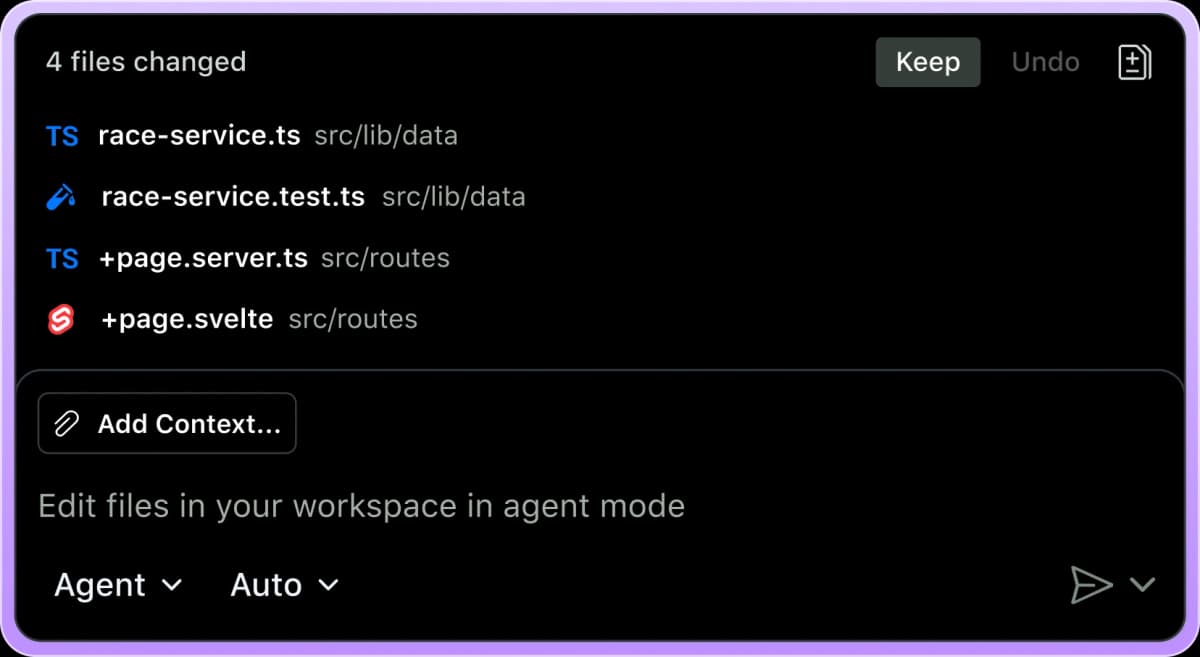
The first limit is agent scope. Copilot can help in chat, issues, pull requests, and supported IDEs, but Cursor and Claude Code put the agent loop closer to the files, terminal, and test command.
The second limit is model routing. Copilot offers more model choice than it used to, but it is still a managed GitHub product. Continue and Aider are better when you want to bring your own API keys or run local models.
The third limit is spend control. Seat price is easy to compare. Agent usage is harder. Teams that run long agent sessions need budget caps and model rules on top of a cheap monthly plan.
Cursor vs Copilot for agentic coding
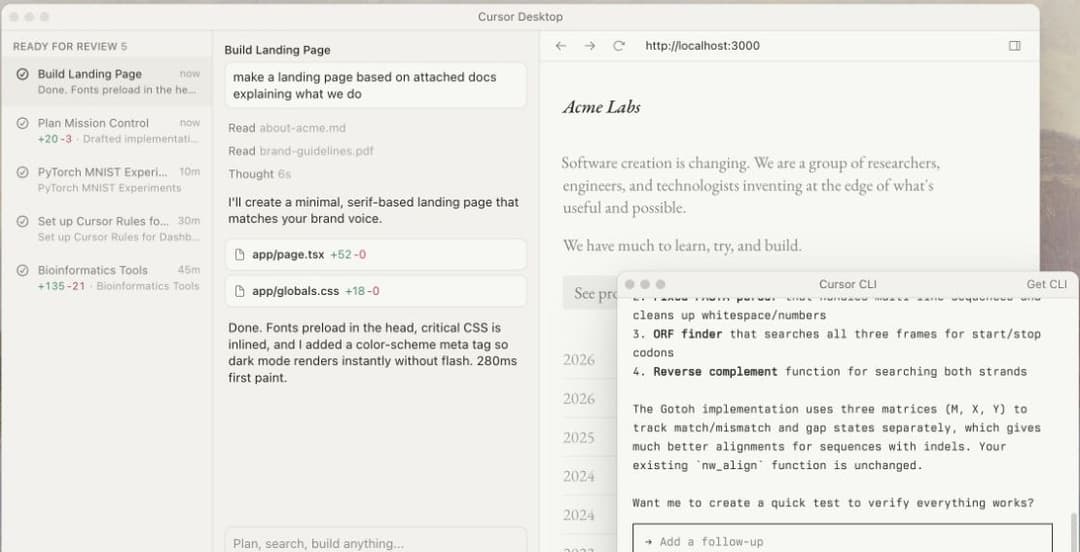
Cursor is the better Copilot alternative when the job starts with a repo-wide change. Its advantage is not just autocomplete. The editor is built around asking an agent to plan, edit, and show diffs inside the same workspace.
Copilot is better when the job starts in GitHub. Pull request review, issue context, and GitHub-native workflows are its home field. If your team plans work in GitHub and wants AI help there, Copilot can still be the simpler choice.
The practical split is simple. Choose Cursor when the coding session starts in the editor. Choose Copilot when the work starts in GitHub.
Claude Code agent workflow
Claude Code is the strongest terminal-first Copilot alternative. It can inspect a repo, propose a plan, edit files, run tests, and revise the patch from the shell.
The upside is direct control. You keep the same terminal, git branch, test command, and review flow you already use. The downside is that it is less visual than Cursor. Developers who prefer a rich IDE diff view may move faster in Cursor.
Use Claude Code for backend work, test fixes, migrations, and codebase questions. Use Cursor when the edit needs more visual review inside the editor.
What to look for
Start with the work pattern before you look at brands. A tool that wins for one developer can be wrong for another.
For daily coding in one IDE, check tab quality and speed first. Then check whether the tool works in VS Code, JetBrains, Vim, or your editor of choice. A fast completion tool helps only if it stays out of the way.
For refactors and feature work, look for agent controls. The tool should show a plan, list the files it will touch, let you review diffs, and run tests before you accept changes.
For private code, check the deployment path. Local models, self-hosted enterprise plans, and strict no-training terms matter more than model scores when source code is sensitive.
For budget control, separate subscription price from model usage. A low seat price can become less cheap if agent runs burn through usage. A free editor can also become costly if every request goes to a premium API.
For model flexibility, look for bring-your-own-key support. Continue and Aider let you point the tool at Anthropic, OpenAI, Gemini, OpenRouter, DeepSeek, or a local model. That makes them slower to set up but easier to adapt when model quality or pricing changes.
Check product status too. Several coding tools changed owners or plans in 2025 and 2026, so confirm that the plan you want is still sold.
8 best GitHub Copilot alternatives
1. Cursor: Strongest Editor-Based Alternative
Cursor is a fork of VS Code with deep AI integration. Its agent handles multi-file edits and shows the diffs for review, and Tab completion runs inside the same editor.
Cursor is the strongest pick when the work spans many files. It is less useful if you want to stay inside a stock IDE. It also fits poorly when every model call must use your own API keys.
Pricing: Cursor's pricing page lists a Free plan, individual plans from Plus at $8 a month to Ultra at $200 a month, and Teams from $30 per user a month.
2. Claude Code: Best CLI-First Coding Tool
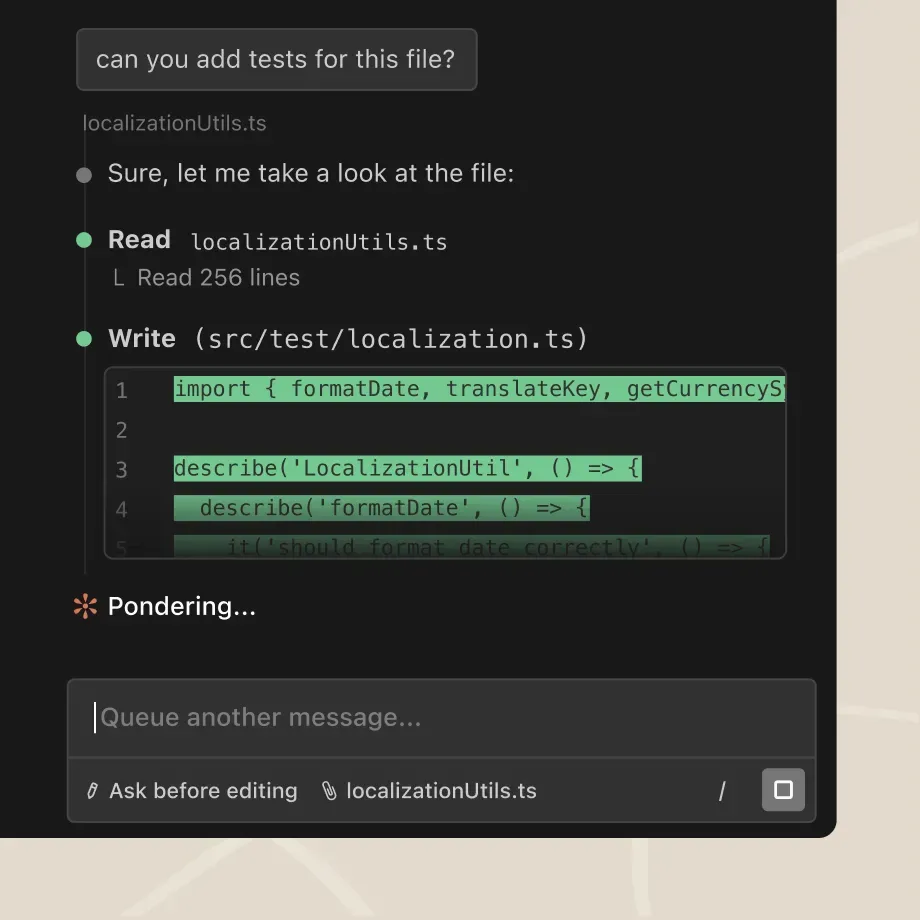
Claude Code is Anthropic's coding tool for the terminal. It runs in your shell, reads your repo, edits files, and runs tests with Anthropic's Claude models.
Claude Code fits terminal-first developers who trust Claude. It runs inside an existing repo instead of a separate editor.
Pricing: Anthropic's pricing page says Claude Code is included in all paid plans. Pro is $20 a month, or $200 a year, and Max starts at $100 a month.
3. Windsurf Plugin: For Existing Codeium Users
Codeium's IDE extension is now the Windsurf Plugin, and its documentation lives on the Devin site. The plugin offers autocomplete, chat, and command features inside the IDE.
Check its status before you adopt it. The Windsurf Plugin documentation says the JetBrains plugin is in maintenance mode, that the Cascade agent is being deprecated, and it recommends moving to Devin. Teams already on the plugin can keep it while they plan a move. New users who want a free start should try Copilot Free or Continue first.
Pricing: the plugin page links to usage credits and Teams and Enterprise pages rather than listing a price.
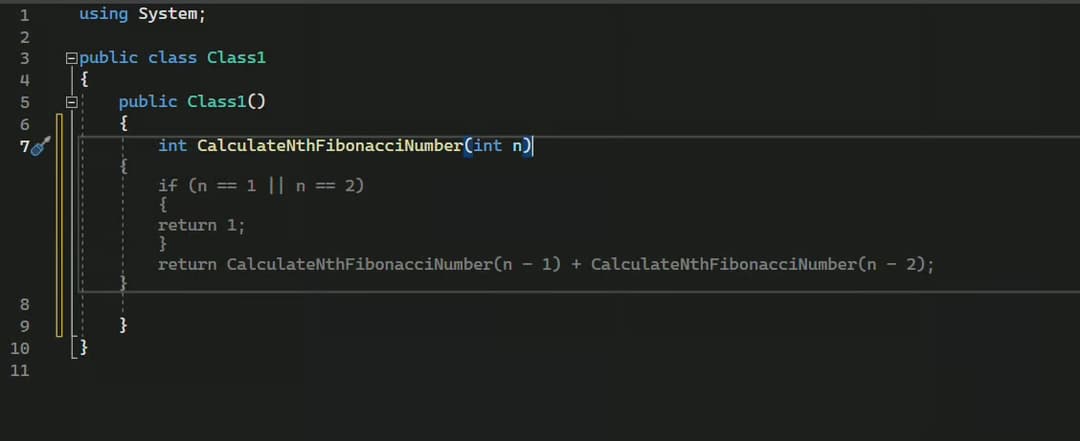
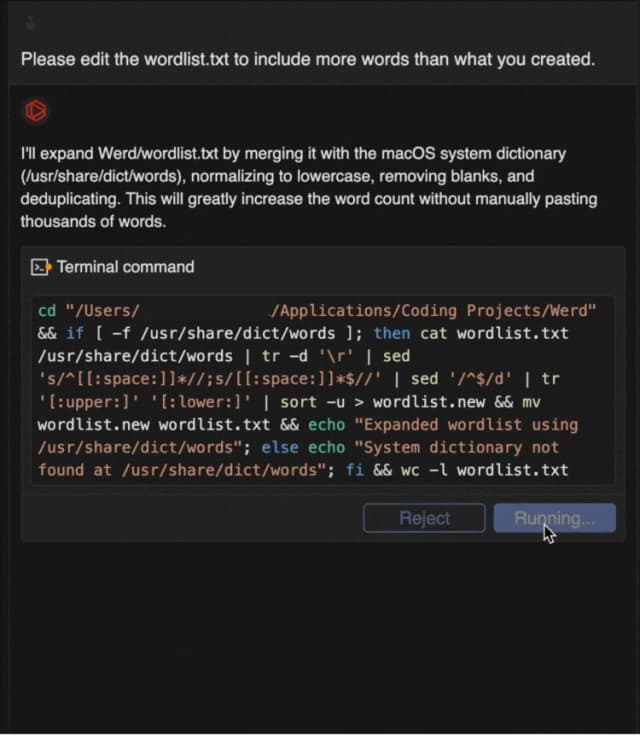
int CalculateNthFibonacciNumber(int n), the whole recursive body appears in gray, base case included. Press Tab to accept it, then check it, since a naive recursive version like this one is slow for large n.4. Tabnine: Best for Air-Gapped Enterprise Deployment
Tabnine is an enterprise AI coding platform. Tricentis announced on 30 July 2026 that it had acquired Tabnine, and said Tabnine's context engine can run on-premises, in a private VPC, or fully air-gapped.
Tabnine is strongest for companies that need private deployment, admin control, and a vendor contract more than the newest frontier model. It is not a casual pick for a solo developer.
Pricing: tabnine.com now redirects to Tricentis, so ask Tricentis sales for current plans.
5. Continue: Best Open-Source Copilot Alternative
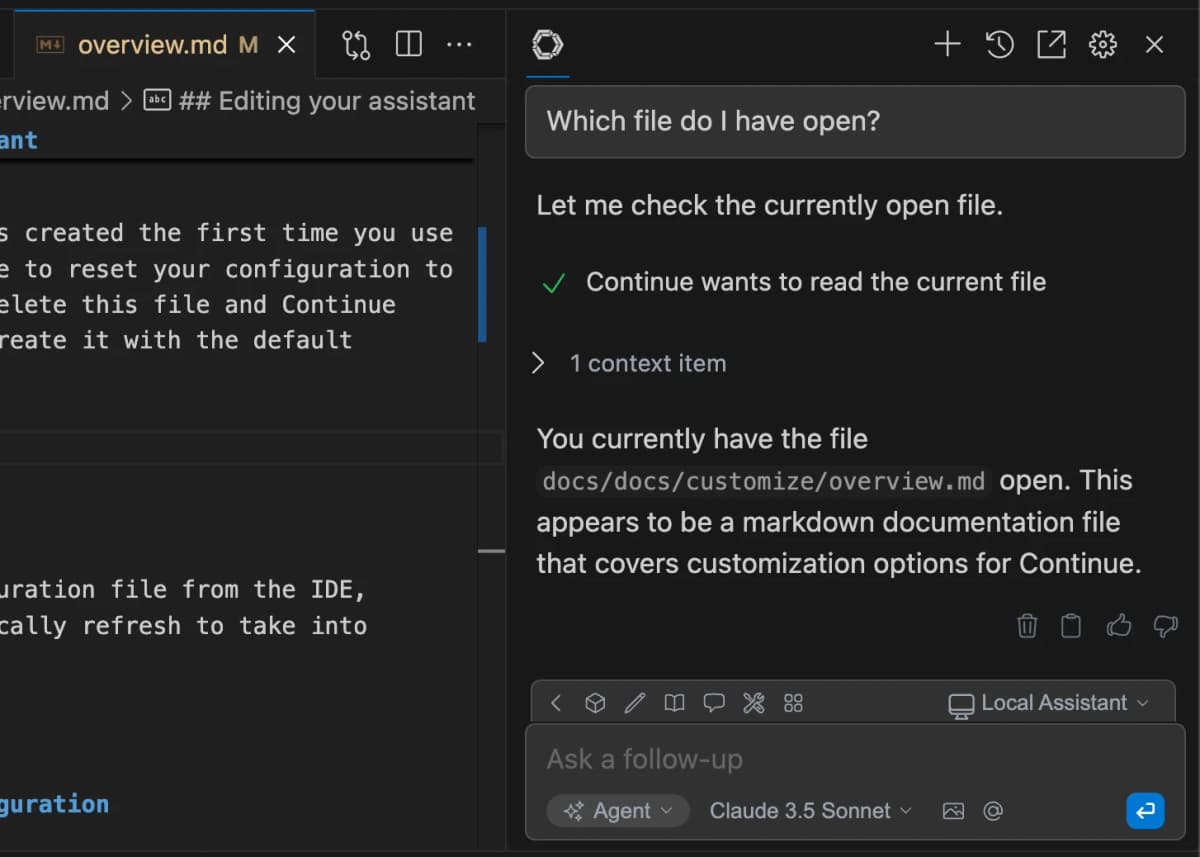
Continue is open source. You bring your own model provider, including hosted APIs or local runners such as Ollama and LM Studio.
Continue fits developers who want open-source tooling and model choice, including local setups. It asks for more configuration than Copilot, but that setup work buys control.
Pricing: free, plus your model API costs or local compute.
6. Cody: Best for Sourcegraph Enterprise Codebases
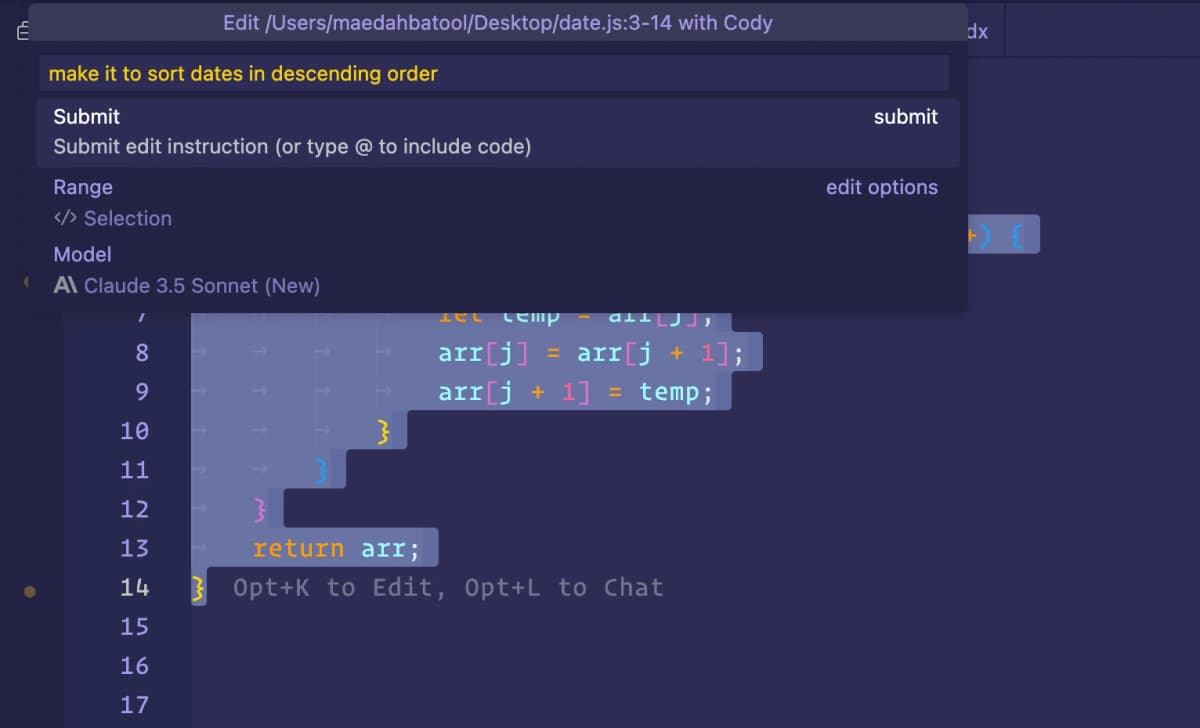
Cody by Sourcegraph uses Sourcegraph code search to find context across large repos. For monorepos and company code, that search layer can beat Copilot's context.
Cody is now an enterprise product. Sourcegraph ended Cody Free and Cody Pro in July 2025 and kept Cody Enterprise. It makes sense when your company already runs Sourcegraph.
Pricing: Sourcegraph's pricing page lists an Enterprise plan starting at $16K a year.
7. Supermaven: Long-Context Autocomplete
Supermaven's main draw is its 1M-token context window on the Pro plan. That lets suggestions draw on code defined far from the file you are editing.
Supermaven is for developers who mainly want completions and work in repos where short context windows miss too much code.
Pricing: Free, Pro $10 a month, and Team $10 per user a month.
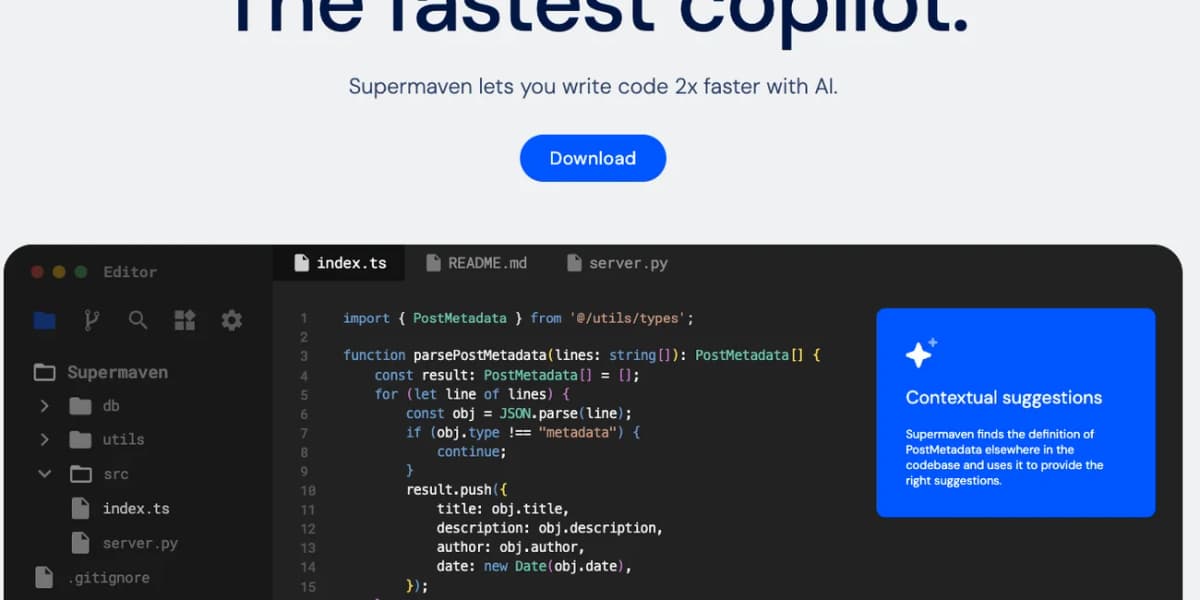
parseMetadata in index.ts, it finds the PostMetadata type defined in another file of the repo and uses it to suggest the right fields. Test it on your own repo to judge the speed claim. Source: Supermaven.8. Aider: Best Git-Aware CLI
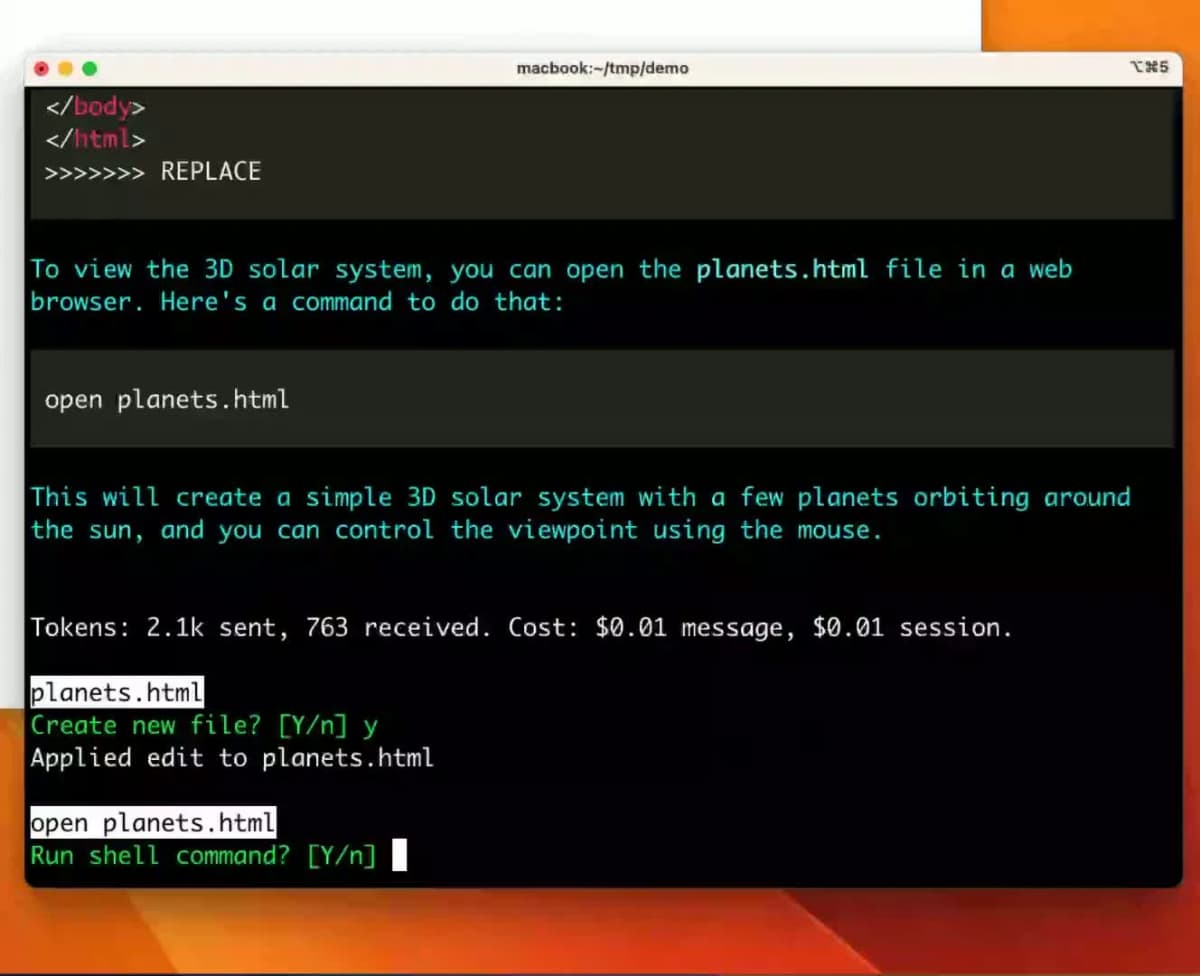
Aider is a CLI tool that pairs AI with git. Each AI edit becomes a commit. You bring your own model, hosted or local.
Aider fits developers who want a terminal workflow, explicit git diffs, and full control over the model endpoint.
Pricing: free, plus your model API costs.
Comparison table
Use this table as a first filter. If two tools tie for your use case, decide by editor fit and privacy needs before price.
| Tool | Entry price | Free option | Multi-file edits | Local models | Best for |
|---|---|---|---|---|---|
| Cursor | Plus $8/mo | Yes | Yes (agent) | Limited | Editor-based agent work |
| Claude Code | Claude Pro $20/mo | No | Yes | No | Terminal-first agent work |
| Windsurf Plugin | Usage credits | Check docs | Limited | No | Existing Codeium users |
| Tabnine | Through sales | No | Agent available | Self-hosted | Air-gapped companies |
| Continue | Free | Yes | Yes | Yes | Open source and model choice |
| Cody | Enterprise from $16K/yr | No | Limited | No | Sourcegraph customers |
| Supermaven | Pro $10/mo | Yes | No | No | Long-context completion |
| Aider | Free | Yes | Yes | Yes | Git-based CLI work |
Table 1: Copilot alternatives by entry price, free option, file edits, local model support, and fit.
Best alternative by use case
Cursor is the strongest editor-based alternative if you want an AI-first workspace with strong multi-file edits.
Copilot Free is the simplest free hosted start. Continue with a local model is the best free local option.
Tabnine private deployment and Continue with a local model are the best privacy-first paths.
Claude Code and Aider are the best terminal-first choices. Cody fits companies already on Sourcegraph. Supermaven is the pick when completion with long context is the main job.
For students and open-source maintainers, check GitHub Copilot first. Its plan page says people with verified student, faculty, or open-source access get Pro access.
Windsurf's editor is also moving into Devin, so check the Devin Desktop introduction if you want a Cursor-style editor with an agent at the center.
Getting started
For Cursor, download the editor, open a real repo, and start with a small refactor. Ask it to change two files and add or update one test. Do not begin with a full feature until you trust the diff view.
For Claude Code, install the CLI, open a repo in your terminal, and ask for a read-only plan first. Then let it edit one small bug and run the test command you already use.
For Continue, install the VS Code or JetBrains extension, choose one hosted model, and add a local model later. Start with chat and edit roles before you tune autocomplete. Keep your config in version control if the team shares the setup.
For Aider, start in a clean git branch. Add only the files you want it to touch. Review every commit before you merge.
Build a local model setup
Use this path when code cannot leave your laptop.
- Install Ollama or LM Studio.
- Pull a coder model such as Qwen Coder or DeepSeek-Coder.
- Install Continue or Aider.
- Point the tool at the local model endpoint.
- Test chat first, then file edits, then autocomplete.
The local path is slower to tune than Cursor or Copilot. It is still the right path when privacy and repeatable model config matter more than a polished first run.
Recent changes to watch
Three changes matter in 2026. First, coding tools are moving from flat seats to usage credits. That makes budget caps more important than list price. Second, editors now compete on agent controls as well as tab completion. Third, products are changing hands: Cody left individual plans, Tabnine joined Tricentis, and the Windsurf Plugin points users to Devin. A tool that can swap models may age better than a locked single-model product.
Combine tools without overlap
Many teams should not pick one AI coding tool for every job. A practical stack can pair fast completion, deep agent work, and review checks.
For solo work, use Copilot Free or Supermaven for low-friction completions, then use Claude Code or Aider when a task needs repo edits. For a team on GitHub, keep Copilot Business for pull requests and policy. Add Cursor for engineers who do heavy feature work in the editor. For a cloud team, add Amazon Q Developer for AWS code or Gemini Code Assist for Google Cloud code.
The common mistake is paying for three tools that all solve the same chat problem. Split the stack by job instead: one layer for completion, one for agent edits, one for review, and one for private-code control.
Other tools, cost, and risk
Common concerns
Data privacy depends on the plan as much as the product name. Copilot Business, Tabnine private deployment, Cody Enterprise, and Continue with a local model are safer choices for company code than consumer tiers.
IDE compatibility matters if your team is split across editors. Cursor asks you to adopt its editor. Continue, Copilot, and Supermaven fit better when developers stay in VS Code, JetBrains, or other existing tools.
Installation is easiest for hosted tools. Cursor, Copilot, and Supermaven can be useful within minutes. Continue, Aider, and OpenCode take longer because model keys, local models, and config files are part of the setup.
Tech stack fit matters for cloud-heavy teams. Amazon Q Developer is most useful inside AWS workflows. Gemini Code Assist is most useful for Google Cloud. Zed AI is most useful if you already want Zed as your editor.
Tabby, CodeAnt, OpenCode, and Zed
The top 8 list leaves out a few tools on purpose. They are worth knowing when your job is more specific than "replace Copilot in my IDE."
Tabby is an open-source, self-hosted coding assistant. It suits teams that want to run code completion on their own servers without a vendor contract.
CodeAnt AI is not a Copilot-style completion tool. It belongs in the code review lane. Its platform combines AI code review, security scanning, secrets checks, and infrastructure-as-code checks. Add it when the problem is pull-request quality or security rather than raw completion speed.
OpenCode is an open-source coding agent for teams that want transparency and model control. It is a good watchlist pick if you want a terminal-first agent but do not want to bet only on Claude Code.
Zed AI is an editor choice more than a Copilot clone. It is open source, fast, and designed for agent workflows. It is strongest if you already want to move to Zed as your main editor.
Licensing, telemetry, and agent risks
Before you approve an AI coding tool at work, answer five questions.
- Does the vendor train on your private code by default?
- Can admins block risky models, agents, or data paths?
- Are prompts, code snippets, diffs, and terminal output logged?
- Can the agent run shell commands, install packages, or call external URLs?
- Does the plan include SSO, audit logs, budget caps, and legal terms your company accepts?
This checklist often changes the winner. A solo developer may choose Cursor or Claude Code for speed. A bank may choose Tabnine, Cody Enterprise, or Copilot Business because policy control matters more than the best demo. An open-source maintainer may choose Continue, Aider, OpenCode, or Zed because the toolchain is easier to inspect.
Privacy, code exfiltration, and self-hosting
AI coding tools see code that may be private. That can include algorithms, security config, test data, and unreleased product work. Treat the privacy choice as a deployment choice.
Hosted agents such as Cursor and Claude Code send code context to model providers under each vendor's terms, so read the data-use and retention settings for your plan before you connect a company repo.
Tabnine has the strongest air-gapped story among the tools here. Continue with a local model keeps code on your machine. Aider is also open source, but data handling depends on the model provider you choose.
For defense, health care, finance, or strict IP rules, keep the shortlist narrow. Start with Tabnine private deployment, Continue with a local model, Cody Enterprise, or GitHub Copilot Business. Avoid free consumer tiers for proprietary code.
For teams chasing model quality, avoid a single-model bet. Use Cursor, Continue, or another tool that can route work to more than one model. Model leadership has changed several times and will likely keep changing.
Which should you choose?
GitHub Copilot was the default in 2021-2024. In 2026, the right answer depends on what you do most. Cursor for greenfield and refactor-heavy work. Claude Code for CLI-first developers. Copilot Free or Continue if you want free. Tabnine if you need air-gapped deployment. Continue or Aider if you want open source. Copilot is no longer the only strong choice.
If you also want non-IDE coding help, compare coding AI tools before you pick a stack.
Study coding documentation in Atlas
Add documentation, ask a question, and check the cited passages.