
Rewrite concepts
Edit the text to explain an idea in your own words.
Clarify relationships
Change labels and add or remove connections.
Arrange the ideas
Move concepts to make the map easier to read.
Concepts
See the key ideas in your source.
See how the ideas in a paper or article connect. Generate a concept map from your source, edit the concepts and relationships, and download it for your notes or presentation.
Used by 10,000+ researchers.
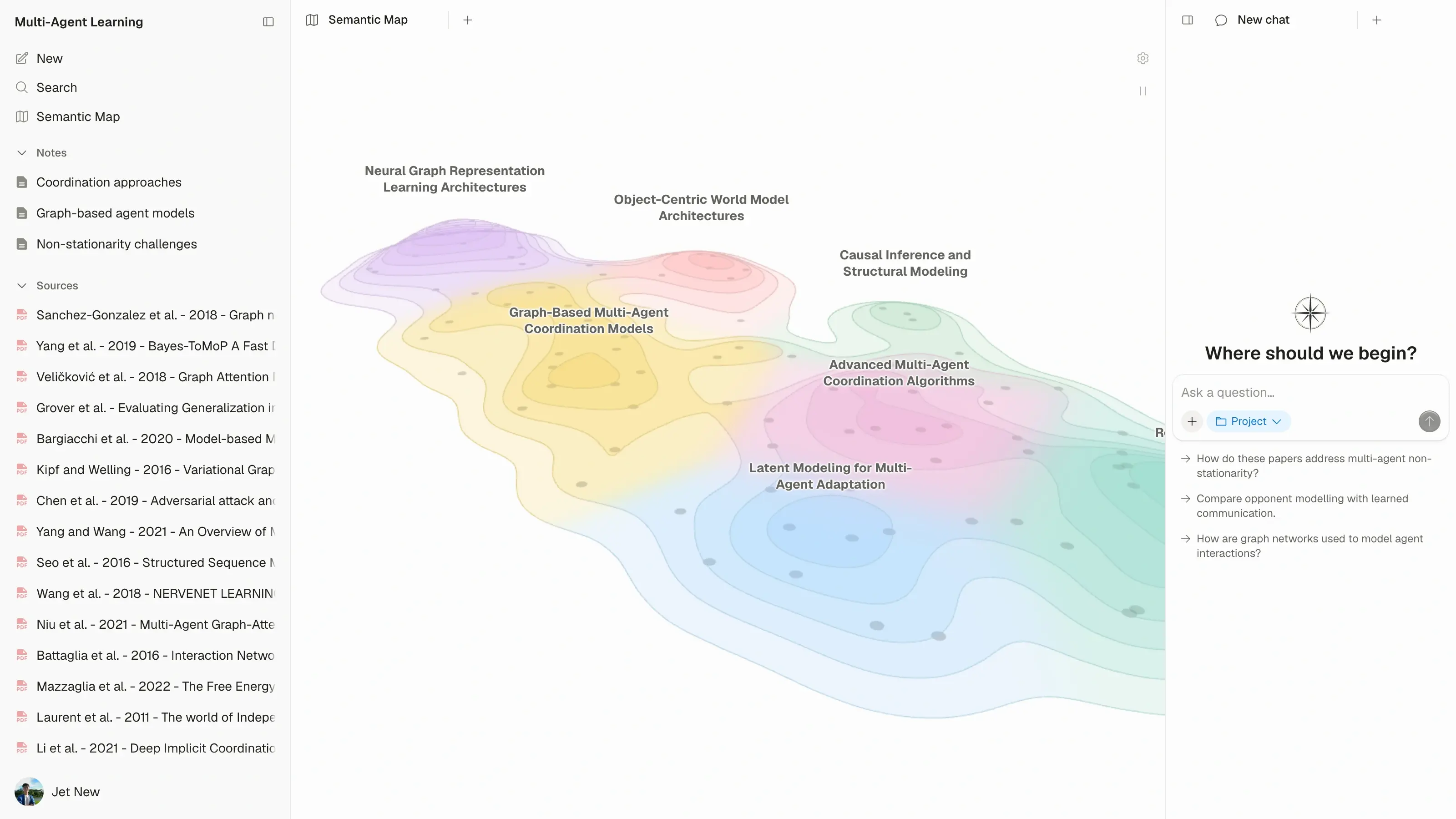
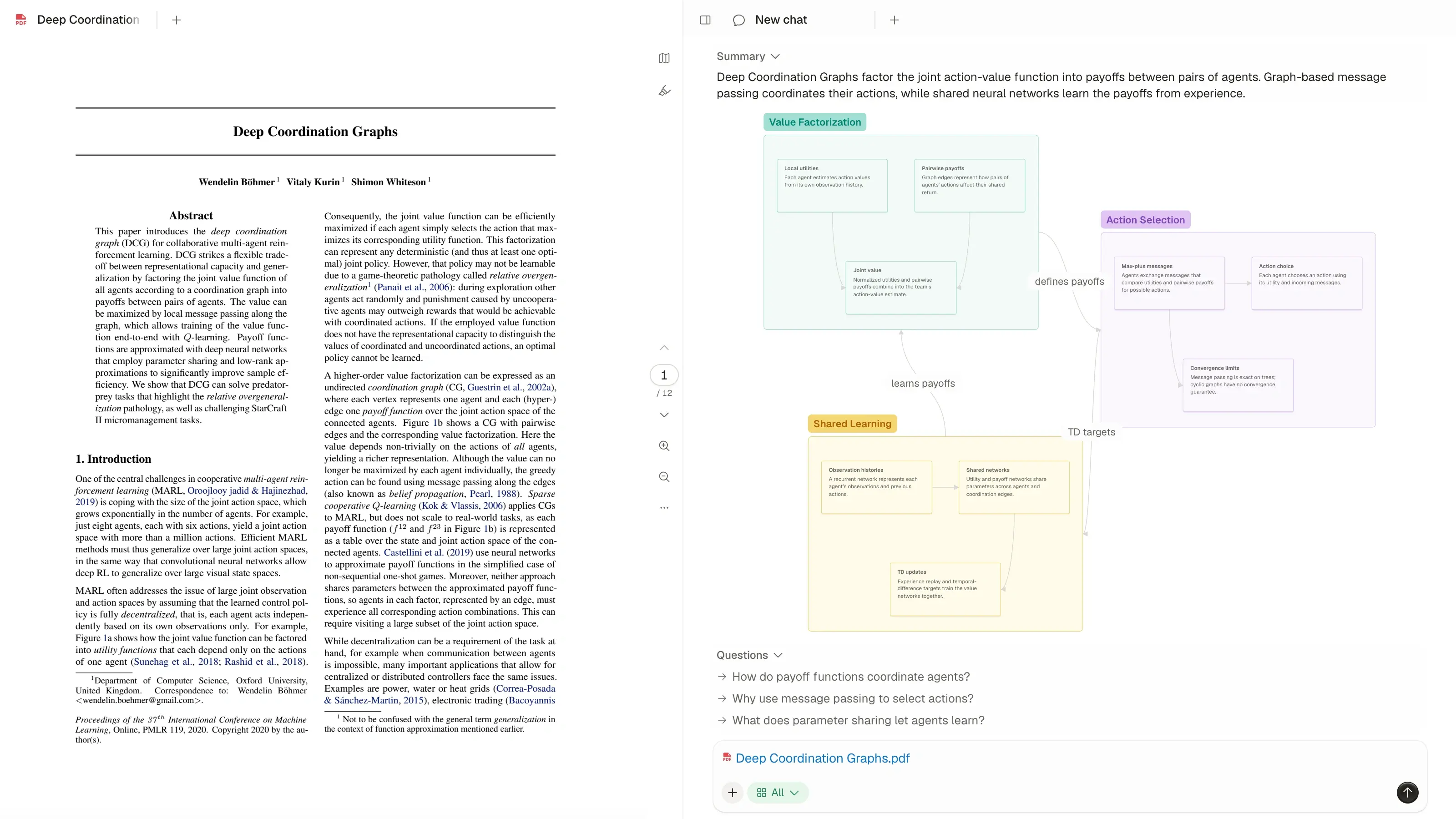











A concept map brings the structure of a topic into view. See the key ideas, how they relate, and how they fit into the paper's explanation.
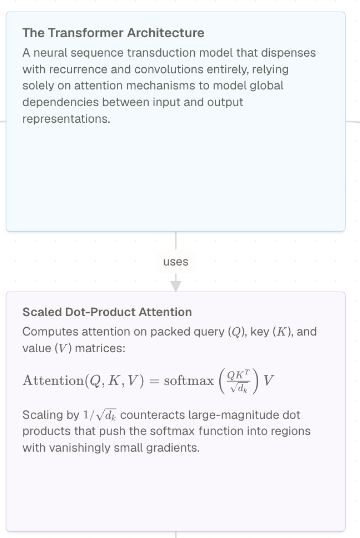
Atlas's Knowledge Maps connect concepts with labels that explain each relationship.
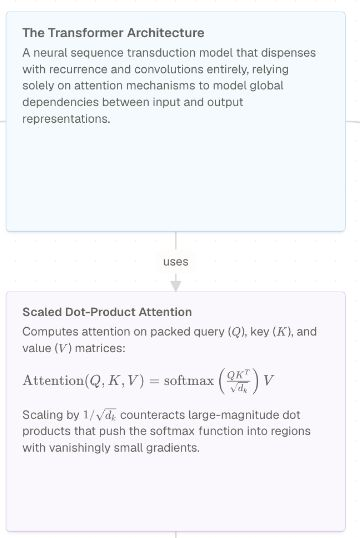
See the key ideas in your source.
Follow the relationships between ideas.
Read what each relationship means.
Add a PDF or another supported source to Atlas. The AI concept map generator creates a map you can explore and edit alongside the original.
Choose a paper, article or transcript you want to understand.
Once the source is ready, open its Knowledge Map.
Follow the connections and refine the map as you read.
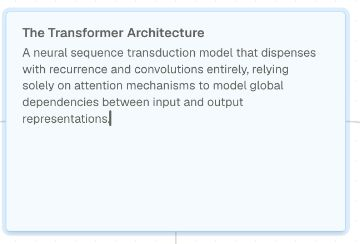
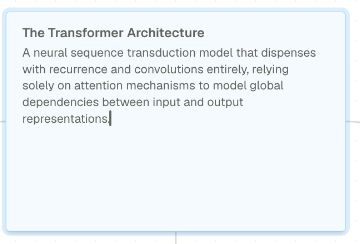
Make the map reflect your understanding. Rewrite a concept, clarify a connection, or rearrange the ideas to make the explanation easier to follow.
Edit the text to explain an idea in your own words.
Change labels and add or remove connections.
Move concepts to make the map easier to read.
Download your concept map as PNG, JPG or SVG for a presentation, study guide or research note. Keep editing the original map in Atlas when your ideas change.
Map editing and download guide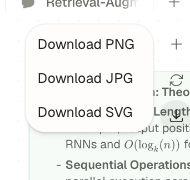
Use a concept map to understand a paper, study a topic or explain an idea to someone else.
Need the main points first? Start with a summary, then explore their connections on the map.
See how the central concepts fit into the argument.
Review the ideas and relationships in your reading.
Use your edited map as a visual aid for a discussion or presentation.
See the key ideas, edit their connections, and keep a map you can use.