

Atlas summarizes PDFs, supported documents, publicly readable web articles and YouTube videos with available transcripts.
Add your source
Upload a PDF or paste an article or YouTube link.
Understand the main ideas in a paper, article or video without starting from scratch. Read the summary, ask follow-up questions, and keep the source close at hand.
Create an Atlas account, then add the source you want to summarize.
Used by 10,000+ researchers.
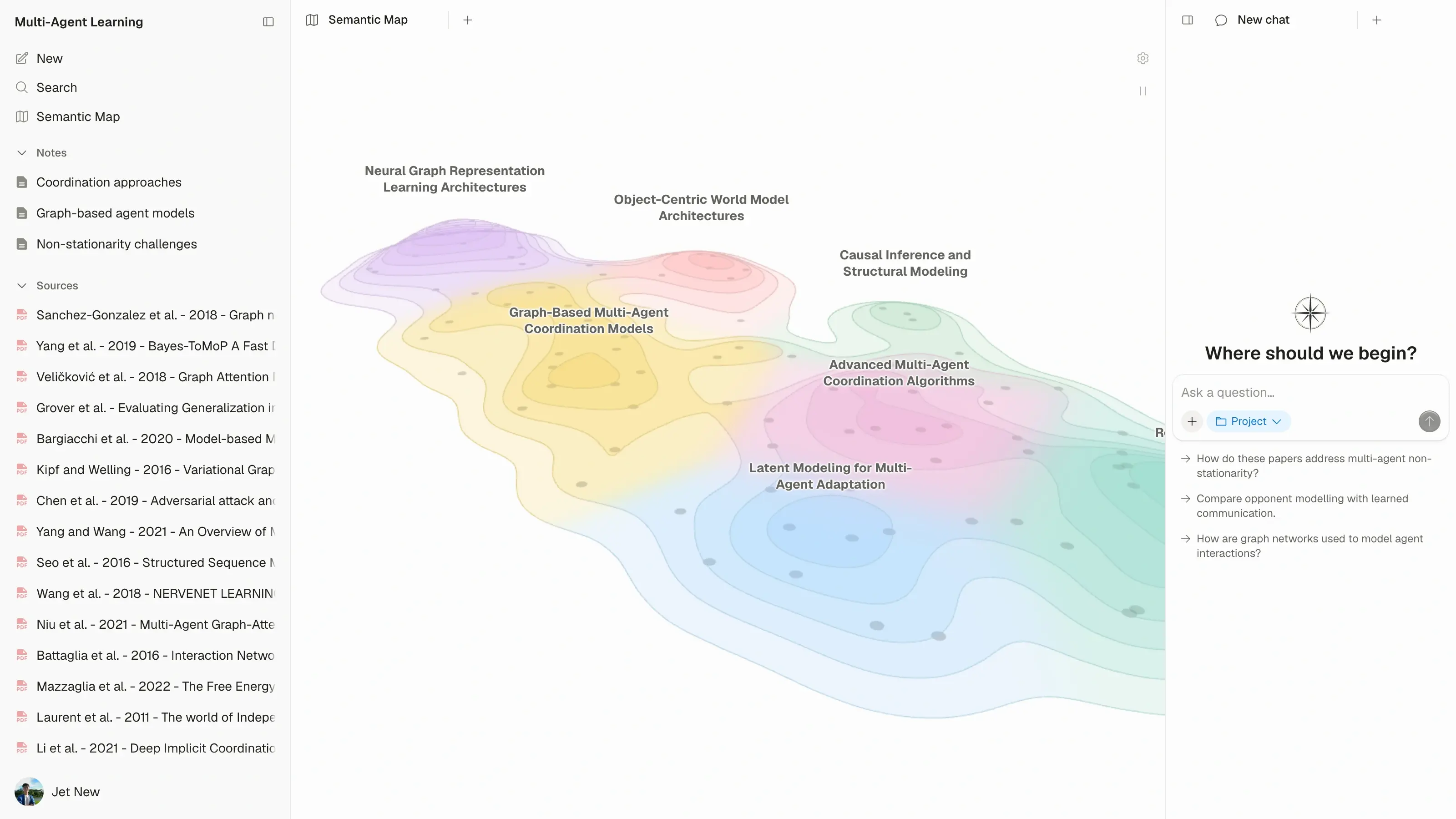
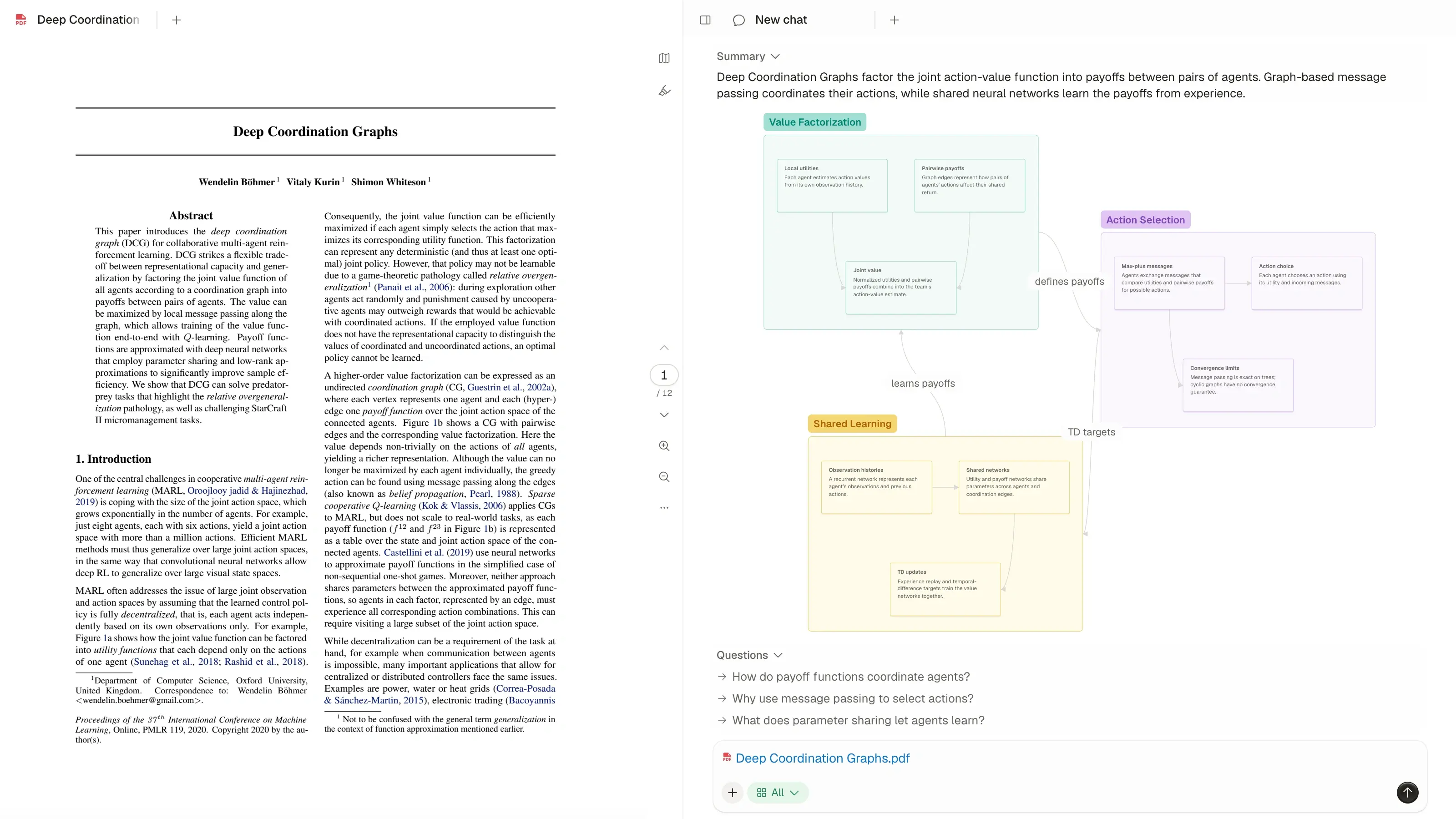











Upload a paper or report and get a summary of its main ideas. Understand what the document is about and where you want to read more closely.
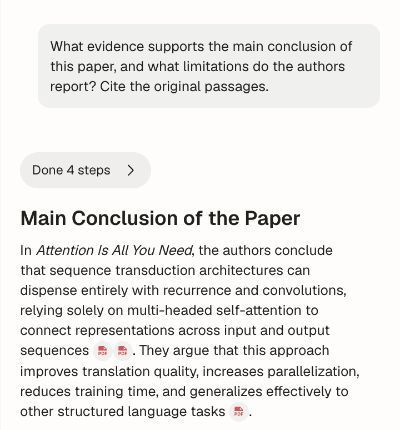
Ask about a method, result or unfamiliar term to go beyond the summary.
Ask questions about your PDF
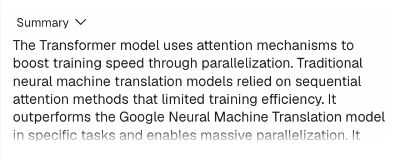
Paste an article's URL to get a summary of its main points. Keep the article in your project so you can ask questions and return to it later.
Use Atlas as a website summarizer for articles and other publicly readable pages.
How to add an article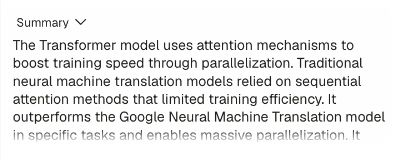
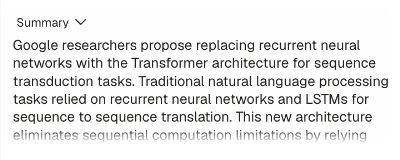
Add a YouTube link to summarize a lecture, interview or presentation from its transcript. Review the main ideas and ask follow-up questions about what was said.
Keep the video alongside its summary in the same project as your papers and articles.
How to add a YouTube video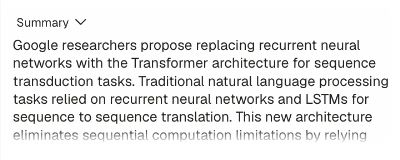
Add your source and Atlas creates a summary. Use it to get oriented, then follow the ideas that interest you.
Upload a PDF or paste an article or YouTube link.
Get an overview of the source's main ideas.
Ask for an explanation of a detail, claim or method.
When a point needs more explanation, ask Atlas. Explore a method, clarify a claim, or compare the source with another paper.
Explore the AI research assistant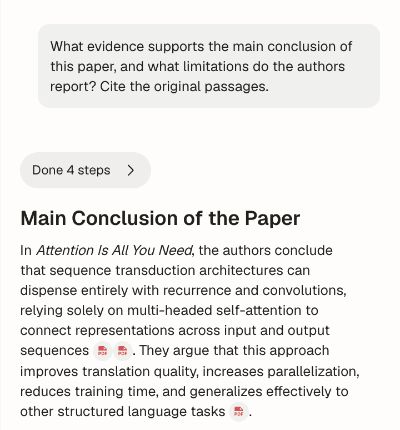
Summarize a PDF, article or video, then explore what matters to you.