

A lease abstract is a structured record of the key terms in a lease. It puts the parties, premises, dates, rent, expenses, and rights into fields that you can check against the source documents.
A useful draft shows where each term comes from and what still needs review. Copying a rent amount is different from deciding which amendment controls it. A date tied to delivery of the premises also needs evidence that delivery occurred.
This guide uses a fictional commercial lease packet to show the format. The names, clauses, amounts, and dates are teaching examples. Have a qualified reviewer check every clause and date before using your own abstract for payments, notices, or other lease duties.

Check lease terms against their clauses
Compare the lease and amendments, then inspect the source for each draft field.
What a lease abstract records
The abstract gives a reader a quick route to terms in a longer packet. Oracle's lease abstraction guidance describes extracting critical information into a record that is easy to access and review. The fields may cover payment terms, options, contacts, and duties.
That record does not replace the lease. Ballard Spahr attorneys explain in Making the Most of Lease Abstracts that disputes require the actual lease language. Keep legal conclusions out of extraction fields and refer unclear terms for review.
Choose the depth for the person using the record. A property manager may need repair duties and notice details. An analyst may need rent periods and expense terms. CREModels' guide explains why different readers need different detail. Agree on the fields before you start.
Start with the complete lease packet
Ask the document owner for the lease and all related material within the agreed scope. Confirm what is missing. A folder containing the base lease alone cannot tell you whether later documents changed its terms.
List documents and their status
Create a source list with each document's name, stated date, version, and whether signatures are visible. Include amendments, exhibits, schedules, work letters, and relevant notices supplied by the owner.
Record visible signatures as observations. A qualified reviewer decides their legal effect.
LeaseParse's extraction guide starts with gathering related documents and reading the whole lease. Use your list to track the reading, including attachments.
When a clause refers to an exhibit you do not have, mark it missing and ask for it.
Record the scope and cutoff
Put an as-of date, source list, preparer, and intended use at the top of the abstract. State that it covers the supplied packet. Avoid calling the packet complete unless the responsible reviewer has checked that boundary.
Treat an inherited abstract or rent roll as a comparison aid. Rick Burke's lease abstraction pitfalls warn that old records can contain errors or miss later changes.
Check each reused value against the documents. An earlier abstract is a lead to inspect, not proof that the term still applies.
Choose fields before extracting terms
Use a consistent template, then add fields that matter to this lease. Treat each source clause as evidence for a field and compare it with any later change. PropertyMetrics' field guide includes space, term, deposits, renewal, rent, repairs, and expenses. Use it to plan the fields, then read the packet to find the relevant clauses.
Capture values with their conditions
For parties and premises, record the legal names, address, suite, and stated area. Keep the unit and area basis. Rentable area and usable area can differ, as Realogic's lease fundamentals guide explains. Keep the stated basis when copying the figure.
For money, capture the currency, amount, period, and stated basis. Separate base rent from other charges. Common area maintenance, or CAM, concerns shared-area costs. Keep the lease's definition, exclusions, caps, and share rules. Record a formula as stated and send complex sums for separate checking.
For dates and rights, keep execution, possession, term start, rent start, and expiry distinct. Record the conditions and notice window for an option. A renewal right without its notice rules leaves the reader without enough detail to check how it may be exercised.
Make every row traceable
Give each field a document name, clause, and page where available. Use both printed page labels and PDF page numbers when they differ. LeaseAbstractors' field checklist makes source references a separate part of the record. A link to the whole packet is too broad for a disputed amount. Plain status labels help readers tell a copied term from an open question:
- Stated means the value appears in the named source.
- Changed in supplied amendment points to a later clause affecting that field.
- Unresolved identifies a conflict or missing fact.
These labels describe the evidence status. Add the reviewer and review date separately to show approval for use.
Worked lease abstract example
The fictional packet concerns Cedar Office LLC and Alder Design Ltd in Suite 210. It contains a base lease dated 2 March 2026, Amendment A dated 12 April, and Amendment B dated 20 May. These excerpts are invented solely to demonstrate extraction and review flags.
The base lease gives the suite 2,400 rentable square feet in section 1. Section 4 starts the term on delivery of the premises and starts rent 30 days later. No delivery record is supplied. Exhibit R states base rent of USD 4,000 per month for months 1–12.
Amendment A section 2 replaces the months 1–12 rent row with USD 4,200 per month. Amendment B section 3 states a USD 9,000 deposit but refers to the base lease's section 8, which addresses insurance. The base deposit appears in section 7.
Section 12 gives a three-year renewal option with notice 180–270 days before expiry, subject to its other stated conditions.
| Field | Draft entry | Document and clause | Review flag |
|---|---|---|---|
| Premises | Suite 210, 2,400 rentable sq ft | Base lease §1 | Stated. Check premises exhibit |
| Term start | On delivery, calendar date unknown | Base lease §4 | Unresolved. Delivery evidence missing |
| Rent start | 30 days after delivery | Base lease §4 | Preserve trigger. Date not calculated |
| Base rent, months 1–12 | USD 4,200 per month in Amendment A | Base Exhibit R and A §2 | Changed row. Review effect and timing |
| Deposit | USD 9,000 stated in Amendment B | Base §7 and B §3, which refers to §8 | Unresolved cross-reference. Do not approve |
| Renewal | Three years, notice 180–270 days before expiry | Base lease §12 | Check conditions and expiry before calendaring |
Table 1: The rent row keeps both sources so a reviewer can inspect the change. The deposit row keeps the inconsistent reference visible.
An abstract that shows USD 9,000 as settled would hide the question the reviewer needs to answer.
These six rows demonstrate the method. Your own record still needs the agreed expense, repair, insurance, notice, and other fields. Read through the packet as well as searching for field names.
Check amendments and conditional dates
Do not use document order alone to settle which term applies. The stated date, effective date, changed clause, and conditions can all matter. Record the text comparison first and let a qualified reviewer decide its legal effect.
Trace each changed clause
For Amendment A, note that section 2 names one rent row. Keep that row beside the original and mark other rent periods for review on their own terms. Do not assume the same amount applies to all years or that unrelated expense rules changed.
Oracle's guide to lease changes shows how to keep a history. In your draft, retain the old source, changed field, new source, and review outcome. This keeps the change trail available for checking.
For Amendment B, send the reviewer both deposit and insurance passages with the inconsistent reference. Ask whether the packet lacks a correction or another relevant document. Leave the field unresolved until the reviewer records a supported decision. A clean-looking table should not erase a question.
Keep triggers until dates are evidenced
In the example, 2 March is the lease's stated document date. It is not evidence of delivery. Writing 1 April as the rent start would turn an unsupported assumption into a date that others might use.
Ballard Spahr's timeline guidance calls for actual dates and the records supporting them. Until that evidence exists, keep the event-based rule and blank calendar date.
Once the evidence arrives, have the reviewer check the event, counting rule, and resulting date before release.
Do the same for renewal windows. Preserve both ends of the stated window, the required notice method, and the conditions. Route the final deadlines into the team's checked lease administration process after approval.
Prepare a cited draft in Atlas
Atlas can help compare source text and prepare a draft to check. Start with material you are permitted to upload under your team's document-handling rules. This procedure does not establish confidentiality or permission to share a lease. For adjacent tool choices, the contract analyzer guide explains the broader review workflow.
- Open a project and choose Add a source, then Upload files for the lease and amendments in supported PDF or DOCX form. Check that the needed pages and clauses are present after processing.
- Choose Start a chat. Set Project only beside + to keep new retrieval within project and supplied material. A fresh chat avoids carrying earlier outside evidence into this comparison.
- In Ask a question, type @ and select the named documents. Ask for one field group at a time, with a document, clause, stated value, condition, and unresolved-question column. Select Send.
- Open the citations and read the relevant clauses, nearby definitions, exceptions, and referenced sections. A citation may open the related source without a precise page location. Find and check the clause manually when needed.
- Correct the draft. Choose New, then Note, add a title and the checked table with its open questions, and wait for Saved. Keep the note labeled as a draft pending qualified review.
For the fictional packet, ask: "Compare the base lease and Amendment A for months 1–12 base rent. Identify the changed row and its conditions. Then compare section 4 with any supplied delivery record. Leave calendar dates unknown if the triggering event is not evidenced." These document question answering steps help keep each answer tied to named material.
If an answer supplies 1 April as rent start, open its citation. When section 4 contains only the delivery rule, replace the date with "30 days after delivery, with delivery date not supplied."
Keep that correction and the missing-record request in the note. A citation helps you inspect a claim, but approval still needs review.
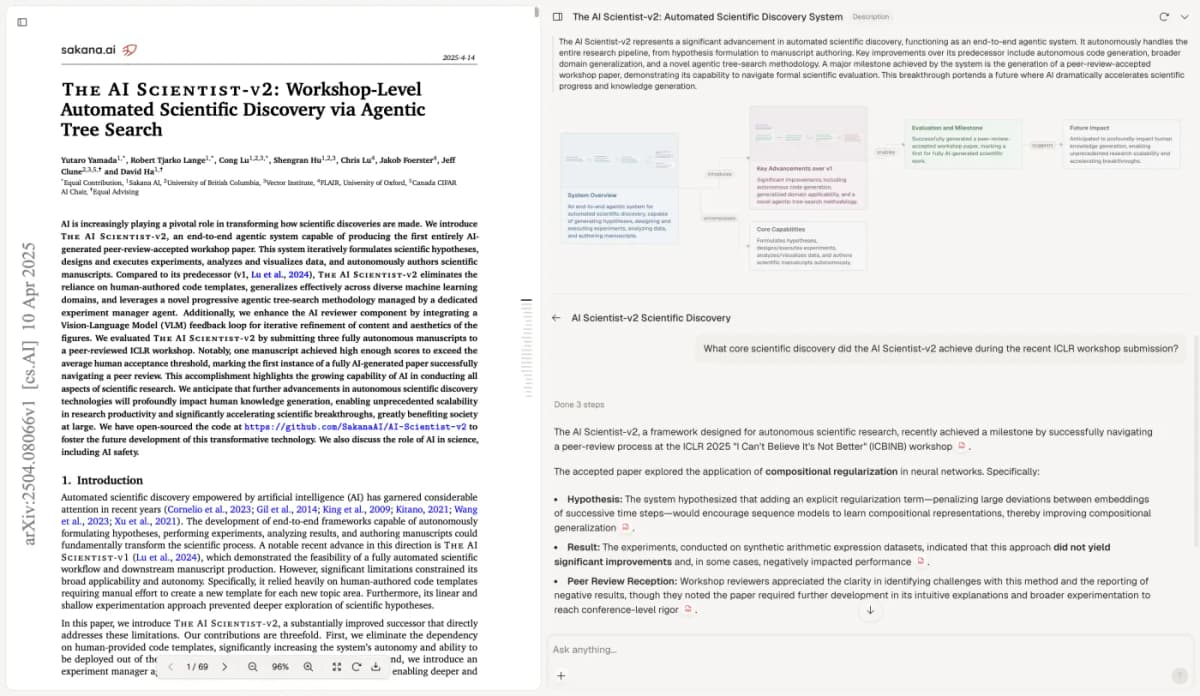
The screenshot displays The AI Scientist-v2 by Yutaro Yamada and colleagues, licensed CC BY 4.0. This unchanged capture illustrates source inspection. Its paper is unrelated to leases and supplies no lease test or legal-review result; no author endorsement is implied.
Review before using the abstract
Have the qualified reviewer check every field against the packet. Check the amounts, units, dates, rights, and duties, along with later changes and open questions.
Occupier's abstraction guide treats AI as a first pass for human review. Record that review so readers can see which fields have been checked.
Assign people to check the legal meaning, work out complex rent sums, and confirm deadlines for use. Comparing text does not settle whether a clause can be enforced or which term controls. The AI contract analysis guide explains how extraction fits with other review tasks.
Record who checked the abstract, when, and against which documents. Decide which unresolved fields block its intended use. Assign an owner to update it when new documents arrive.
Readers still need to trace the values, see the limits, and return to the underlying lease. Keep that source trail intact as the abstract changes.
Check lease terms against their clauses
Compare the lease and amendments, then inspect the source for each draft field.