


Litmaps is good for research when the job is finding papers. Start with a paper or topic. Then use the map to follow citation links, find related work, and track a field. It is less useful for the next job: reading chosen papers, comparing claims, combining evidence, or checking whether a source supports a sentence.
Use Litmaps to expand a research area. Add Atlas when the chosen sources need to become cited answers, side-by-side notes, synthesis tables, or a Knowledge Map inside a project.

Compare selected sources in Atlas
Add papers chosen in Litmaps, compare claims, and inspect cited passages.
Quick answer
Use Litmaps for citation maps and alerts. Use Atlas after that when you need to ask cited questions across chosen papers. Atlas also helps you compare evidence, check citations, and save notes in a project.
Litmaps, ResearchRabbit, and Connected Papers are paper-finding tools. They help researchers see links that keyword search can miss. Atlas comes after source choice and helps you work with the papers you chose.
For a research project, the handoff looks like this:
- Discover and screen papers in Litmaps.
- Select the sources that match the research question.
- Add those papers to Atlas.
- Ask a grounded comparison question.
- Verify the cited passages before saving the result.
What to compare before using Litmaps
Litmaps fits the stage where you are still learning the field. Its official introduction says the product uses citation links to show how papers relate. That map can help you find useful papers and spot links you did not expect. Its literature-review guide adds the steps: start from seed papers, grow the set, judge sources, organize the list, write, and export citations.
The best use cases are:
- Starting from a known paper and finding related papers.
- Seeing older foundational work and newer citing work.
- Spotting clusters that keyword search did not surface.
- Monitoring a narrow research area after an initial search.
- Explaining a research neighborhood to a supervisor, class, or team.
Do not treat the visual map as appraisal. A well-linked paper may be central, contested, old, or only loosely tied to your question. A HKUST library walkthrough makes the same practical point: Litmaps helps surface papers and relations for inspection. It does not decide what belongs in the final argument.
Atlas vs Litmaps and map tools
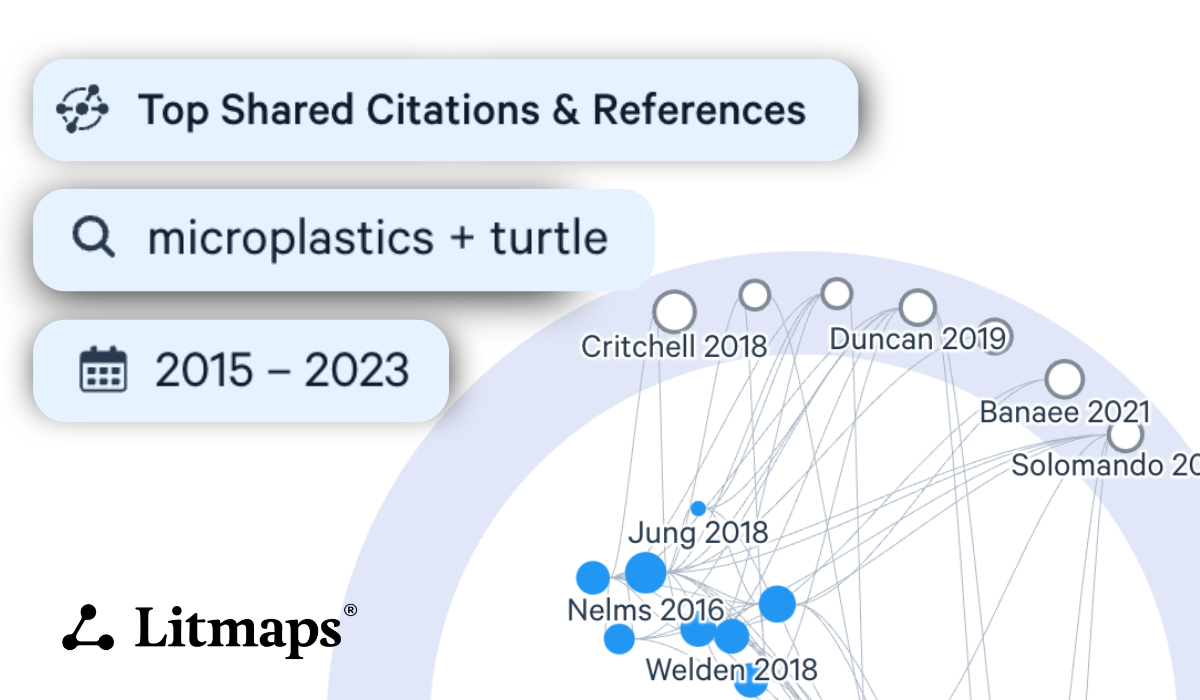
The Litmaps map shows connected papers from a seed search; use it to choose papers to inspect, not to appraise their evidence.
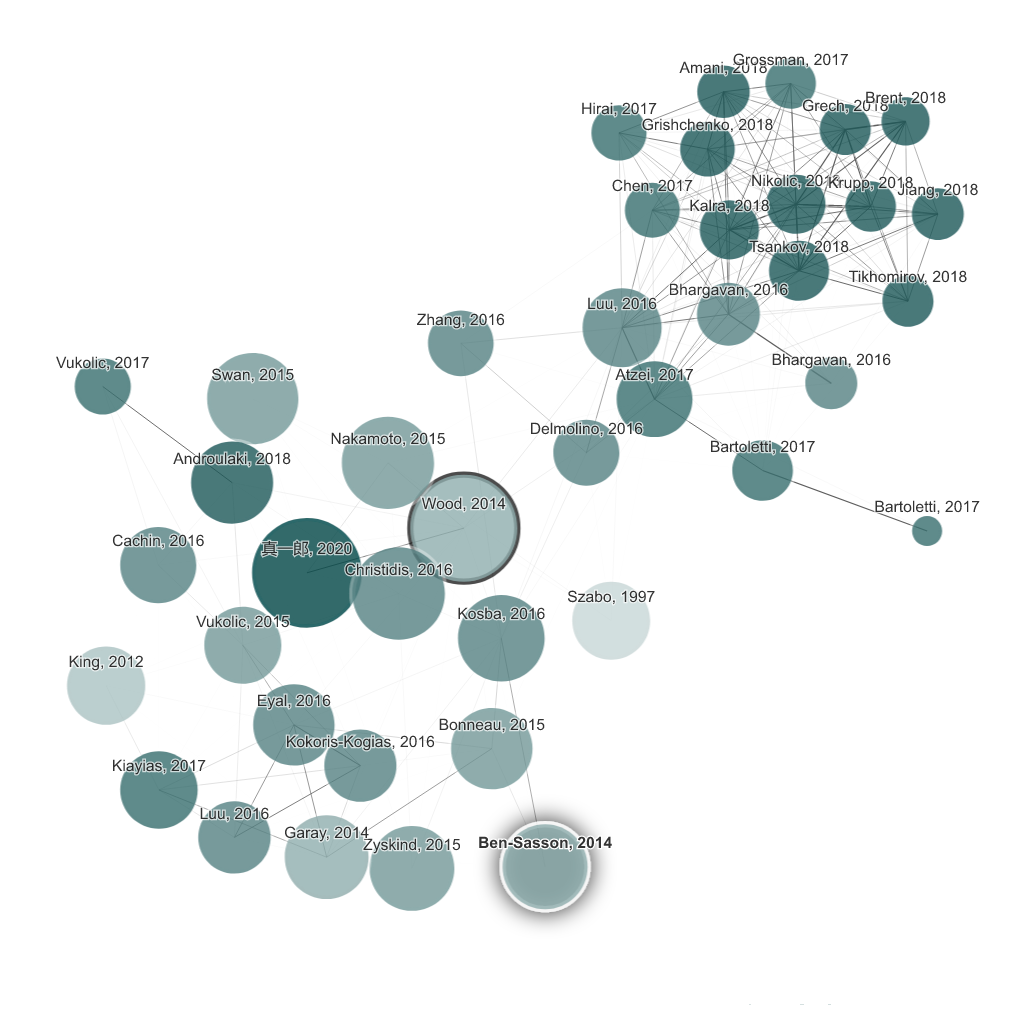
Use this jobs-to-tools view before choosing the next tool. Ask which step is stuck. Litmaps and ResearchRabbit's getting-started guide both start from seed papers, linked papers, and collections. Connected Papers also helps with visual paper search. Atlas starts later, after you choose papers and add them to a project.
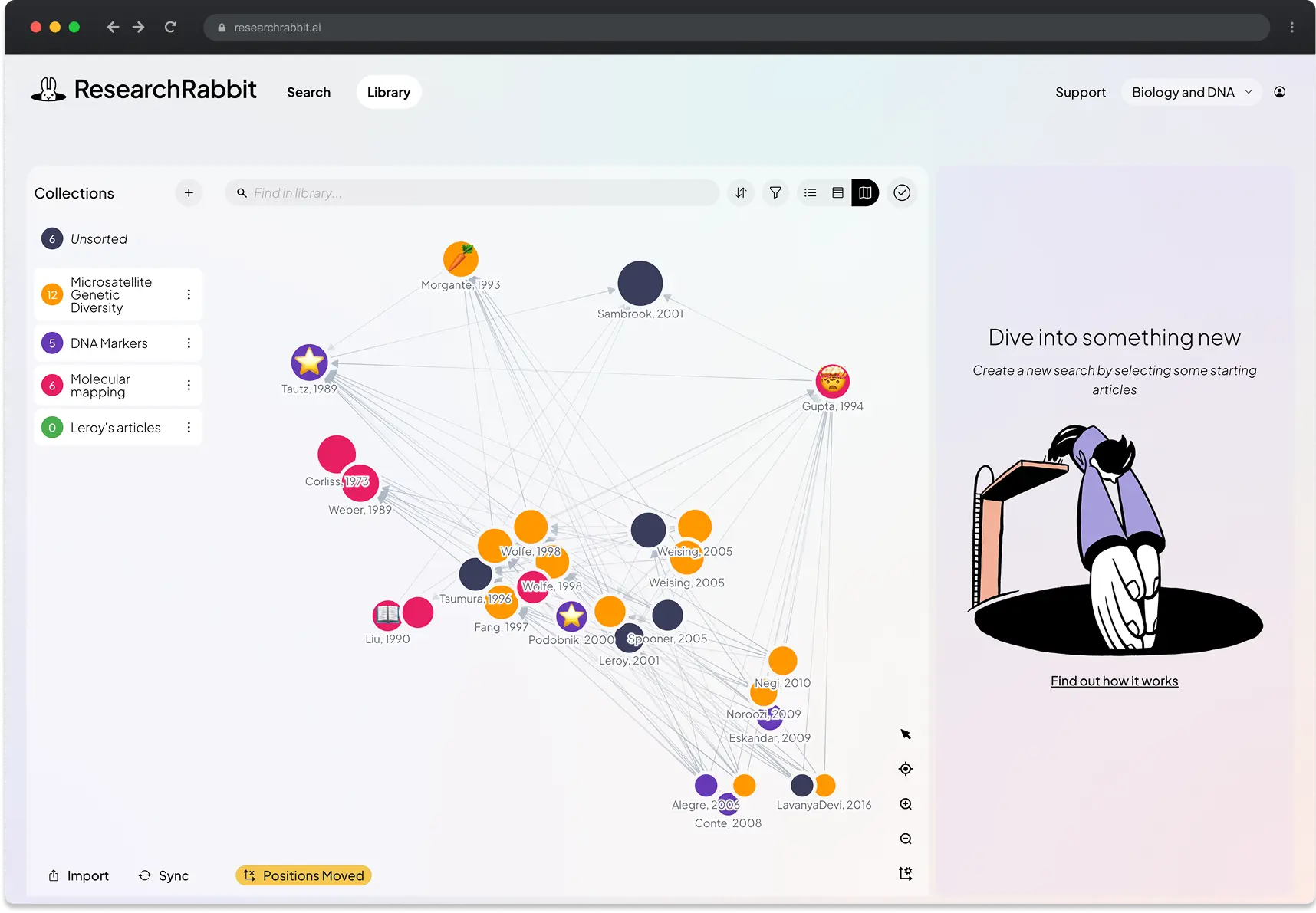
ResearchRabbit’s network helps explore relationships between papers.
| Research job | Atlas | Litmaps | ResearchRabbit | Connected Papers |
|---|---|---|---|---|
| Find related papers | Not a Litmaps-style map tool | Strong fit for seed-paper expansion and visual maps | Strong fit for linked-paper search and collections | Strong fit for visual paper search |
| Track a topic | Useful after new sources are added to a project | Useful for alerts around a topic | Useful for suggestions around collections | Treat as paper search unless current workflow details are refreshed |
| Read chosen papers | Strong fit for cited questions over imported papers | Helps identify what to read | Helps organize found papers | Helps identify linked papers |
| Compare source claims | Strong fit for cited comparison across project sources | Not the core job | Not the core job | Not the core job |
| Check citations | Citation badges open supporting passages | Points to papers to inspect | Requires source inspection outside the map | Requires source inspection outside the map |
| Keep notes together | Groups sources, notes, chats, maps, summaries, and citations in a project | Organizes paper search around maps or collections | Organizes papers into collections | Organizes visual search around papers |
Table 1: Do not start with "Which tool is best?" Start with the stuck step. Need more papers? Use a map tool. Need checked notes from papers you chose? Use Atlas or another source-based workspace.
When Atlas fits after Litmaps
After the first search pass, stop adding papers for a moment. Pick a small source set that matches the question. A handful of focused papers can produce a more useful synthesis than a large set of loose matches.
Use Atlas if the next task is cited comparison, source-based notes, citation checks, or a Knowledge Map over chosen papers. Atlas citation badges open the source passage. You still need to check whether that passage supports the claim. Keep using Litmaps if the next task is still finding linked papers.
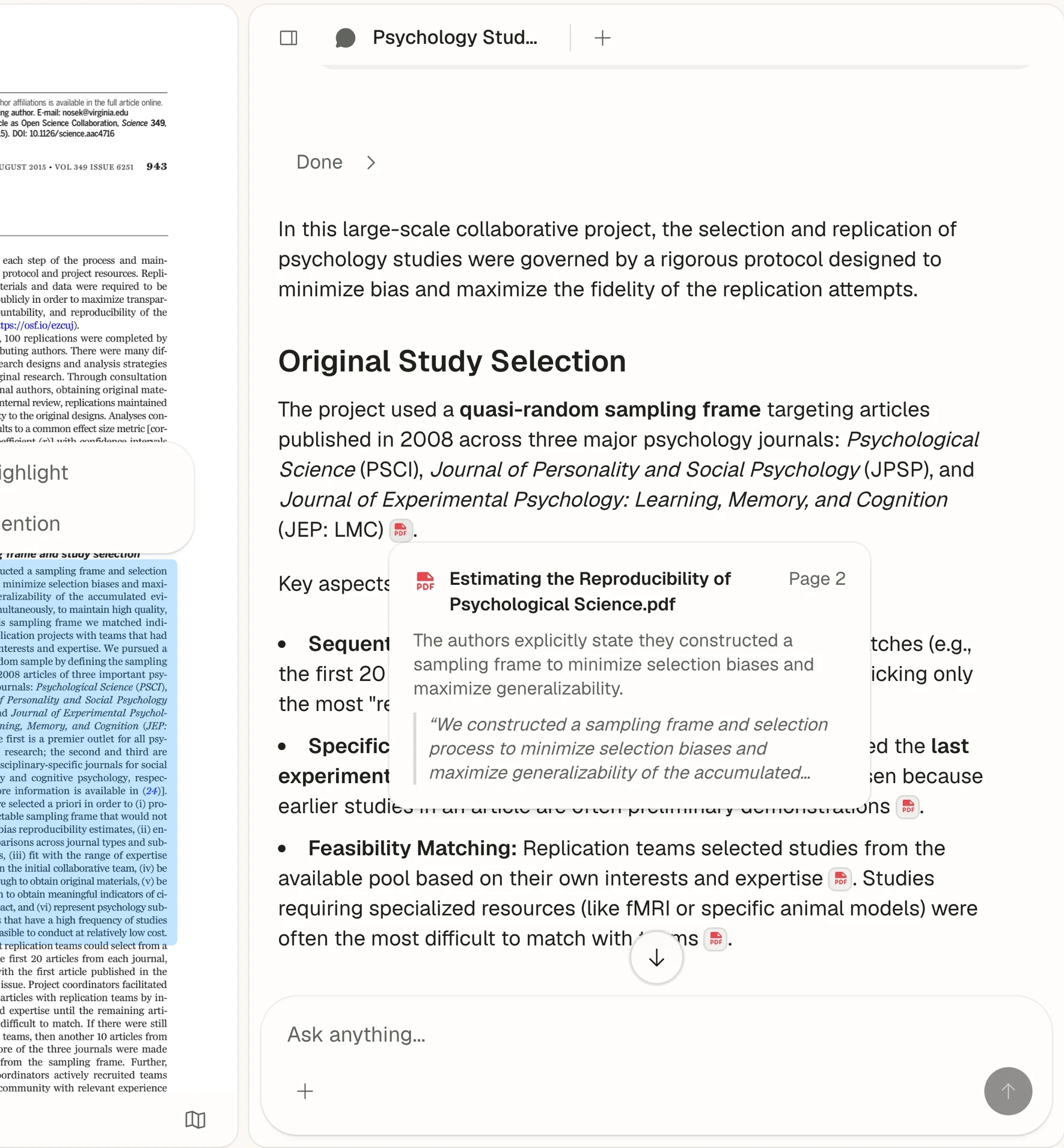
Then use this Atlas handoff:
- Create or open the project for the research question.
- Add the selected papers or PDFs.
- Ask a question that names the comparison: "Where do these papers agree and disagree about the intervention?"
- Ask Atlas to keep sources in separate rows with claim, proof, limit, and citation.
- Open citation badges for the important claims.
- Save only the synthesis points whose citations you checked.
- Generate a Knowledge Map for a dense source when you need a reading guide for its claims, methods, evidence, and limits.
The boundary matters because Atlas is not a replacement for Litmaps citation maps. It is the next workspace after the map, when you need to understand what the chosen sources say.
Choose Atlas, Litmaps, or another map
Use Litmaps when:
- You are early in a project and need a map of related papers.
- You have seed papers but need more adjacent literature.
- You want to monitor a narrow topic after the first search.
- You need to explain how a set of papers connects.
Use ResearchRabbit or Connected Papers when:
- You want another visual map for linked papers.
- You prefer their collections, suggestions, or map style.
- You are comparing citation-map tools before settling on one discovery surface.
Add Atlas when:
- You have chosen sources and need cited answers.
- You want to compare methods, evidence, limits, or definitions across papers.
- You need a Knowledge Map or synthesis note tied to imported source material.
- You need to verify claims before moving them into a literature review, memo, or report.
My recommendation is to choose based on the bottleneck. Use Litmaps while the paper set is still unclear. Choose ResearchRabbit or Connected Papers when you want a different citation-map workflow. Add Atlas once you have sources worth reading closely. Do not ask Atlas to replace the map. Use it after the map has helped you decide which papers belong in the project.
For a student-focused version, read Litmaps for students. For a literature-review-specific version of this workflow, read Litmaps for literature review. For broader tool choice, compare the options in literature review software and AI tools for academic research.
Limits to keep in mind
Maps are only maps. They depend on citation data, paper records, indexes, and the seed papers you choose. They can miss useful work. They can make well-linked papers look more important than they are. You still need to read and judge the paper.
Source-grounded AI has limits too. Atlas can cite and combine sources that you import. Open the citation before you trust the answer. Use it as a lead to inspect, then decide what belongs in your draft.
Conclusion
Litmaps helps when research is still in search mode. It gives you a visual way to grow from seed papers, inspect nearby work, and track new papers.
Atlas helps after the map has done its job. Bring chosen sources into a project. Ask cited comparison questions. Combine points across papers. Inspect citations, then save checked notes before drafting.
Compare selected sources in Atlas
Add papers chosen in Litmaps, compare claims, and inspect cited passages.