

A vendor comparison matrix puts shortlisted suppliers against the same requirements. Each finding should show what a vendor offers, where the proposal says it, and what still needs checking. Your team can then assign scores using an agreed rubric.
Start with a criterion, a vendor response, and a source location. Add evidence status and a clarification question wherever the response is absent or conditional. Keeping those fields separate makes it harder for an appealing sales claim to become an unsupported rating.

Compare proposal evidence in Atlas
Bring permitted vendor proposals and your evaluation rubric to one project.
Define requirements before comparing vendors
Write each need in terms your team can check, as the Jodoo guide's criterion examples suggest. “Good support” could mean several things. “A named contact and a stated response time for urgent faults” gives the team a clear claim to look for.
Agree which needs are must-haves and which traits you will score. A rule on where data is stored might decide whether a bid can proceed at all. A faster launch might earn a higher score among bids that pass. Keep a dated copy of both rules with the bids. If a need changes, record why and check all bids against the same new rule.
For US federal purchases, FAR 15.304 calls for factors that fit the purchase and help buyers compare bids. It also covers how buyers state which factors matter most. Private buyers should follow their own rules. The federal rule shows why a team needs to agree on its priorities.
Ask the people who will use, run, and approve the service to agree on what matters. A team lead might want help with launch, while finance needs costs it can compare. If “support” means both help with faults and help with launch, make those two distinct needs. A single strength should not earn points twice. Record these details before collecting responses:
- The need and why it matters.
- Whether it is a must-have or a scored trait.
- What source text or test would show that the bid meets it.
- What each score means and how much weight it carries.
- Who checks the claim and who can ask for more detail.
Build the evidence matrix
Record the source and claim status
Use the same row order for each vendor. In each row, write a short finding, the file name and version, and a page or section number. A colleague should be able to find the passage without asking you where it came from.
The official sample proposal evaluation matrix puts bidders beside ratings and prices. Its guidance favors short records that refer back to other files. You can use that approach in a summary table and keep the full reasons in linked notes.
Mark each claim as stated, conditional, not found in reviewed sources, or conflicting. “Not found” means you did not find it in the files you checked. The vendor may still offer it, or the answer may be in a file you have not read.
Keep scope and versions comparable
Keep terms that change what the vendor offers. A response time might apply only during business hours. A link to another system might need a paid add-on. A launch date might depend on when the buyer sends its data. Put these terms in the row so a yes or no does not hide them.
Check what each price covers before you compare costs. Record the contract length, services, user or usage limits, launch fees, and things left out. If bids price different work, ask for more detail through the proper process. The lower price may buy less.
When a revised bid arrives, show which version you used. A document comparison workflow can help you find changes in one vendor's files before you update the matrix.
Vendor comparison matrix example
Take a fictional team choosing between two service bids. These invented extracts are the inputs for the table below. They are not real bids or results from an Atlas test.
Read the fictional inputs
- Proposal A, section 2: a named launch lead is included; the plan targets eight weeks if the buyer's data is ready.
- Proposal A, section 4: critical incidents have a one-hour response target during business hours. Its reviewed text does not state data residency.
- Proposal B, section 2: a launch lead is an extra service; the plan targets ten weeks.
- Proposal B, section 4: critical incidents have a one-hour response target at all times. Section 6 states that production data is stored in the buyer's required region.
Each row points back to those inputs and shows what the buyer needs to check before scoring.
| Criterion | Proposal A evidence | Proposal B evidence | Review action |
|---|---|---|---|
| Launch lead | Included; section 2 | Extra service; section 2 | Confirm B's added scope and cost |
| Planned launch | Eight weeks, conditional; section 2 | Ten weeks; section 2 | Check what each date depends on |
| Critical incident response | One hour in business hours; section 4 | One hour at all times; section 4 | Compare coverage with the agreed requirement |
| Required data region | Not found in reviewed text | Required region stated; section 6 | Request A's documented position |
Table 1: Proposal A's shorter plan and response target both have terms the team needs to check.
Check conditions and unanswered rows
If the team needs help with urgent faults at all times, A's stated hours do not show that it meets the need. Keep the business-hours limit in the row. If the team needs help only in business hours, both bids may fit, though one offers more coverage.
The data-region row needs a different check. B makes a claim that the team can read in section 6. A's reviewed text does not make that claim. Record the gap and follow your rules for asking the vendor. Do not fill the blank with a guess or call the bid a failure without grounds.
To reuse this table, replace the four rows with your own needs. Keep the response, source location, claim status, and next check for each vendor. Use the same vendor names across file versions so a revised answer does not get mixed up with another bid.
Apply human scores and weights
Score a bid after you have checked what it says. The PMWorld360 scorecard has fields for must-have checks, scoring rules, reasons, risk, and sign-off. These fields let a buyer see where a score came from.
Set the scale before assigning points
Define the scale before you use it. On an example five-point scale, three might mean the bid meets the need. Five might mean it adds a benefit that the rules value. Your team must choose what the scores mean for its purchase.
Suppose a buyer gives a bid four points for fit, three for launch, and five for support. With example weights of 50%, 30%, and 20%, the total is 4 × 0.50 + 3 × 0.30 + 5 × 0.20 = 3.90 out of 5. The buyer performs this calculation. Your team must choose its own weights.
Review the reasons and close scores
Check three things before you rank bids by their totals:
- Must-haves: follow your rules for needs a bid fails or has not yet shown it meets.
- Reasons: show how the checked text fits the chosen score.
- Close calls: ask whether a fair change to a disputed score or weight would change the order.
A narrow lead needs more care if it rests on a disputed score. Two people may read the same passage and disagree about how a late data handoff would affect launch. Keep both reasons, resolve the point through your review process, and record why the team chose its final score.
The Jodoo comparison guide also calls for shared criteria, checked sources, and reasons for the choice. Keep links to those records beside the summary table.
Check proposal claims in Atlas
Atlas can help compare supplied bids and show citations to check. Use it to draft a research note. Your team still scores vendors, checks prices and rules, and makes the final choice.
- Select the source set. Add the bids and scoring rules you are allowed to use to one project. Wait for the sources to finish processing, then open a chat. In Ask a question, type @ and select the bids and rules. Choose Project only to keep new searches within the project and the material you supply.
For the fictional bids above, you could ask:
Compare Proposal A and Proposal B against the supplied rules. For each need, give the bid's statement, its conditions, and a citation. Mark details not found in these sources. Keep claims apart from scores and list questions the buyer needs to check.
- Check and correct the claims. Select Send, then open the numbered citation beside a key claim and read the passage, including nearby terms and limits. Check the bid and version. A source-checking workflow helps distinguish a source about the topic from support for the exact claim. If the answer says A provides help at all times, check section 4 and ask Atlas to keep the business-hours limit. Leave an uncheckable claim open.
The Atlas screenshot below shows a source on the left and a cited answer on the right. Read the source text beside the claim you are checking. The visible paper is unrelated to the vendor bids above and does not support their fictional findings.
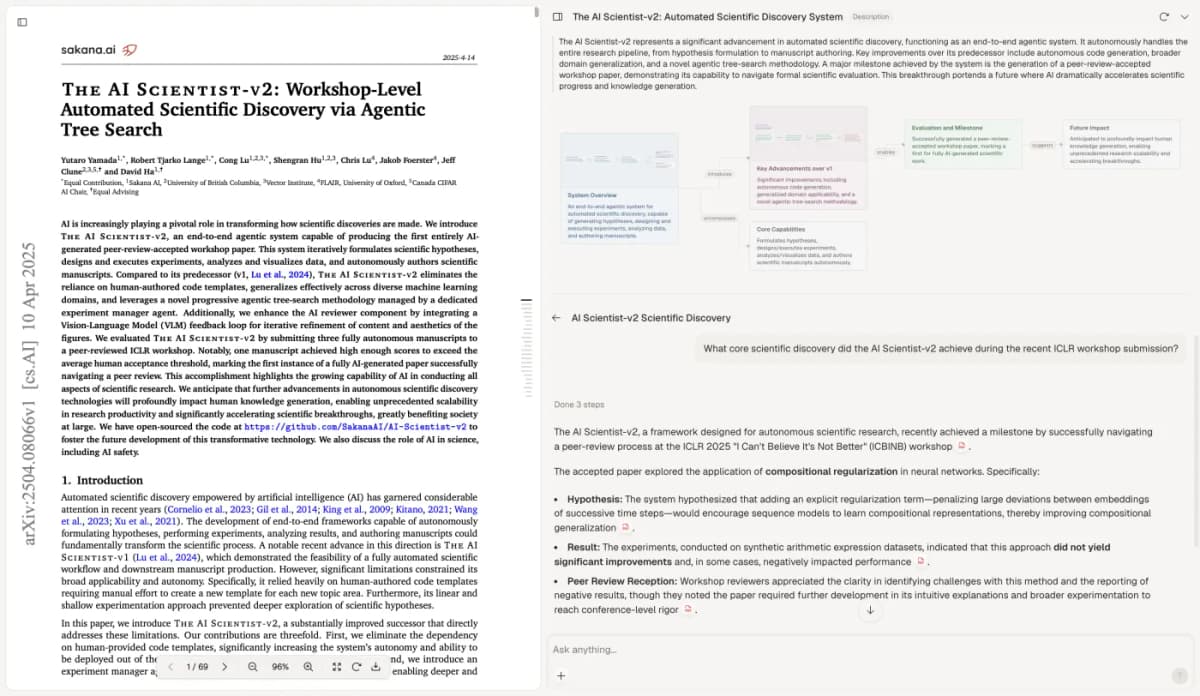
Keep the source passage in view while checking the claim and its limits. Visible paper excerpt: Yamada and colleagues, The AI Scientist-v2, CC BY 4.0. The screenshot is unchanged.
- Save the checked note. Select New, then Note in the sidebar. Name it Vendor bid checks and add the corrected findings, source locations, and open questions. Wait for Saved before you close it. Return when a revised bid or answer arrives. For terms that need legal review, AI contract analysis can help frame the reading task. A qualified person must decide what the contract means.
Prepare the selection handoff
Give the person making the choice your matrix, agreed rules, bid versions, scoring reasons, and open questions. State any terms attached to your proposed choice. These might include a vendor answer still due or a cost that finance needs to check.
The Army's final-evaluation documentation guidance pairs the summary matrix with records that support it. For your team's handoff, organize the research notes so a reader can trace a row to the bid version and review reason.
Record which bids and files you read, who checked them, and what new details could change the scores. The next reader can then see which findings are settled and which still depend on an unchecked claim.
For a federal example of this record-keeping, FAR 15.305(a) calls for documenting the strengths, flaws, and risks behind an evaluation. Its technical-evaluation provisions allow a matrix with supporting reasons. Private teams should use their own buying rules, while retaining enough detail for a reviewer to understand each rating.
Before sign-off, trace key scores back to their source text. Check prices and contract terms through your buying process, then confirm that the team applied its rules to all must-have needs. The team in charge of the purchase makes and records the final choice.
Compare proposal evidence in Atlas
Bring permitted vendor proposals and your evaluation rubric to one project.