
Audience topic hub
Research Synthesis for PhD Students
Research synthesis guides for PhD students turning papers, notes, and findings into clear arguments, literature gaps, and thesis-ready evidence faster.
5 articles · Updated Nov 9, 2026
Start here
How to Organize a Literature Review: From PDFs to Sections
Research & Synthesis
Best AI Tools for Academic Research: 12 Picks, 6 Tested
Research & Synthesis
Best Literature Review Software: 8 Tools by Stage (2026)
Research & Synthesis
7 Best AI Research Assistants (2026), by Research Phase
Research & Synthesis
How to Write a Literature Review with AI: Step-by-Step
Research & Synthesis
Full library
All articles
Research & Synthesis
How to Organize a Literature Review: From PDFs to Sections
Organize a literature review by theme: sort your papers into groups, build a matrix with page numbers, turn each theme into a section, and check each claim.
Research & Synthesis
Best AI Tools for Academic Research: 12 Picks, 6 Tested
12 AI tools for academic research by stage: Semantic Scholar finds papers, Elicit extracts data, Scite checks citations, Atlas Workspace cites the page.
Research & Synthesis
Best Literature Review Software: 8 Tools by Stage (2026)
Compare 8 literature review tools for discovery, screening, citation checks, synthesis, and writing. See the best stage, limits, access, and handoff for each.
Research & Synthesis
7 Best AI Research Assistants (2026), by Research Phase
The best AI research assistant by phase: Atlas for cited synthesis, Elicit for extraction, Consensus and Scite for checks, Semantic Scholar for free search.
Research & Synthesis
How to Write a Literature Review with AI: Step-by-Step
How to write a literature review with AI in 7 steps: question, search, screen, read, synthesize, write and revise, with AI tools and screenshots for each.
Related hubs
Keep browsing
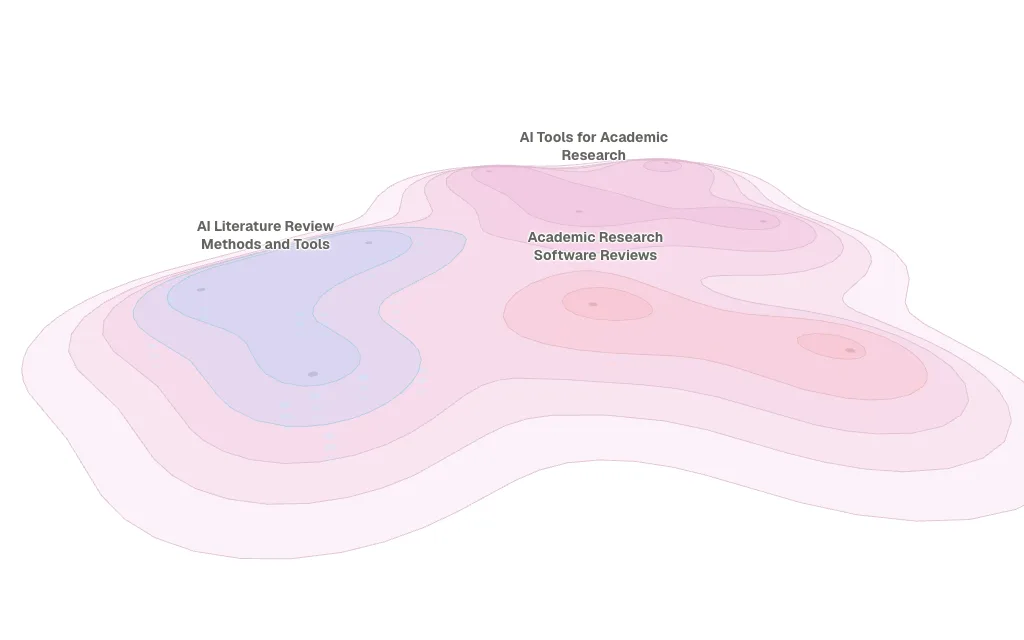
Use Atlas to turn sources into a map you can trust.
Atlas helps you read, connect, and synthesize material behind research synthesis for phd students with source-grounded notes, chats, and maps.
Start your workspace