


As of July 2026, ChatGPT is the better default for open-ended AI help. Use it for drafts, code help, plans, explanations, project chats, and messy notes. Gemini is the better default when the job starts inside Google. It also fits tasks that need fresh search, Workspace context, images, video, or long files.
That is not a permanent model leaderboard. It is a workflow split. OpenAI's ChatGPT help pages describe a broad chat tool. It can include search, file uploads, data work, canvas, memory, Projects, scheduled tasks, and custom GPTs. Google's Gemini help pages describe file work and connected apps. Gemini can work with Gmail, Docs, Drive, Calendar, Keep, and Tasks when the right settings and permissions are in place. If your question is about report modes, use the narrower deep research page instead. It compares ChatGPT Deep Research vs Gemini Deep Research.
The practical answer for many people is to use both. Use ChatGPT when you need a strong general AI tool. Use Gemini when the job is Google-native. Use Atlas after either tool when selected sources need a cited check.

Compare sources from either assistant in Atlas
Compare selected documents and inspect citations before using an answer.
Comparison criteria and core differences
The biggest difference between ChatGPT and Gemini is not that one writes and the other searches. Both can handle many AI tasks. The real split is setup cost. Which product gets you from source material to useful output with fewer moves?
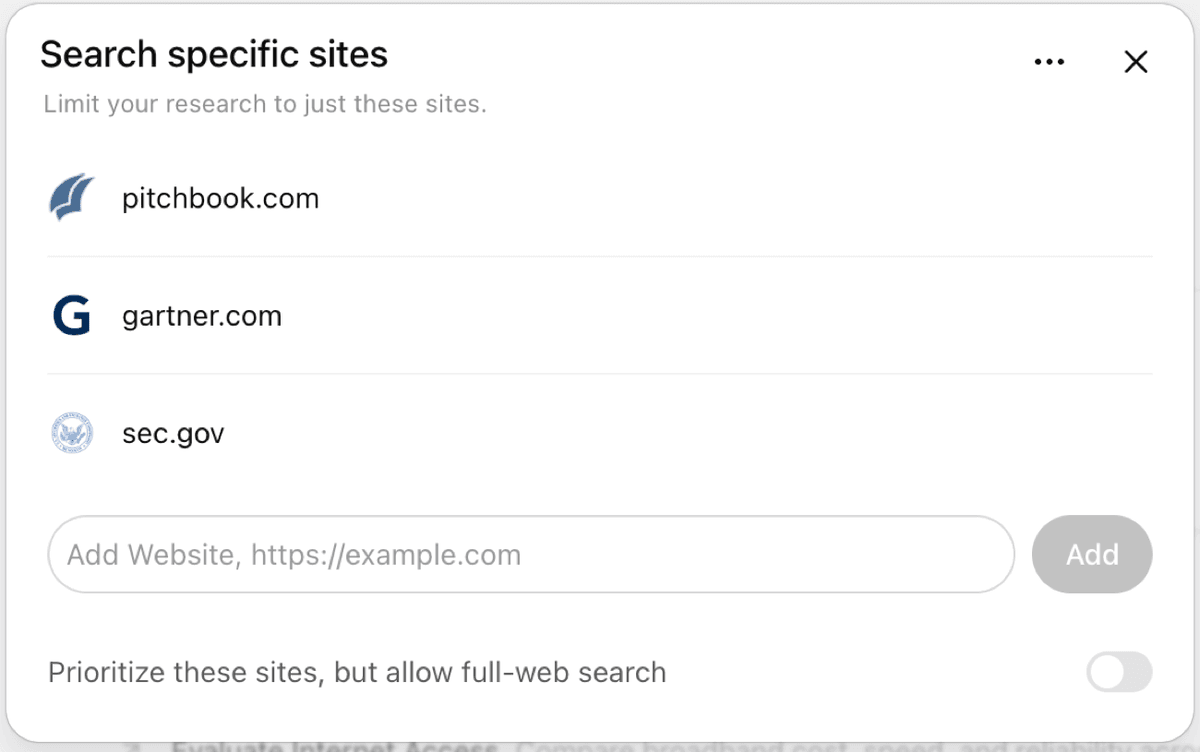
The source controls illustrate how ChatGPT Deep Research can constrain its web research.
Use these 4 criteria before picking a default tool:
- Where the source material already lives
- Whether the output needs writing, code, search, files, or Google context
- Whether the answer needs source links or passage checks
- Whether the next step is a draft, a Google Workspace task, or a cited finding
OpenAI's ChatGPT help page says ChatGPT can answer questions, draft text, summarize, reason, translate, and help with creative work. It also lists web search, deep research, image input, image creation, file uploads, and data work.
Voice mode, canvas, memory, Projects, scheduled tasks, and custom GPTs may also be available. Access depends on plan and settings.
That breadth matters in daily use. ChatGPT is often the cleaner start for a memo, a script bug, a follow-up question, or a rewrite. It also works well for a long-running project. OpenAI's Projects docs say Projects keep chats, uploaded files, instructions, and app links together.
Gemini's edge shows up when the task already lives in Google. Google's Workspace app docs for Gemini say Gemini can connect to Google Workspace with the right account and settings. Google's connected-app docs list Gmail, Calendar, Docs, Drive, Keep, and Tasks as services Gemini can use.
That makes Gemini a strong fit for finding an email, summarizing a Drive file, or drafting from Docs. It also fits Google Search work and mixed media.
Google's file docs cover text files, sheets, NotebookLM notes, photos, videos, and other supported files. Google warns that large files can miss details. Limits also vary by account and plan.
Neither tool removes the need to inspect important sources. OpenAI's file-upload docs say ChatGPT can combine, reshape, pull from, and study files. Google warns that Gemini can hallucinate or use stale information. It tells users to review listed sources.
For research, policy, legal, medical, money, or ops claims, speed helps with the first pass. Before reusing the answer, ask a stricter question: "Can I trace it back to the source that supports it?"
ChatGPT vs Gemini workflow matrix
Use this matrix as a first-pass chooser. The rows split creation, search, Google context, file work, and source checks. Those jobs often point to different tools.
| Workflow job | ChatGPT fit | Gemini fit | What to check before relying on it |
|---|---|---|---|
| Writing and rewriting | Strong for briefs, outlines, tone changes, narrative drafts, and iterative editing. | Strong when the draft lives in Google Docs or needs Google context. | Review claims, examples, and citations instead of accepting polished prose. |
| Coding and debugging | Often the better default for code explanation, debugging, data analysis, and back-and-forth implementation help. | Useful for large-context review and Google ecosystem development tasks. | Test code locally and check library docs, because model answers can lag current APIs. |
| Current web search | ChatGPT can use search for timely answers and source-backed responses when search is available or selected. | Gemini has a natural Google Search advantage for many current-information and discovery tasks. | Open the sources yourself. A search-linked answer still needs evidence checks. |
| File analysis | ChatGPT supports document synthesis, extraction, transformation, spreadsheets, slides, and data analysis within documented limits. | Gemini supports documents, spreadsheets, NotebookLM notebooks, images, videos, and Drive files when account settings allow. | Test a file that looks like your real source. Large or image-heavy files can change the result. |
| Google Workspace context | Can use some connected apps and project links depending on account, plan, and settings. | Usually the stronger choice for Gmail, Docs, Drive, Calendar, Keep, and Tasks workflows. | Confirm the right account is connected and that admin settings allow the data access you expect. |
| Multimodal input | Strong for image input, image generation, voice, and mixed creative tasks. | Strong for visual, video, Drive, and Google-connected multimodal work. | Check whether the specific file type, region, and account tier support the task. |
| Project continuity | Projects keep chats, files, instructions, and context together around a long-running goal. | Strong when continuity lives in Google Workspace files and connected apps. | Decide where the durable work should live: chat workspace, Google documents, or source library. |
| Source verification | Good for first-pass synthesis, but uploaded-file or web citations still need inspection. | Good for Google-connected discovery and file summaries, but Google warns users to review sources. | Move important sources into Atlas when you need cited comparison and passage-level checks. |
Table 1: The matrix separates first-pass assistant work from the later source-checking step, where the right tool can change.
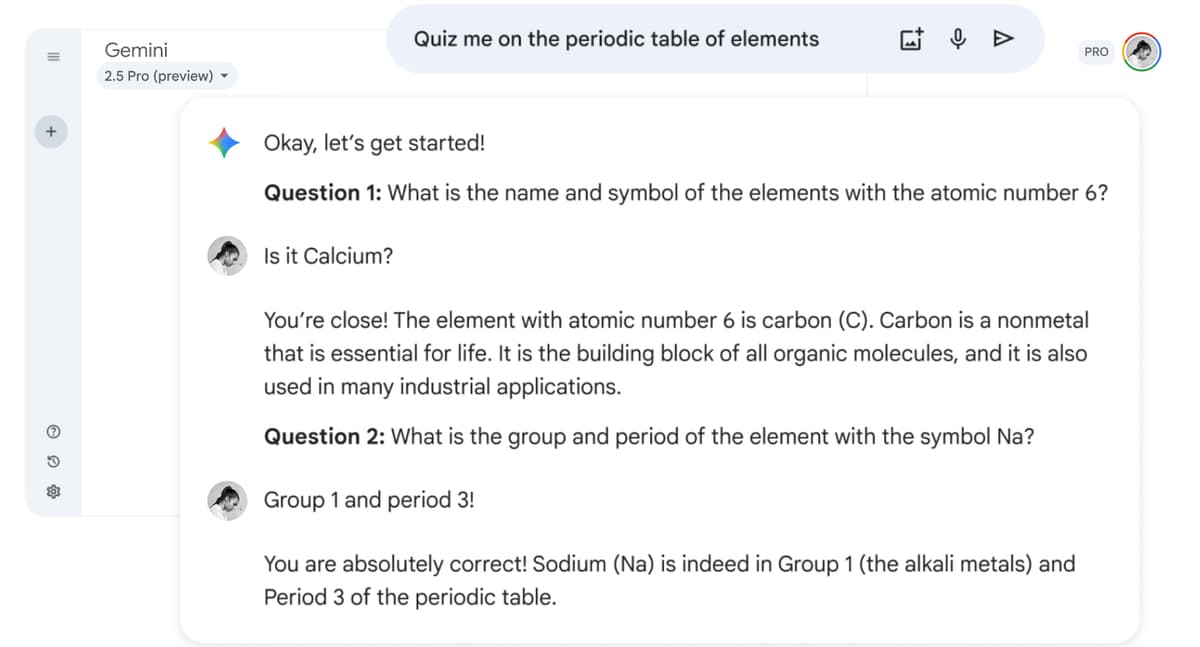
Google's Gemini example shows a practice quiz inside the chat interface. It demonstrates the guided-learning surface; it does not show that an answer has been checked against primary sources.
Research, files, and source checks
For source-heavy tasks, ask an AI tool to help you explore. Then inspect the proof before the answer goes into a memo, report, or decision.
ChatGPT can be stronger when the research job includes synthesis plus writing. Its file-upload docs describe tasks such as comparing files, applying a framework, pulling quotes, reading sheets, and summarizing text.
That makes it useful for a first pass over notes, PDFs, slides, or data. It is a good fit when the next step is a memo, outline, code notebook, or plan.
Gemini can be stronger when search starts from Google. It also helps when the source is already in Drive, Gmail, Docs, or another connected surface. The Workspace link keeps Gemini closer to the material. The user may not need to copy text into a separate chat. For some teams, that lower friction matters more than a small difference in answer style.
The risk is that both tools can make source-adjacent work feel more finished than it is. A concise summary can help with orientation, but it does not prove that every claim survived contact with the source.
A citation or source list can help you open the source. The source still has to support the sentence you plan to reuse.
How to read hands-on comparison tests
Review-site tests are useful for criteria and workflow language. They should not become permanent claims about model quality. A writing test, coding test, or file test can flip when the model, prompt, file type, plan, or account setting changes. Treat those tests as examples of what to try in your own workflow.
When the stakes are low, a fast assistant answer may be enough. When the answer feeds a literature review, grant, client memo, or team decision, check the supporting passage. Open the source. Read the surrounding context. Ask whether the answer is too broad, too certain, or missing a caveat.
When AI output becomes proof, move the selected files into Atlas. Do this before the claim reaches a draft or decision.
Atlas can compare processed project sources in a grounded answer. It also exposes citation badges so you can inspect the passages behind the answer.
Verify sources after ChatGPT or Gemini
The comparison does not end when one assistant writes a confident answer. For important work, the next step is verifying the sources behind the answer.
A practical workflow looks like this:
- Use ChatGPT or Gemini for the first job: brainstorming, search, drafting, coding help, file triage, or Google Workspace context.
- Save the files, papers, pages, notes, or source links that matter.
- Add those files to a source-checking workspace. In Atlas, add them to a project as sources. Attach a temporary file when the chat only needs short-lived context.
- Ask a grounded question. For example: "Where do these sources disagree about the risk?" Or: "Which source supports this claim, and what caveat does it include?"
- Open the citation badges behind the answer. Inspect the source passage plus nearby context before reusing the finding.
That handoff changes the decision from "Which chatbot sounds smarter?" to "Which claims can I verify?" Atlas is one option for this step because it can work with PDFs, websites, YouTube transcripts, paper search results, Markdown or text notes, and attachments.
Grounded questions return citation badges tied to exact passages. Atlas can also compare proof across processed project sources. For important claims, open the cited passage. Read the surrounding context.
For example, Gemini may help you find relevant Drive files. ChatGPT may turn a rough compare-and-contrast note into a readable brief. A source-checking workspace helps when you need to compare those sources side by side.
Use it to separate agreement from disagreement and preserve a finding with a source trail. That is a different job from writing the first draft.
The dedicated Atlas vs ChatGPT workflow comparison covers that boundary in more depth. Atlas vs Gemini covers the Google Workspace boundary directly.
Which should you choose?
Choose ChatGPT if your main tasks are writing, coding, planning, data work, creative iteration, or long project chats. It is also the better first pick when you are not tied to Google Workspace. Use it when you want one AI tool for many jobs.
Choose Gemini if your main tasks start in Google. If you live in Gmail, Docs, Drive, Calendar, Keep, Tasks, Search, YouTube, images, or videos, Gemini can cut down copying and setup.
Use both if your tasks cross those boundaries. A common pattern is Gemini for Google-native search and ChatGPT for drafting. Then run a final source check before the answer becomes a deliverable. This is sensible when your team already has access to one tool through work and uses the other for special tasks.
After either tool, run a source check when the next question is no longer "Can a chat tool help me think?" but "Can I defend this answer from the sources?" That line matters for research and writing. A confident sentence only helps if the cited passage supports it.
The best choice is not ChatGPT or Gemini in the abstract. Use ChatGPT for broad assistant work. Use Gemini for Google-native context. Use Atlas for the source-checking step that important claims still need.
Compare sources from either assistant in Atlas
Compare selected documents and inspect citations before using an answer.