


Notion works well for students when the setup stays small. Use it to keep classes, tasks, readings, projects, and club work in one place. Large templates often take more time to maintain than they save. Start with one home page, class pages, a task list, a reading list, and exam or project notes. For research, use a tool that lets you open the text behind each claim.

Check student research sources in Atlas
Add course readings, compare their claims, and inspect every cited passage.
Quick answer
Use Notion to manage school work. It can hold class notes, tasks, reading lists, project pages, and club plans. Build a small setup before you add templates. First, check whether you qualify for the student plan and which school email to use. Notion can change its rules and plan limits. Read its current education page and education help article.
Keep plans and project tasks in Notion. Use Atlas when you need to compare papers or class PDFs and check the passage behind an answer.
How the Notion student plan works
Notion offers an education plan to students and teachers at approved schools. The rules can change. Check Notion's education help, pricing, and upgrade help before you sign up.
Check these points:
- Use a valid school email when Notion requires one.
- Confirm whether the workspace is for you or for a student group.
- Check whether other members stop the workspace from getting the plan.
- Use the web or desktop upgrade path if mobile does not expose the option.
- Do not assume every school email, school type, student ID, or partner offer follows the same rules.
If the upgrade fails, check the account and workspace before changing a template. Confirm that you qualify, then build the school setup.
Set up Notion for school
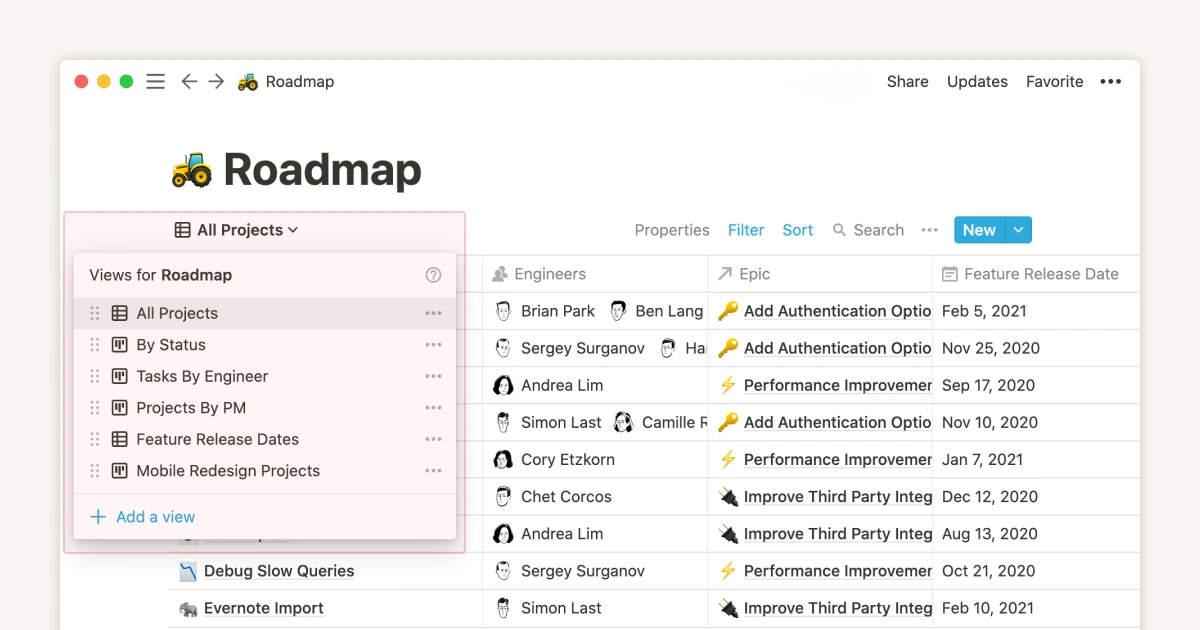
Build the first version around 5 parts. Notion's school setup guide has more ideas, but a personal workspace can stay simple:
- Dashboard: links to current classes, assignments, readings, and deadlines.
- Class pages: one page per course with syllabus notes, professor details, and recurring resources.
- Assignment database: due date, course, status, effort, and submission link.
- Reading tracker: title, source, course, due date, read status, and notes.
- Exam and project pages: goals, key dates, study plan, drafts, and a final checklist.
Do not start with 15 databases, animated widgets, or a template that requires more upkeep than your actual coursework. A small workspace that you update every day beats a beautiful dashboard you abandon after two weeks.
Once the basics work, add views by week, course, and deadline. Add templates only where repeated work exists, such as lecture notes, problem sets, lab reports, or paper outlines.
Which Notion student templates are worth using
Choose a template only if it makes a school task faster. Browse Notion's school template gallery, then test each option on work you do every week. Judge it by time saved, not by how polished it looks.
| Student job | Template worth using | Skip if |
|---|---|---|
| Track assignments | Assignment database with due dates and course filters | It hides tasks behind decorative dashboards |
| Manage readings | Reading tracker with status and notes | It does not link readings to classes or deadlines |
| Take class notes | Simple lecture-note page template | It forces every note into a complex taxonomy |
| Plan exams | Study plan with topics, dates, and practice tasks | It becomes a habit tracker instead of an exam plan |
| Run group projects | Project page with owners, milestones, and meeting notes | Permissions and collaboration are hard to manage |
| Prepare career materials | Resume, applications, and interview tracker | It distracts from actual applications |
Table 1: The best template is boring and specific. If it helps you decide what to do next, keep it. If it only makes the workspace look better, delete it.
Build a cited research workflow
Notion is good for planning a paper. It is less useful when you need to compare what several PDFs, class notes, or papers say. An outline shows what to write, but it does not show whether a source supports the claim.
Move the work from Notion to Atlas in 6 steps:
- Keep the assignment brief, deadlines, outline, and draft plan in Notion.
- Add course readings, lecture PDFs, papers, or web sources to Atlas.
- Ask a clear question, such as "Which sources define this idea in different ways?"
- Ask Atlas for a table that keeps each source in its own row.
- Open the citation badges and read the passages.
- Move the checked table or notes back into Notion.
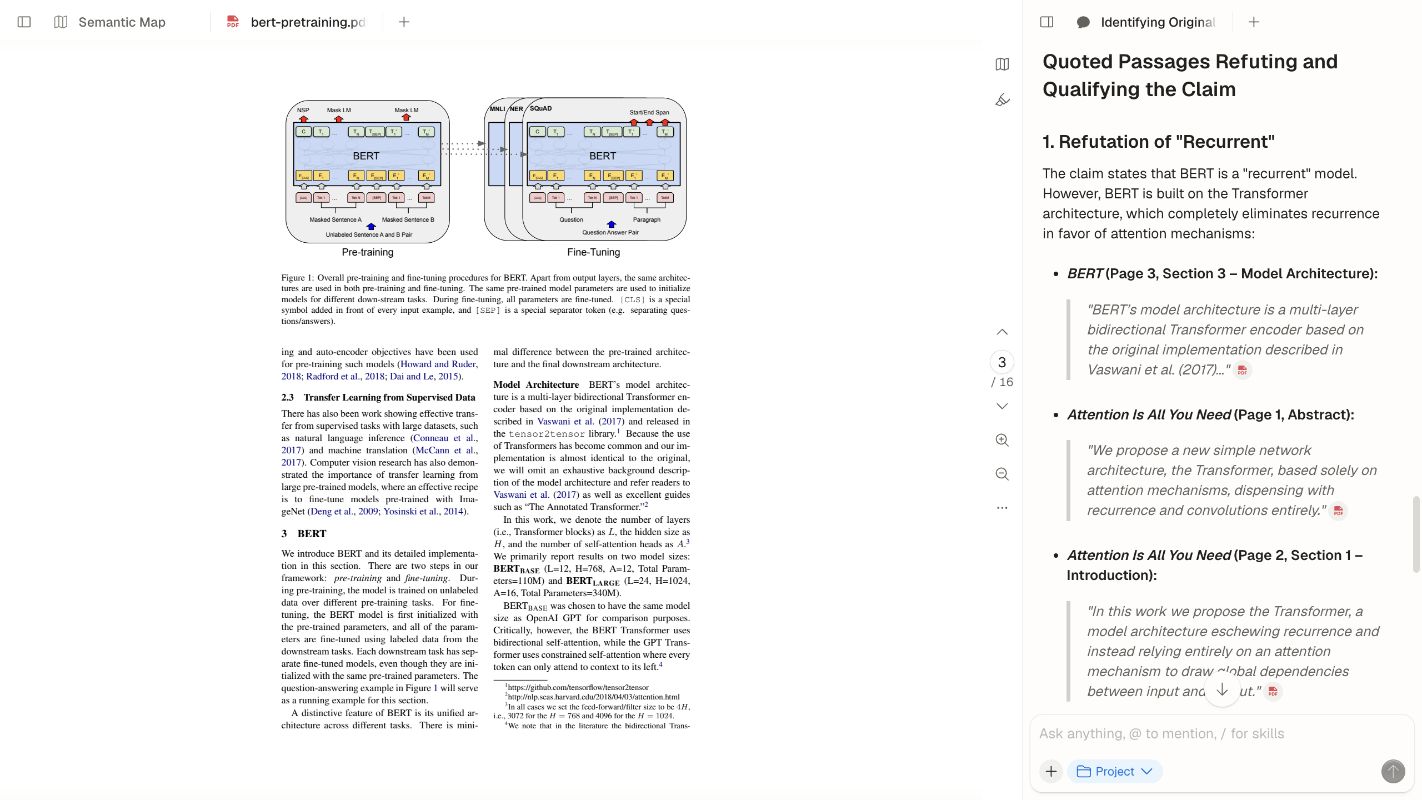
Keep the chosen source open beside the answer and click each citation marker. Read the passage before you copy a claim into the paper outline. This keeps the course plan in Notion and the source check in Atlas.
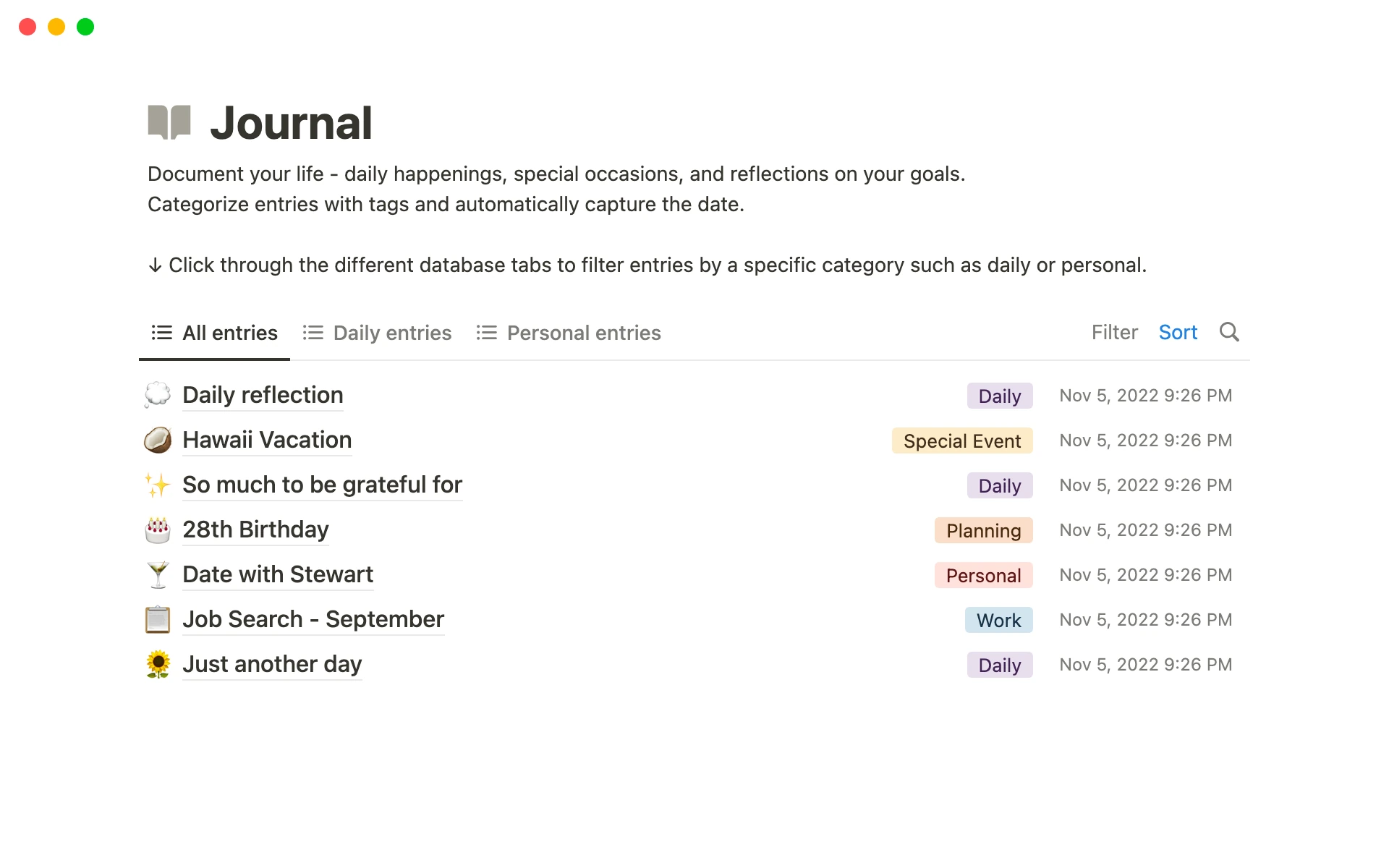
Use Atlas only when you need to compare sources and check a claim. Keep the rest of the student plan in Notion.
Example Notion-to-Atlas research workflow
Suppose a student has 8 assigned readings and 3 papers from a library search. Notion can hold the task, due date, outline, reading list, and draft checklist.
Check the sources in a workspace built for that job:
- Add the 11 readings and papers to an Atlas project.
- Ask: "Which sources define the central concept differently?"
- Ask for a table with the source, claim, method, limit, and cited passage.
- Open the citation badges for the claims that may enter the paper.
- Copy only checked notes, quotes, and table rows back into Notion.
Notion holds the plan, while Atlas helps check the sources. The student still reads the papers, judges their quality, follows citation rules, and writes the final case.
Next step: build the right student workflow
Choose the fewest tools that cover plans, due dates, and source review. Use a different tool when it clearly fits one of these jobs better:
- Use your school portal to submit class work and view grades.
- Use a calendar when reminders and time blocking matter more than notes.
- Use a reference manager to store and export sources.
- Use a code editor or lab notebook for technical work that others must repeat.
- Use Atlas when you need to compare sources and open the passage behind a claim.
Notion can also become the wrong tool when you add too much. If the setup creates more choices than clarity, remove parts until the next task is clear.
The best setup is one you will use all term. Keep school plans in Notion. Move source checks to a tool where you can open the text behind each claim.
For first drafts, compare Notion with ChatGPT in our full matchup. For related work, see how to organize research notes, chat with documents, and AI tools for academic research.
Check student research sources in Atlas
Add course readings, compare their claims, and inspect every cited passage.