


Claude is still one of the best AI assistants for long-context reasoning, writing, Artifacts, and coding. The best Claude alternative is not a single app that beats it everywhere. It is the tool that fixes the specific Claude workflow that is slowing you down.
Use ChatGPT when you want a broad daily assistant with projects, tools, and connected apps. Use Gemini when your files and research already sit in Google.
Use Perplexity when the task starts with current web answers and visible source links. Use NotebookLM when you want a free source notebook. Use Atlas when you need to upload files, ask cited questions, compare sources, and inspect passages.
For Claude Code, compare coding tools such as Cursor, GitHub Copilot, and open-source or self-hosted agent stacks. Claude is strong enough that switching for vague reasons usually creates more work. Name the blocked job first, then choose the tool that removes that constraint.

Compare sources in Atlas
Compare selected sources and inspect cited evidence before reusing an answer.
Why People Look for a Claude Alternative
Most Claude alternative searches come from one of six practical problems.
The first is usage pressure. A user likes Claude, but messages, files, or coding sessions hit plan limits at the wrong time. In that case, add a broad AI tool, a coding agent, or a local model app for overflow.
The second is live research. Claude can help with reasoning and writing, but some searchers want web answers with source links from the start. Perplexity and Gemini Deep Research fit that web search job.
The third is source-grounded research. Claude Projects support chat history, project knowledge, uploads, and instructions. Paid plans can expand project knowledge with RAG near context limits.
That is useful context management. A source-checking workspace has a stricter job. Important answers should lead back to a passage you can inspect.
The fourth is coding fit. Claude Code is its own developer surface. A serious Claude Code search should include IDE tools, cloud coding agents, terminal agents, and open-source agent frameworks.
The fifth is ecosystem fit. ChatGPT and Gemini fit broad account ecosystems. Microsoft Copilot, GitHub Copilot, and Cursor fit teams that already share an editor, cloud, or repo system.
The sixth is control. Some teams want self-hosting, local models, private inference, custom connectors, or admin control over data flows. Open WebUI and similar tools give you a place to run chosen models and tools. Output quality depends on that stack.
How to Compare Claude Alternatives
Before choosing a switch, write down what Claude does for you today. Then compare tools on these axes:
- Main task: chat, writing, research, coding, source notes, web search, or private AI.
- Source checks: whether answers show sources you can open and read.
- Files: whether the tool handles long projects, uploads, saved memory, or one-off attachments.
- Coding fit: whether it works in an IDE, terminal, GitHub, cloud agent, or chat window.
- Team use: whether projects, sources, chats, and agent outputs can be shared.
- Control: whether you can self-host, choose models, restrict connectors, or stay inside company systems.
- Claude strength: the feature you would miss, such as Artifacts, long writing, project context, or Claude Code.
For source-heavy research, add one more test. Can a reviewer open the answer, inspect the citation, read the surrounding passage, and decide whether the claim is supported?
If the answer will shape a review, memo, product call, or report, that check matters more than polished prose.
Claude Alternative Switching Matrix
This matrix separates Claude alternatives by workflow. It avoids exact plan limits and pricing because those details change quickly. Check each official page before buying or migrating a team.
| Tool | Use when Claude is weak at... | Source posture | Keep Claude when... |
|---|---|---|---|
| Atlas | Cited synthesis across your own sources | Citation badges link answers back to project source passages | You need general chat, Artifacts, writing, or Claude Code |
| ChatGPT | Broad assistant tasks across projects, files, tools, and apps | Source checks depend on mode, source quality, and user inspection | Claude's writing style or long-context reasoning already fits |
| Google Gemini | Google-centered research and web reports | Strong for web reports, separate from a durable source library | You need long-form drafting, Artifacts, or Claude Projects |
| Perplexity | Live web answers and current source discovery | Web citations and file uploads help with scanning | You need deeper reasoning, writing, coding, or iterative drafting |
| NotebookLM | Source notebooks with a free allowance | Source citations open context inside the notebook | Your work requires a different project or drafting workflow |
| Cursor | IDE-centered coding and agentic development | Codebase context for implementation tasks | You need prose, research reasoning, or non-code support |
| GitHub Copilot | GitHub, VS Code, JetBrains, pull requests, and issues | Repository context for development tasks | Claude Code is already the team's terminal standard |
| Open WebUI | Self-hosted AI over local or cloud models | Grounding depends on the retrieval stack you operate | You need a hosted frontier assistant without running infrastructure |
| Microsoft Copilot | Microsoft 365, Windows, Teams, and enterprise admin | Best when context already lives in Microsoft surfaces | Writing, reasoning, Artifacts, or Claude Code matter more |
Table 1: Read the Open WebUI row as a control-first choice. It solves control and model choice. Claude remains easier when the team wants hosted AI without running its own stack.
Where Atlas Fits for Source Traceability
Choose Atlas when you need evidence you can trace across documents.
Test the source-grounded workflow
Use this source-grounded trial:
- Add two or more sources to an Atlas project, such as papers, reports, notes, or articles.
- Ask a grounded comparison question: "Compare these sources on their evidence for [claim], with a cited point per source."
- Inspect the citation badges behind the answer.
- Read the cited sentence and surrounding paragraph before reusing the claim.
- Ask for a synthesis table if the answer blends sources together.
- Save the verified finding with the question, the key agreement or disagreement, and the citations you checked.
This trial is useful when Claude gives a strong answer but you still need to prove where the answer came from. Atlas source links connect output back to sources.
Add sources, ask a grounded comparison question, inspect citation badges, read the cited passage, and save the verified finding.
Treat each citation as an inspection path. Open the passage, check the claim strength, and look for caveats before reusing the answer.
Keep Claude for writing, discovery, and coding
Use Atlas as the evidence workspace after you know which source materials matter. Keep Claude, ChatGPT, Gemini, or Perplexity in the stack when you need broad ideation, live discovery, drafting, or general assistant tasks.
Best Claude Alternatives in 2026
Atlas
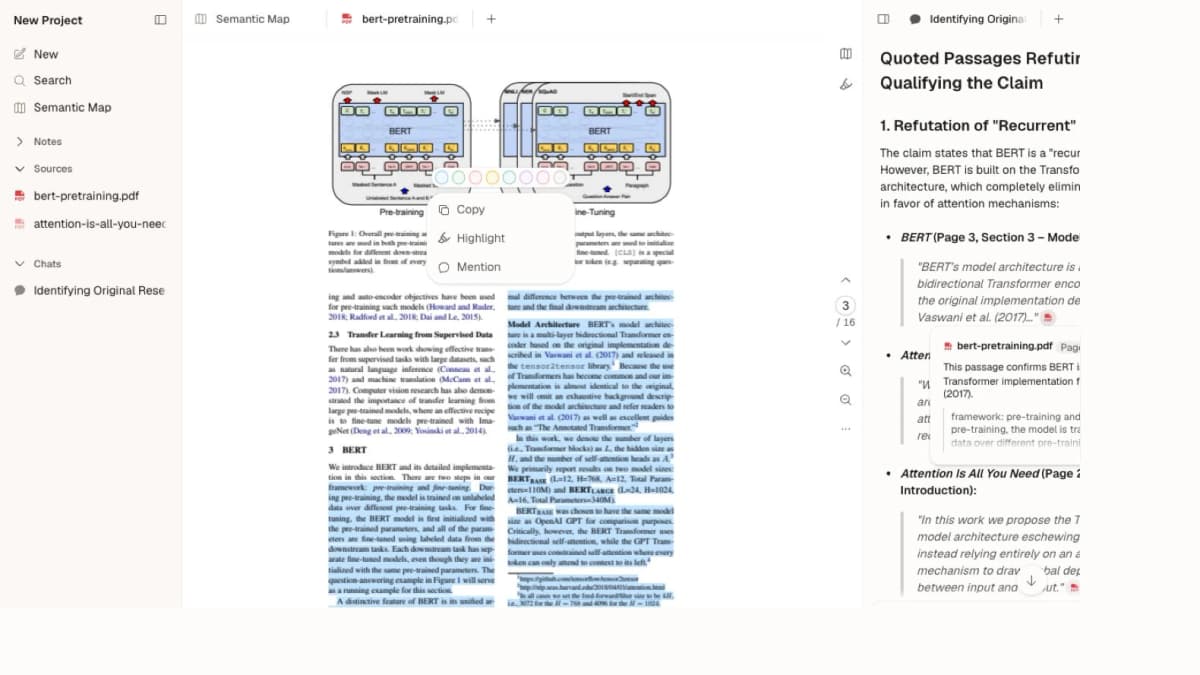
Consider Atlas when the reason to switch is "I need source-grounded research I can verify."
Use Atlas when you have PDFs, articles, notes, transcripts, or other source material and need to ask questions across them.
Add the sources. Ask a grounded comparison question. Open the citation badges. Read the passages. Save the checked answer.
Atlas beats Claude here when source checks matter most. Keep Claude for Artifacts, coding, browser agents, or general writing. For the focused research comparison, read Atlas vs Claude.
ChatGPT
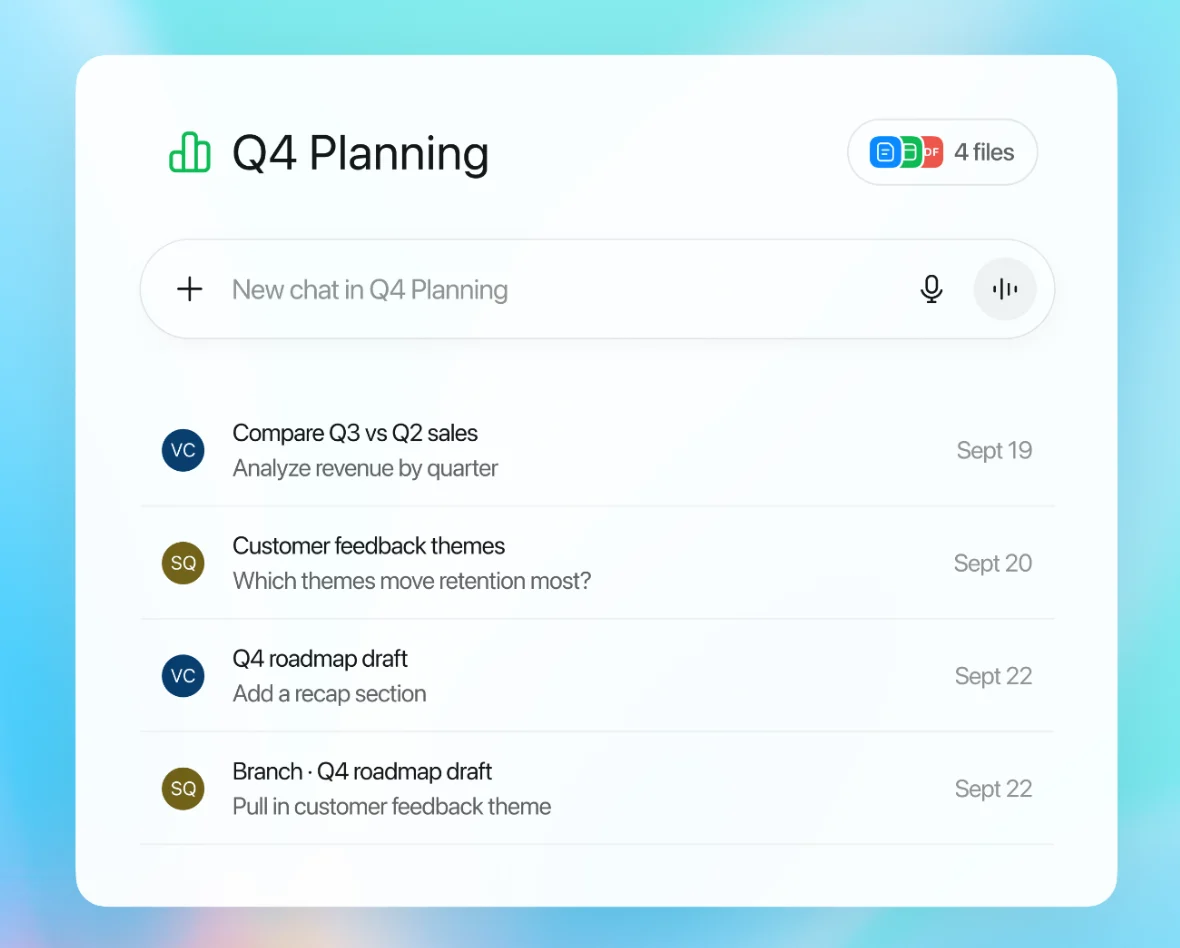
ChatGPT is the broadest Claude switch for daily AI tasks. OpenAI's Projects help organize chats, files, instructions, saved answers, app links, and project memory.
That makes ChatGPT a natural pick for mixed writing, planning, analysis, and file tasks.
Choose ChatGPT when you want one tool for ideas, writing, image or file tasks, tool use, and code help. It is often the easiest Claude add-on because the overlap is large.
Keep Claude when you prefer its prose, reasoning style, Artifacts, or current project setup. For source-based research, treat ChatGPT output as a draft until key claims are checked.
Google Gemini
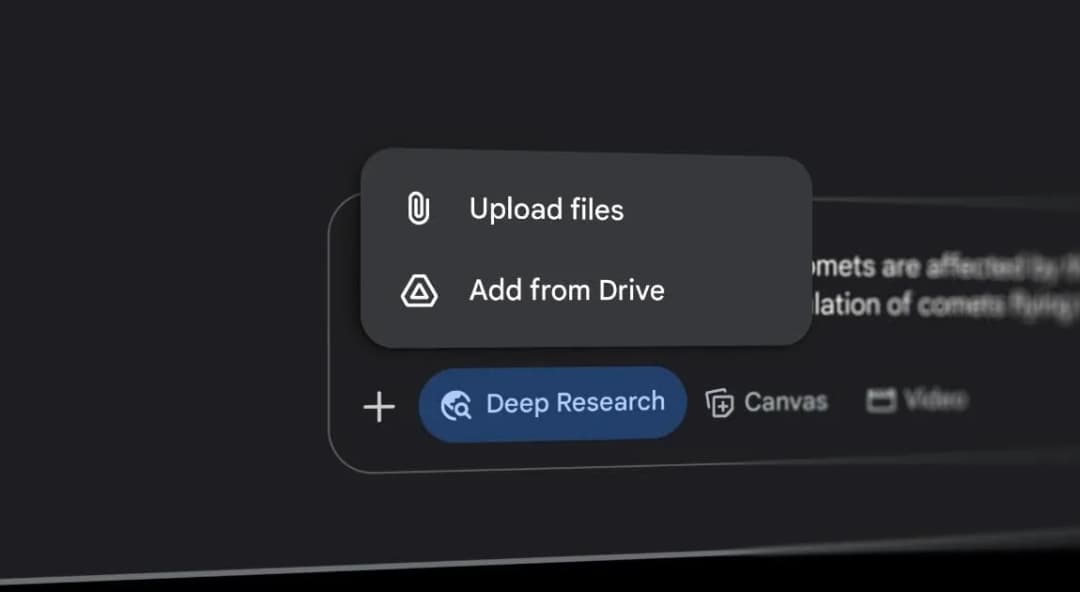
Gemini is the strongest Claude switch for Google research. Gemini Deep Research plans searches, browses the web, checks sources, and writes reports.
That makes it a better fit when the task starts with web research and the reader already works in Google.
Gemini also fits users who want long web reports. The tradeoff is source upkeep. If you need to compare saved documents over time, move the kept sources into a workspace built for source checks.
Perplexity
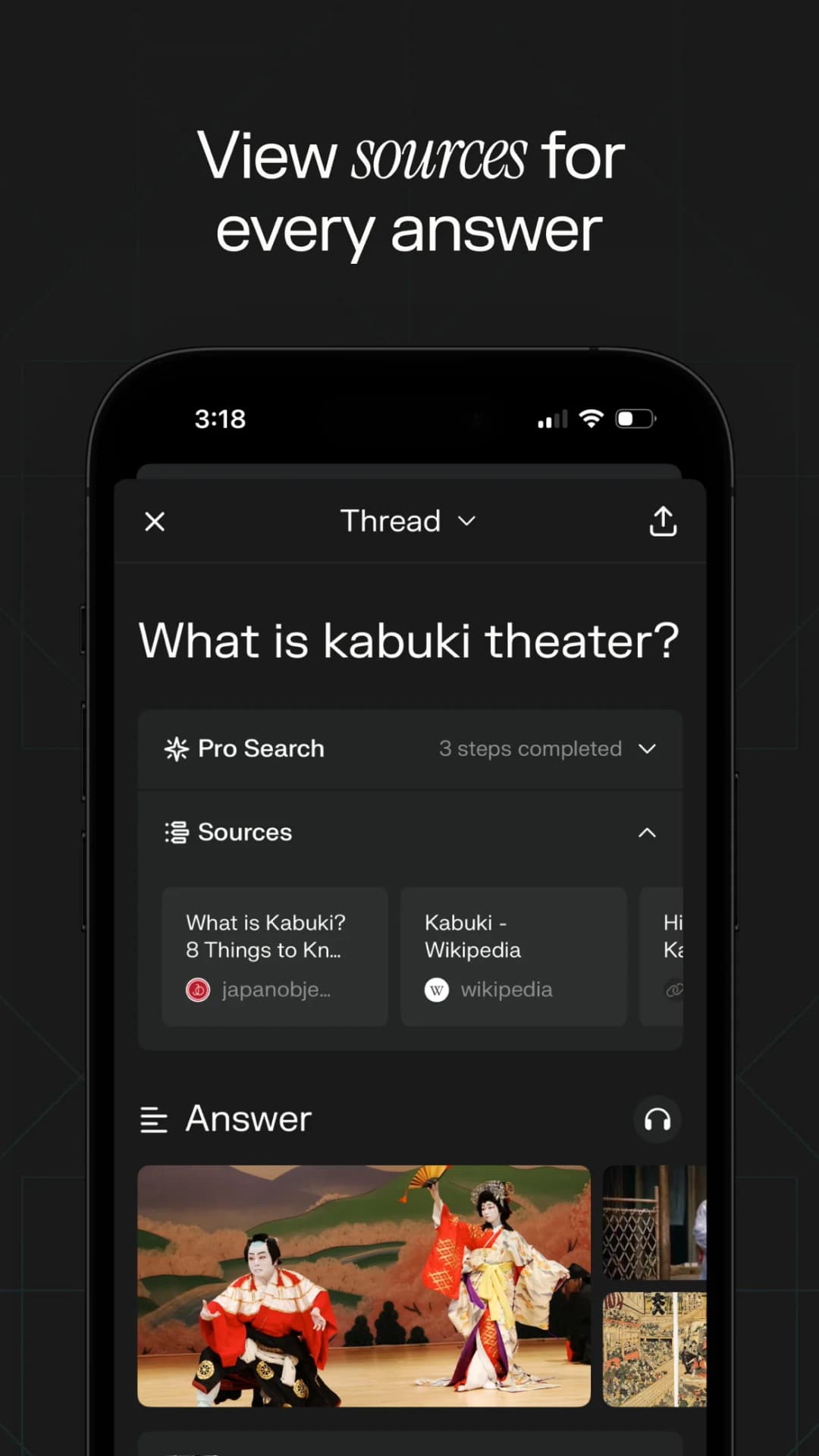
Perplexity is the cleanest Claude switch for live web answers. It is built around answer search, visible sources, and fast follow-up questions.
Perplexity file uploads can also bring files into a chat. That helps when you need to scan a file beside web context.
Choose Perplexity when your first question is "what is current?" or "what sources should I read?" Keep Claude for deep reasoning, long prose, or Artifacts. A web citation gives you a place to check support for the answer.
NotebookLM
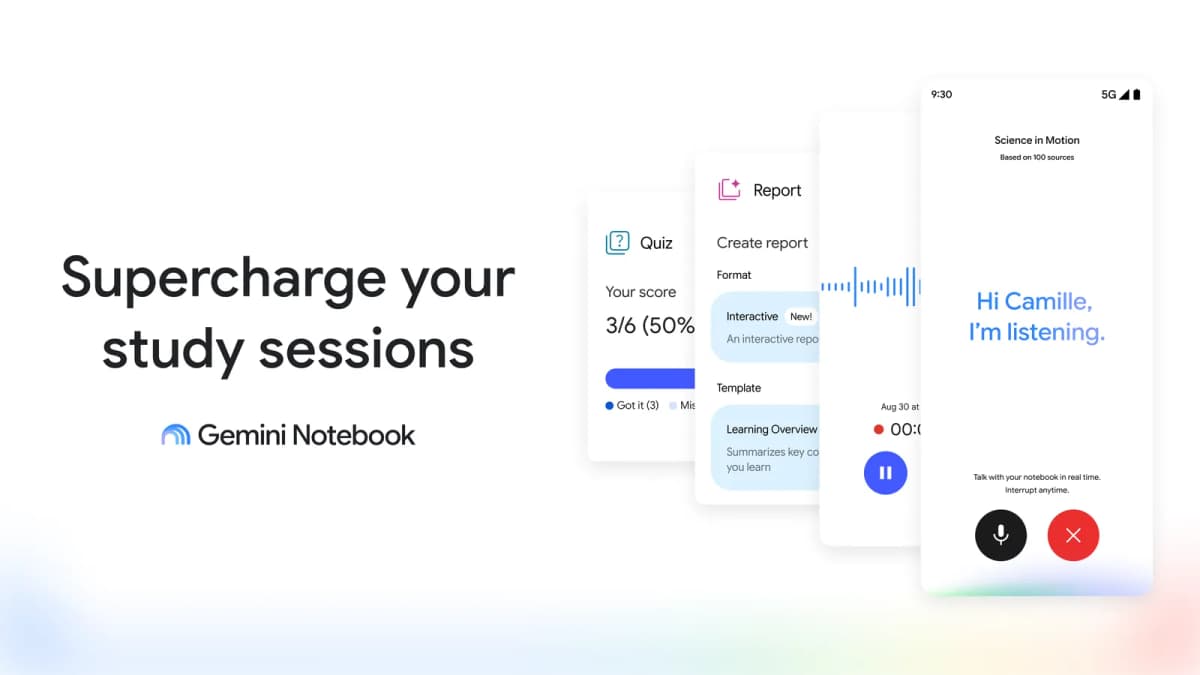
NotebookLM is the best free Claude switch when the task is bounded by a set of sources. Google's NotebookLM chat uses source citations so users can open source context.
That helps students, researchers, and teams who want Q&A, study outputs, and source-backed learning in one notebook.
Gemini Notebook is the current name for NotebookLM. Its July launch introduced coding and broader agentic work on eligible plans, so lack of coding is no longer a reliable distinction. Choose by the source notebook, output format, account access, and reusable instructions you need. Trial the same task in Claude before assuming one tool produces better reasoning.
Microsoft Copilot
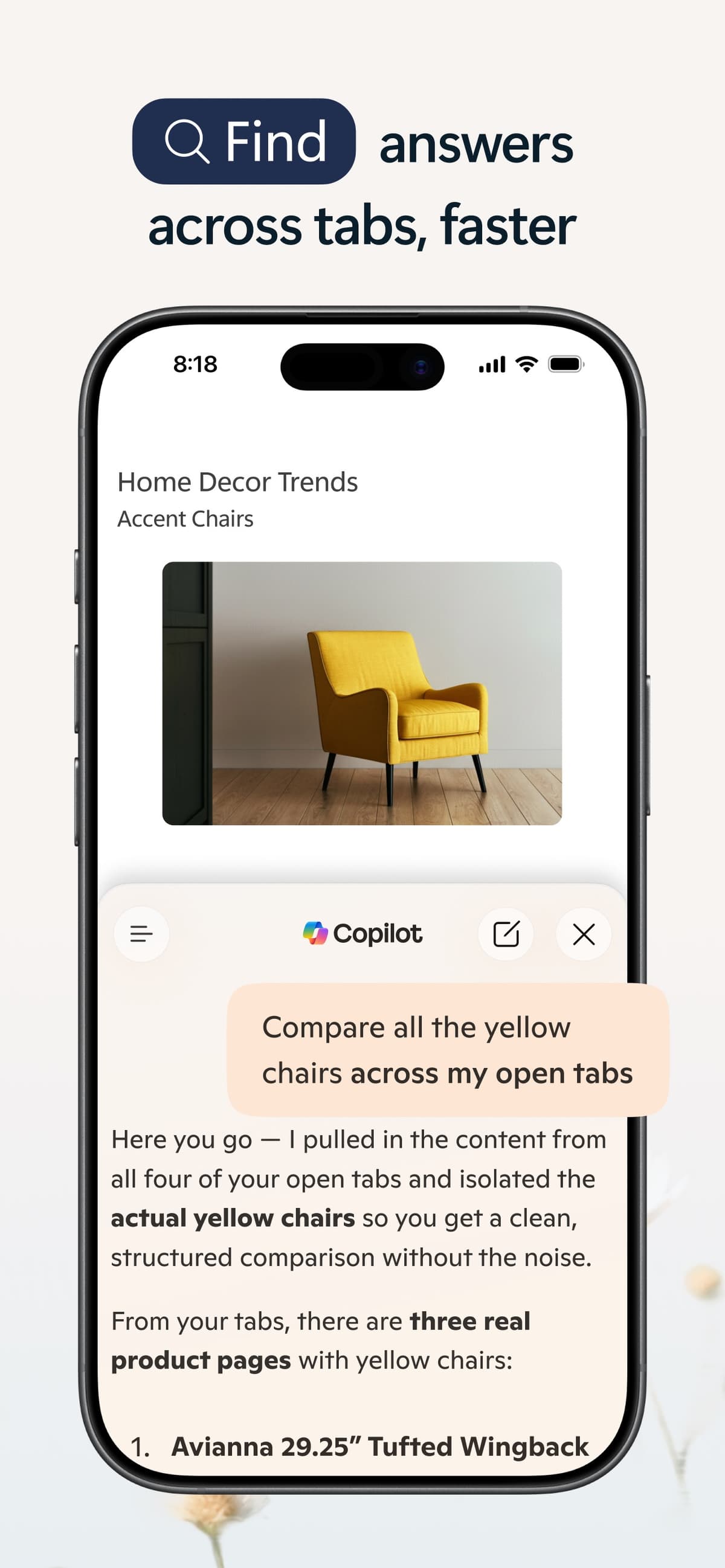
Microsoft Copilot fits buyers centered on Microsoft 365, Windows, Teams, Edge, or enterprise admin. It works best as a workplace tool built around Microsoft's ecosystem.
Choose it when the team wants AI inside Microsoft apps. Keep Claude when reasoning, drafting style, Artifacts, or Claude Code drove the team's choice.
Open WebUI
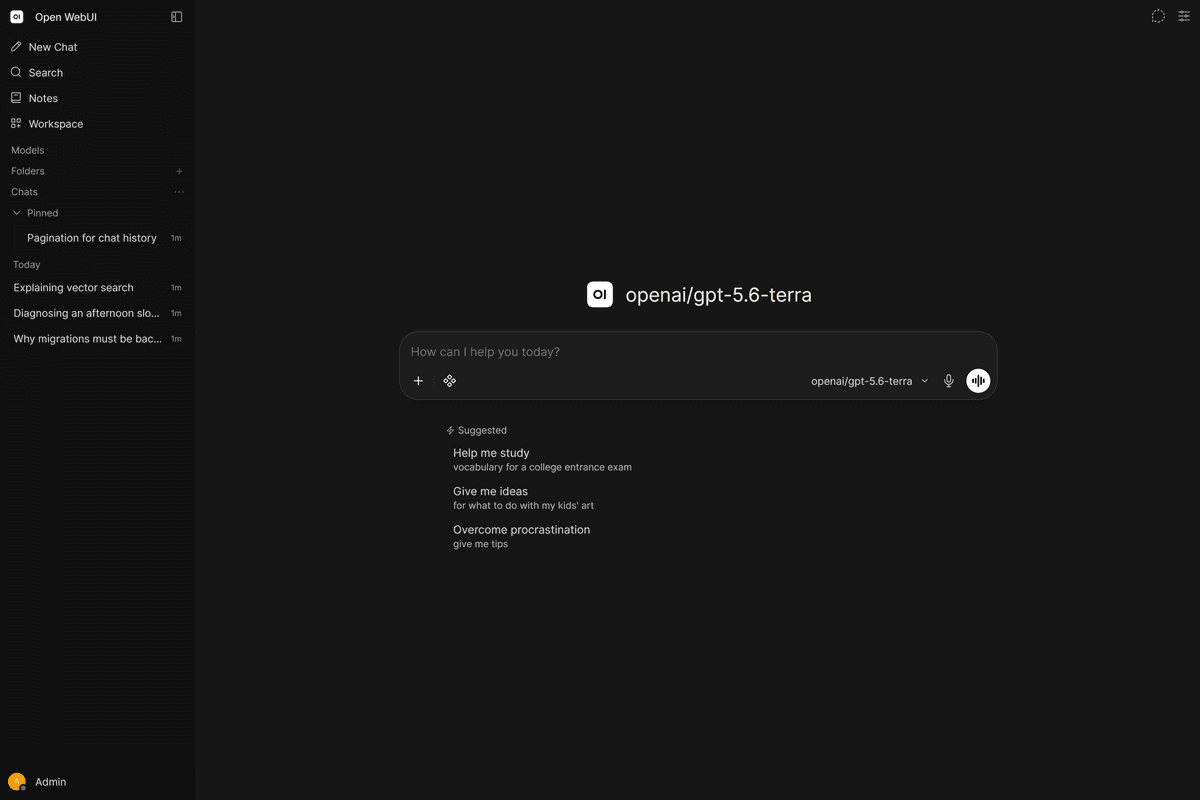
Open WebUI fits people who want a self-hosted interface rather than another hosted AI account. Open WebUI docs describe a platform that can connect to local and cloud models, tools, knowledge, RAG, and OpenAI-compatible APIs.
Open WebUI gives the team control over the interface, models, tools, and retrieval setup. Output quality and upkeep depend on the models, servers, and settings behind it.
Claude Code Alternatives for Developers
Claude Code choices deserve their own section. Coding agents solve a different problem from chat tools.
Cursor
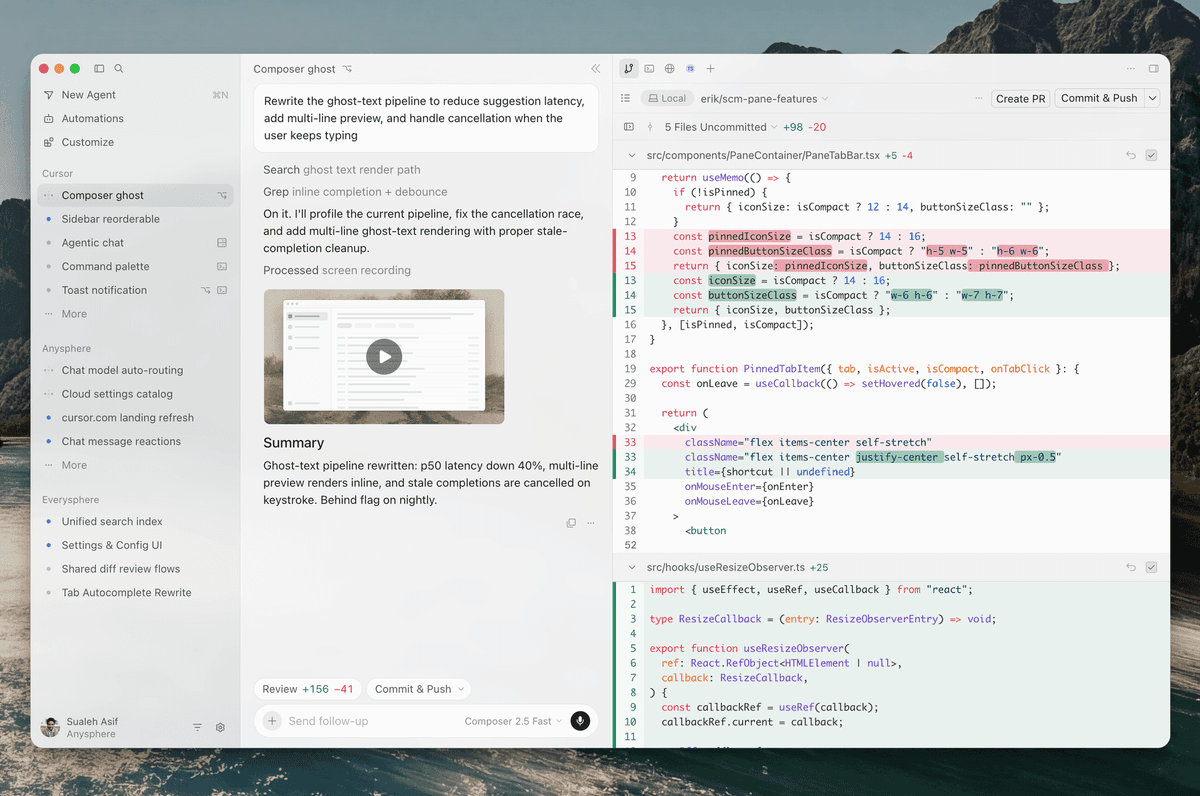
Cursor is the most direct option when the developer wants an IDE-centered coding agent. It spans desktop, CLI, web, and cloud surfaces.
That makes it a better fit when the task needs repo search, code edits, plans, and reviewable changes.
GitHub Copilot
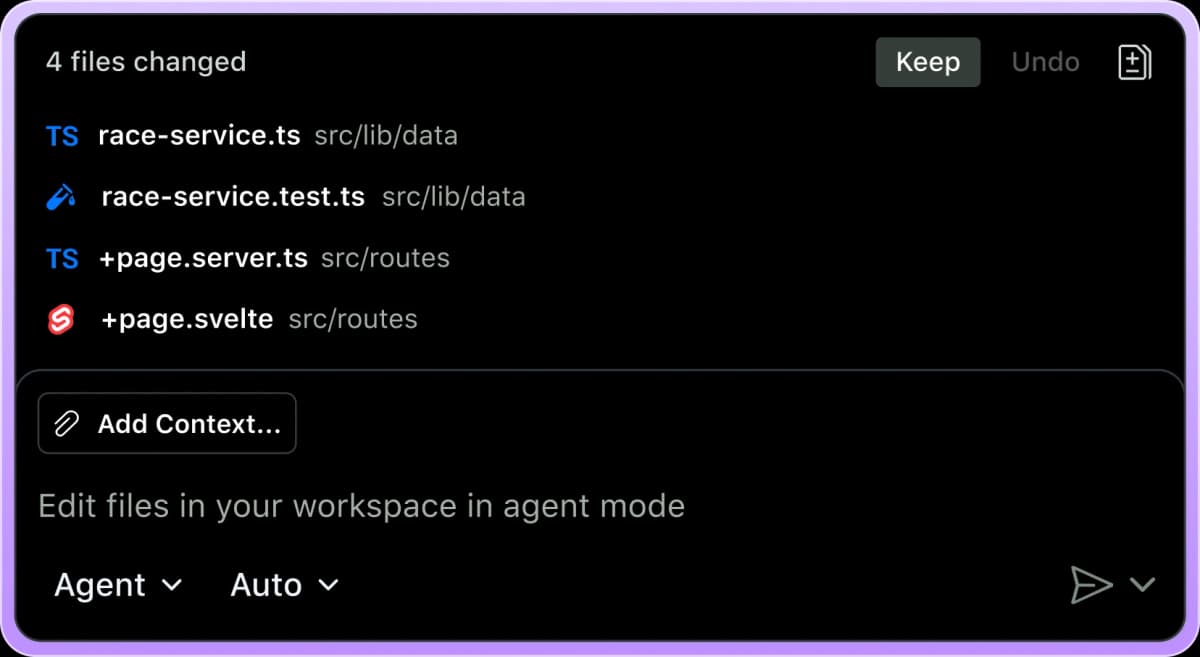
GitHub Copilot is the strongest choice when the team already works in GitHub, VS Code, JetBrains, pull requests, and issues. Its cloud agent can research a repo and plan a change. It can edit a branch and let the developer review the diff before a pull request.
The fit is strongest when code review already happens in GitHub.
Open-source and self-hosted agents
Open-source and bring-your-own-key coding agents are worth testing when cost, local control, or model choice matters. The tradeoff is setup. You gain control over models and prompts, but you also own tests, security, and upkeep.
For developers, the practical test is not "which tool sounds smarter?" Ask whether it can inspect the repo and make a small change. Then check whether it can run tests, explain the diff, and recover after a failed first try.
Which Claude Alternative Should You Choose?
Choose by the constraint you actually need to remove. ChatGPT is the broadest daily Claude switch, Gemini fits Google work and Deep Research web reports, Perplexity fits current web questions, and NotebookLM fits a free source notebook.
Pick Atlas when the job is cited synthesis across your own sources. Pick Cursor for IDE-centered coding, GitHub Copilot for GitHub-native coding help and cloud-agent work, and Open WebUI for self-hosting, model choice, and control.
For narrower lists, see ChatGPT, Gemini, NotebookLM, and GitHub Copilot. Students deciding whether Claude fits coursework, campus access, and source checks can also use the focused Claude for students guide.
Keep Claude if it already works for long-context reasoning, polished writing, Projects, Artifacts, or Claude Code. A useful tool switch removes a specific constraint without adding more review, setup, and retraining than it saves.
Best Picks by Workflow
The best Claude alternative in 2026 depends on the task. ChatGPT is the broadest replacement. Gemini is strongest for Google research. Perplexity is best for live web answers.
NotebookLM is best for bounded source notebooks. Cursor and GitHub Copilot are better Claude Code alternatives. Open WebUI is the control-first option.
Atlas is the right switch when the bottleneck is source traceability. If the answer needs to point back to the exact paper, article, note, or report, use Atlas. Compare the sources there.
Then inspect the citations and save the verified synthesis.
Compare sources in Atlas
Compare selected sources and inspect cited evidence before reusing an answer.