


Coggle is still a good tool when the job is a quick shared mind map. Teams look for Coggle alternatives because "mind map" now covers several jobs. It can mean a blank page for ideas, a workshop board, or a formal diagram. It can also mean an AI draft, a task plan, or a map built from sources.
The best replacement depends on which job you need to do. MindMeister is the closest classic mind-map tool. Miro is stronger when the map sits inside a team workshop. Xmind and MindNode fit polished personal mapping. Lucidchart is better when the map needs diagram rules. Atlas belongs in a different lane. Use it when the map should come from documents, papers, notes, or web sources, and each important claim needs a citation trail.

Map sources in Atlas
Turn papers, reports, notes, or web sources into a map grounded in citations.
Quick verdict
Use Coggle if you want a light browser mind map with live collaboration, share links, exports, and occasional free use. Its official free plan still makes sense for people who need a few private diagrams and public shared maps.
Switch by job:
-
Choose Atlas when the map should be grounded in sources rather than drawn from a blank canvas.
-
Choose MindMeister for a familiar shared mind-map editor with more team polish.
-
Choose Miro when the map is one artifact inside a broader workshop, sprint, or planning board.
-
Choose Xmind or MindNode when you mostly map alone and care about polished structure or Apple-device flow.
-
Choose Lucidchart when the mind map needs to become a process diagram, system diagram, or flowchart.
-
Choose Whimsical when a product team wants fast diagrams, flowcharts, and lightweight planning in one visual workspace.
-
Choose Ayoa when brainstorming should connect to tasks and team execution.
-
Choose GitMind when you want a free or AI-assisted mind-map generator and its current limits fit the project. If you are comparing broad categories, start with the best mind mapping software guide. This page is narrower. It is for people who already know Coggle and want to understand the kind of switch they are making.
What to compare before leaving Coggle
Start with the origin of the map. Most weak alternatives lists compare icons, exports, templates, and collaboration as if every map begins the same way. It does not.
A Coggle-style map often starts with a blank page. Someone adds a central idea, adds branches, invites others, and moves the map as the talk changes. That is a good fit for quick planning, teaching, meeting notes, and early concept work.
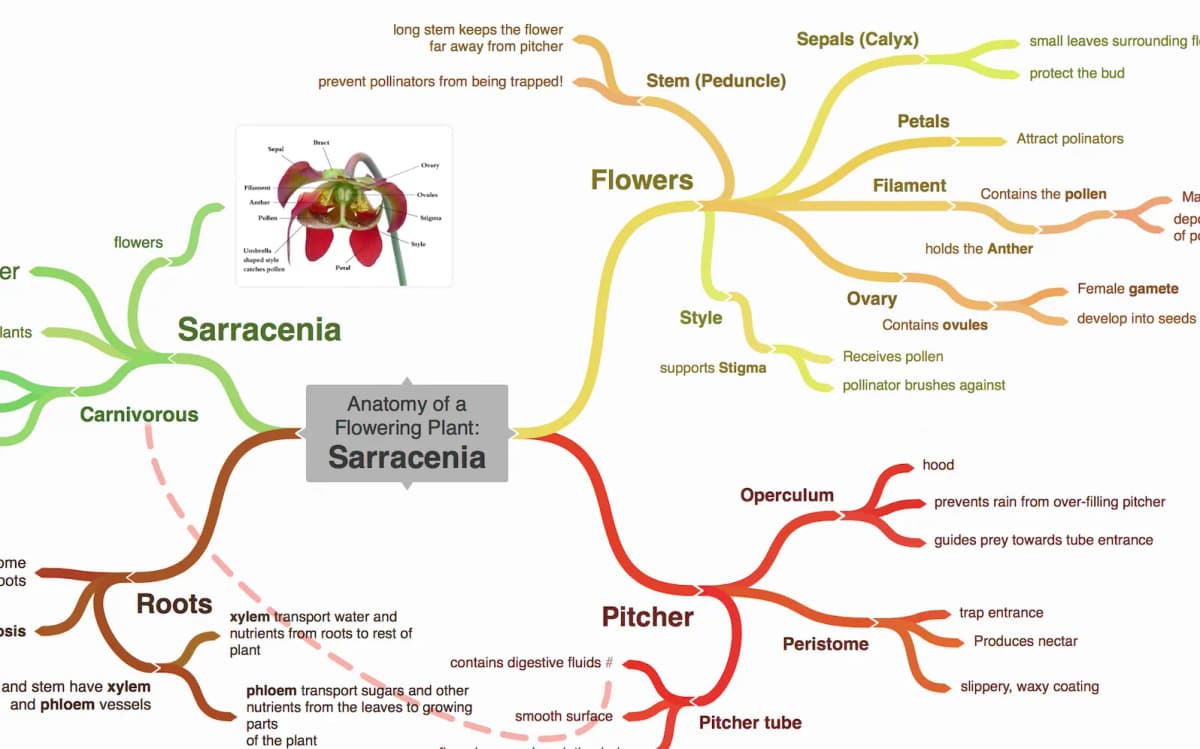
The example branches from “Sarracenia” into flowers, stem, roots, and pitcher details. Colored child branches show how Coggle lays out a topic and its subtopics; compare that manual map with alternatives built for team workshops, formal diagrams, AI drafts, task handoff, or source-grounded evidence maps.
Other tools start from different material:
- Team canvas tools start from a workshop or shared board. Sticky notes, diagrams, timers, comments, and templates matter as much as the mind map.
- Structured diagram tools start from a process, system, workflow, or org chart that needs precise boxes and links.
- AI mind-map tools start from a prompt, topic, text block, or file and generate a first draft the reader edits.
- Task-connected tools start from ideas that need owners, deadlines, and execution.
- Source-grounded tools start from documents, papers, reports, notes, or web pages and build maps from evidence.
That "map origin" test helps avoid the wrong switch. If people start the map live, choose a shared canvas. If the map starts with a process, choose a diagram tool. If it starts with source material, use a source-grounded workspace. Treat the map as a reading aid that points back to evidence.
Coggle alternatives by switching job
Use this matrix as a first pass before reading the ranked entries. Plan limits, pricing, AI credits, and export rules change often. Check the official page before you commit a team or course to one tool.
| Tool | Best switching job | Free-plan posture | Collaboration | Diagram depth | AI or source grounding | Export and handoff | Key limitation |
|---|---|---|---|---|---|---|---|
| Atlas | Research maps from sources | Check current Atlas plan limits | Use it after source intake | Knowledge map | Cited answers, synthesis, and source maps | Best when handoff needs evidence checks | Adjacent source workspace |
| MindMeister | Classic shared mind maps | Free entry point. Check current map limits | Strong for shared maps and presentations | Mind-map first | AI and automation depend on current plan | Good for presenting and sharing maps | Less useful if you need a broad whiteboard |
| Miro | Team workshops and visual work | Free entry point. Check board and team limits | Strong for workshops, comments, and facilitation | Broad canvas | AI features depend on current plan | Good for team handoff inside a workspace | Can feel heavy for a small personal map |
| Xmind | Polished personal maps | Free entry point. Check export and feature limits | Lighter than team-first tools | Strong mind-map structure | AI features depend on current plan | Strong for polished map output | Poor fit for live workshops |
| Lucidchart | Formal diagrams and systems | Free entry point. Check document and shape limits | Strong for diagram teamwork | High | AI features depend on current plan | Strong when diagrams enter business workflows | Overbuilt for casual brainstorming |
| Whimsical | Fast product-team visuals | Free entry point. Check workspace limits | Strong for product and design teams | Medium | AI features depend on current plan | Good for docs, boards, and diagrams together | Less focused on deep mind-map formatting |
| Ayoa | Brainstorming tied to tasks | Free or trial posture changes. Verify current plan | Built around team planning | Medium | AI features depend on current plan | Useful when ideas become work items | Heavy if you only need a light diagram |
| MindNode | Personal mapping for Apple users | Check current Apple-platform plan | Mostly personal and small-team use | Strong for personal mind maps | AI/source features depend on current plan | Good for Apple-device workflows | Poor fit for mixed-platform team workshops |
| GitMind | Free or AI-assisted map drafts | Often attractive for free use. Verify current limits | Varies by plan | Mind-map first | Stronger AI draft angle than Coggle | Useful for quick generated drafts | Current AI and export limits need checking |
Table 1: The important question is which tool makes the next step less fragile. A brainstorm needs shared editing. A process map needs diagram rules. A research map needs source links, citation checks, and a way to inspect the passages behind the nodes.
The best Coggle alternatives
1. Atlas for source-grounded research maps
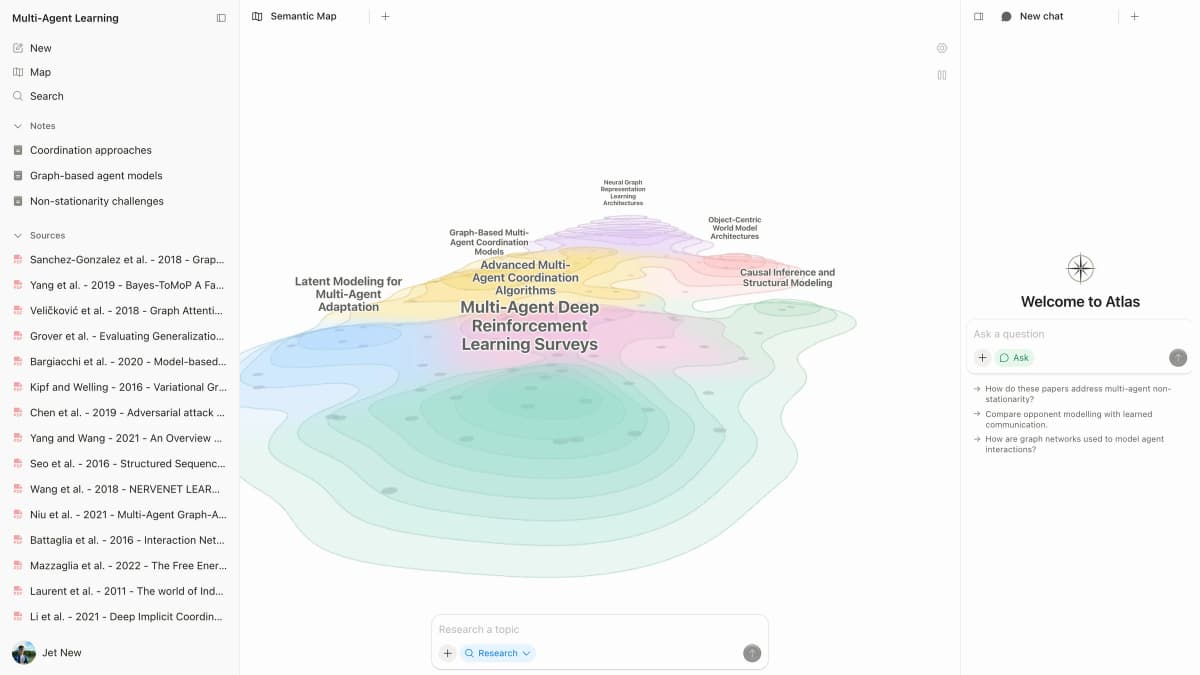
Atlas is a source workspace rather than a Coggle clone. Choose a manual map editor if you want to style branches, run a live whiteboard session, or draw a freeform diagram from scratch.
Atlas fits when the map should come from source material. A student comparing papers needs source links. A researcher reading reports needs to see agreement and conflict. A consultant reviewing transcripts needs passages that support each claim. A product team reading customer evidence needs the same trail. If the source set is mostly PDFs, compare PDF analysis AI tools before choosing the visual layer.
That is the difference between a mind map and a source-grounded knowledge map. The map helps because it stays tied to reading, citations, and source review.
2. MindMeister for traditional collaborative mind maps
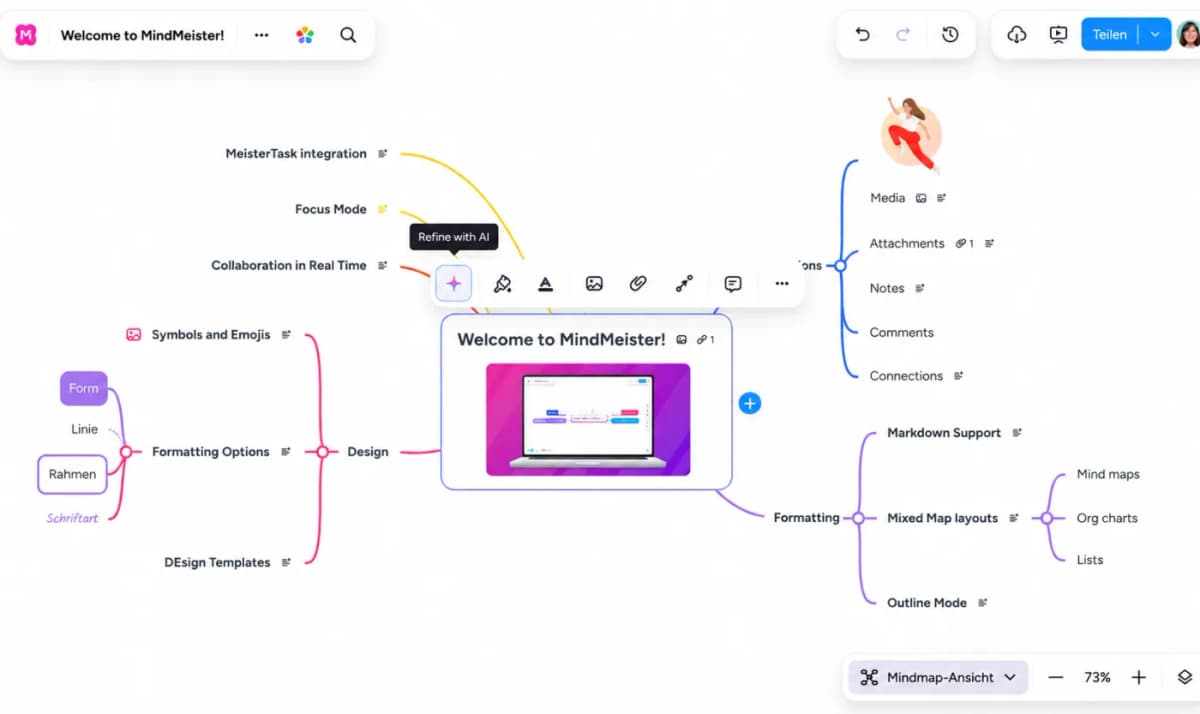
MindMeister is the most natural first stop if you like Coggle's browser map model but want more team polish. It fits teams, students, and facilitators who still want branches, topics, presentation flow, and shared editing.
The switching cue is familiarity. If your Coggle maps already work but need more polish, MindMeister is the closest category match. Check MindMeister's official Coggle alternative page, current map limits, export behavior, and team pricing before moving a class or team workspace.
3. Miro for workshops and team whiteboards
Miro makes sense when the mind map is one piece of a larger team session. Teams often need sticky notes, voting, frames, diagrams, comments, embedded assets, and templates around the map. Coggle can handle the map. Miro handles the room around the map.
Choose Miro for design sprints and product work. It also fits team reviews, planning sessions, and workshops. Miro's mind map page shows that broader whiteboard context. Do not choose it only because you want a small personal mind map. The extra canvas can become clutter if you only need to sketch a few branches and export the result.
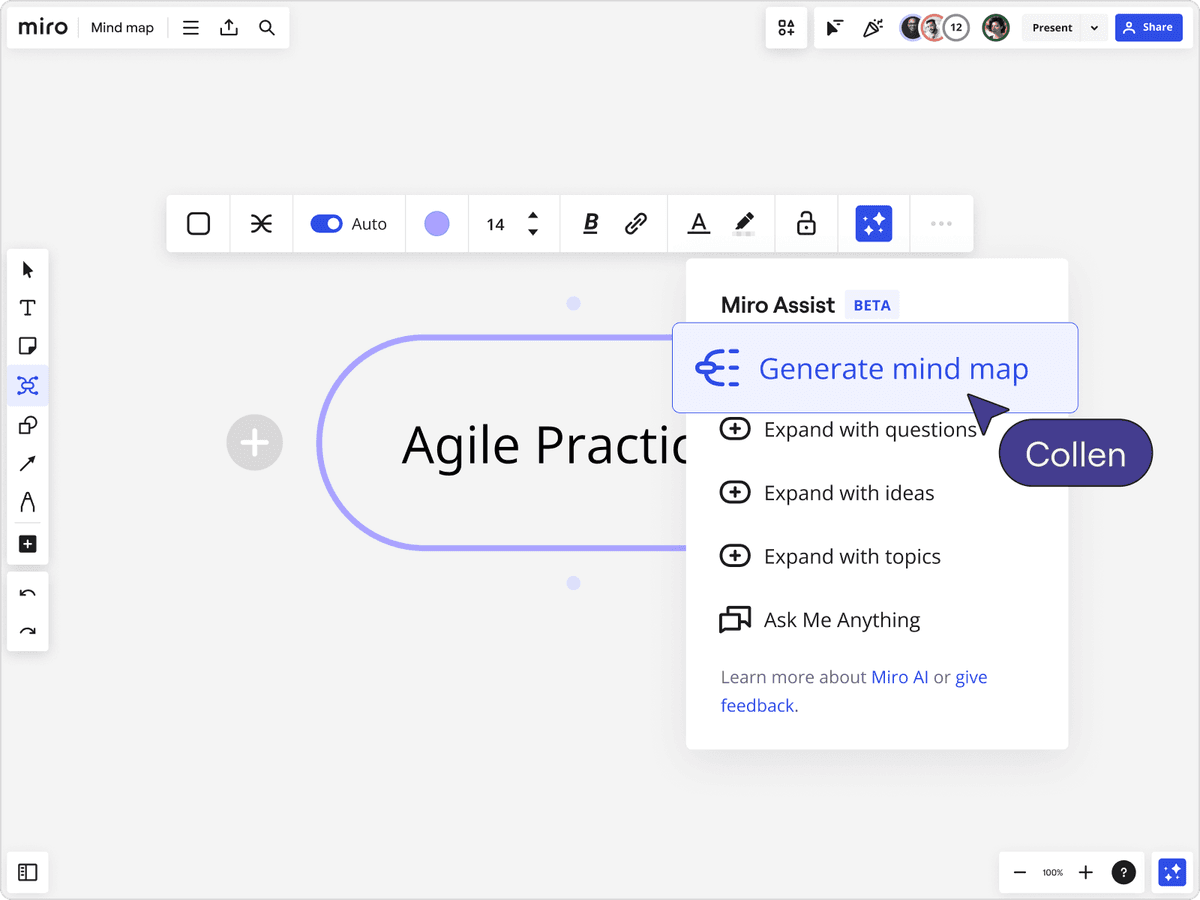
The screenshot shows the whiteboard-style alternative lane: Miro keeps the mind map inside a larger collaborative canvas with sharing, presentation, and AI-assisted expansion controls around it.
4. Xmind for polished personal maps
Xmind is a better fit when the map is a thinking artifact you will refine, present, and export. It is strongest for people who care about map structure, visual polish, and repeatable personal workflows.
Use Xmind for study outlines, writing plans, strategy notes, talks, and personal knowledge work. Its limit follows from that focus.
If several people need to build and debate the map at the same time, compare it against MindMeister, Miro, or Whimsical, and check the official Xmind product page for current platform and export details.
5. Lucidchart for formal diagramming
Choose Lucidchart when your Coggle map keeps turning into a flowchart, system diagram, decision tree, org chart, or process map. Coggle can support light flowcharting. Lucidchart is built for diagram rules, connector lines, structured layouts, and business handoff.
This is the right switch when precision matters more than speed. A sales process, tech sketch, onboarding flow, or compliance map often benefits from diagram rules.
Use Lucidchart only if the map has to become a formal diagram. A quick classroom brainstorm usually does not.
For a deeper look, compare formal diagramming tools before moving the whole workflow. Lucidchart is a diagram tool first and a mind-map replacement second.
6. Whimsical for fast product-team visuals
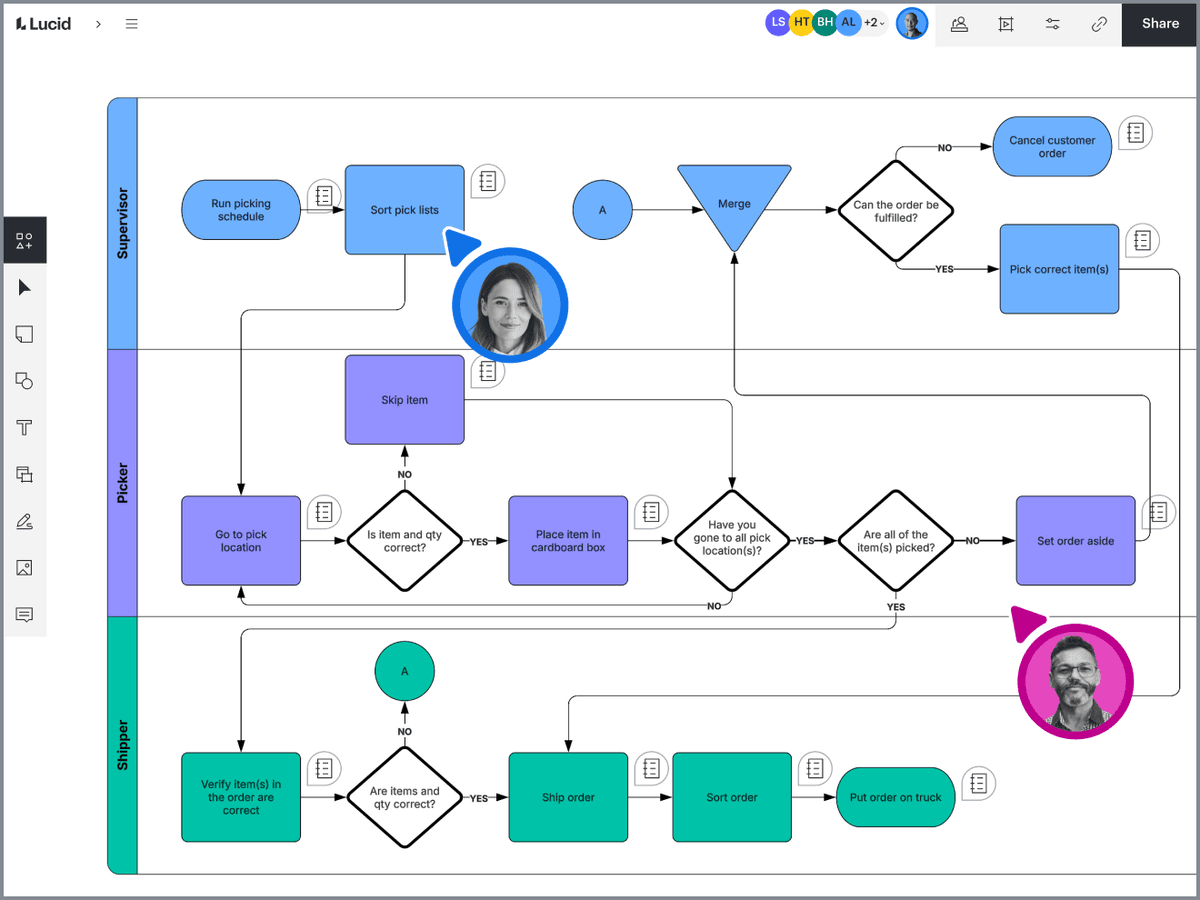
Whimsical fits teams that move between mind maps, flowcharts, wireframes, and light docs. It is often a better match than Coggle when the map sits next to product plans, user flows, scope notes, or early design work.
The appeal is speed without turning every session into a large whiteboard. Whimsical is less formal than Lucidchart and smaller than Miro. Its mind maps page shows the lightweight visual-workspace lane. That middle ground works well for product teams that need visual planning without a heavy workshop space.
7. Ayoa for ideas that become tasks
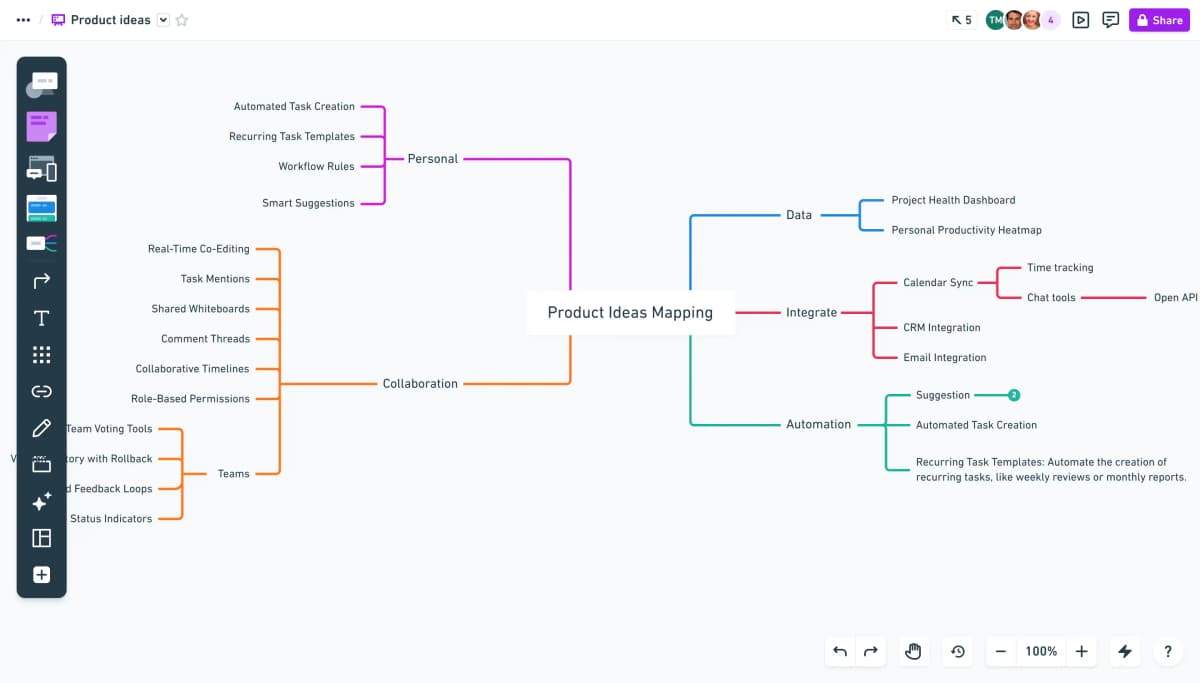
Ayoa is worth comparing when brainstorming is only the first half of planning. If your team uses Coggle to gather ideas and then rebuilds them in a task tool, Ayoa may reduce that handoff.
The best fit is team planning, campaign brainstorming, classroom projects, and workshops where ideas need owners or follow-up. If you only need a lightweight public mind map or a clean export, Coggle may still be the simpler tool.
8. MindNode for Apple-focused personal mapping
MindNode belongs on the shortlist for Mac, iPad, and iPhone users who want focused personal mind mapping. It is a personal workspace for students, writers, teachers, and knowledge workers who think visually on Apple devices.
Choose it when the map is yours. If you need live teamwork on mixed devices, MindMeister, Miro, Whimsical, or Coggle itself will usually be easier to standardize.
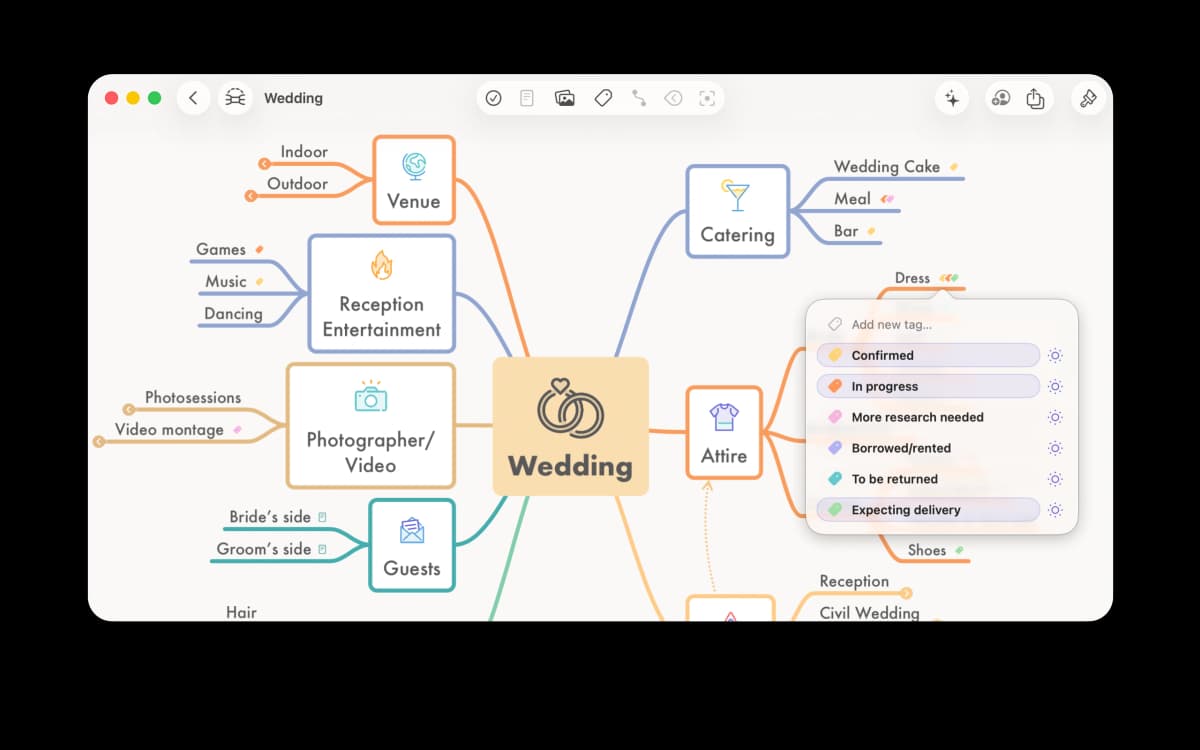
9. GitMind for AI map drafts
GitMind is the alternative to check when the search is driven by "free Coggle alternative" or "AI mind map generator." It can help with quick drafts, generated maps, and light visual order when current free-plan and AI limits fit the project.
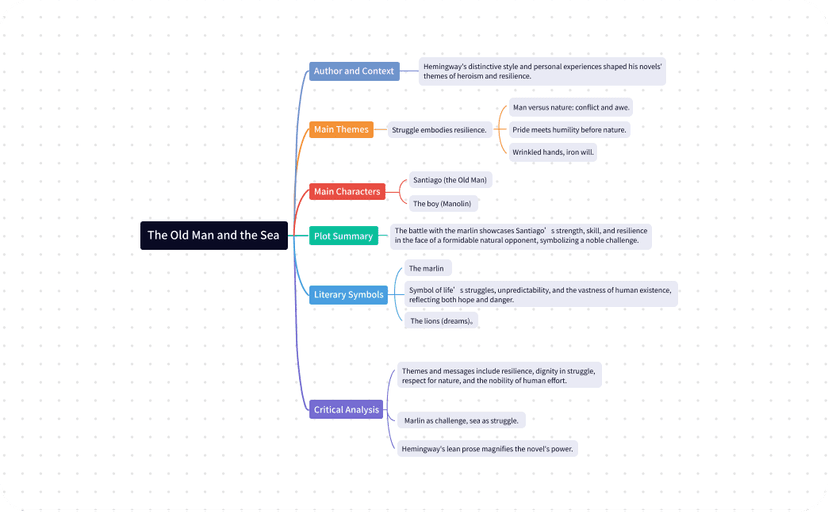
The caution is current limits. AI credits, exports, private maps, and collaboration rules can change quickly. Before using it for a course, workshop, or client project, verify the official limits. Run one typical map through the export path you expect to use.
When Atlas fits: source-grounded maps after brainstorming
Use Atlas after the idea stage. You can also use it when the source material already exists.
Build the map from sources
- Add the relevant papers, reports, notes, PDFs, web sources, or attachments to an Atlas project.
- Ask a grounded question that names the claim, method, source, or comparison you want to understand.
- Ask Atlas to compare sources in separate rows or bullets.
- Open citation badges for the claims that matter and inspect the source passages.
- Generate a knowledge map from the processed source material.
- Use the map to move through claims, concepts, evidence, limits, and questions.
- Check important nodes against the source before you cite them, present them, or use them in a decision.
Use the map as a reading aid
That workflow is slower than drawing branches in Coggle, but it solves a different problem. A manual map captures how the group thinks today. A source map helps the reader check whether the documents support the structure.
When not to switch from Coggle
Do not switch just because an alternatives list says another tool has more features. Coggle remains a good fit for quick browser maps.
It also covers share links, image uploads, exports, change history, and a few private diagrams.
Stay with Coggle when:
- the map starts from a live conversation rather than a document set.
- collaborators already understand the interface.
- the map does not need formal diagram notation.
- the team does not need a full whiteboard or task system.
- the free-plan limits fit the real workload.
- the final artifact is a simple map for discussion or teaching.
Switch only when the next step exposes a real limit. If the map becomes a workshop, use a whiteboard. If it becomes a system diagram, use a diagram tool. If it becomes a cited research artifact, use a source workspace.
How to choose
For most Coggle users, the decision is narrow:
-
Pick Atlas if the map should be built from sources and checked through citations.
-
Pick MindMeister if you want the closest traditional mind-map replacement.
-
Pick Miro if the map lives inside workshops and team planning.
-
Pick Xmind or MindNode if you are mapping mostly for yourself and care about polished personal structure.
-
Pick Lucidchart if the map has become a formal diagram.
-
Pick Whimsical if product planning and diagrams need to sit together.
-
Pick Ayoa if brainstorming needs task follow-through.
-
Pick GitMind if free or AI-generated drafts are the main reason for switching. If you are still choosing the category, compare AI mind map generators, mind maps from documents, and best mind mapping software. Coggle alternatives are not one market anymore. They are several map origins that happen to share a visual form.
Map sources in Atlas
Turn papers, reports, notes, or web sources into a map grounded in citations.