


NotebookLM is now Gemini Notebook. The renamed app works well when you already have a selected set of research sources. Add them to one notebook, ask questions, make summaries, and open the citations. Other tools may still be needed to find papers, build a reading list, or manage references.
Use NotebookLM when your chosen sources are the center of the task. If you still need to find papers, start with a search tool. If an AI answer matters, open the cited passage before you use the claim in a note, review, or decision.

Continue your source research in Atlas
Compare research sources and inspect citations before reusing the answer.
What NotebookLM is good at for research
NotebookLM works from the sources you place in a notebook. Those sources might be a class reading list, a group of papers, a policy pack, or meeting transcripts. The app can answer questions, write summaries, and make study aids from that set.
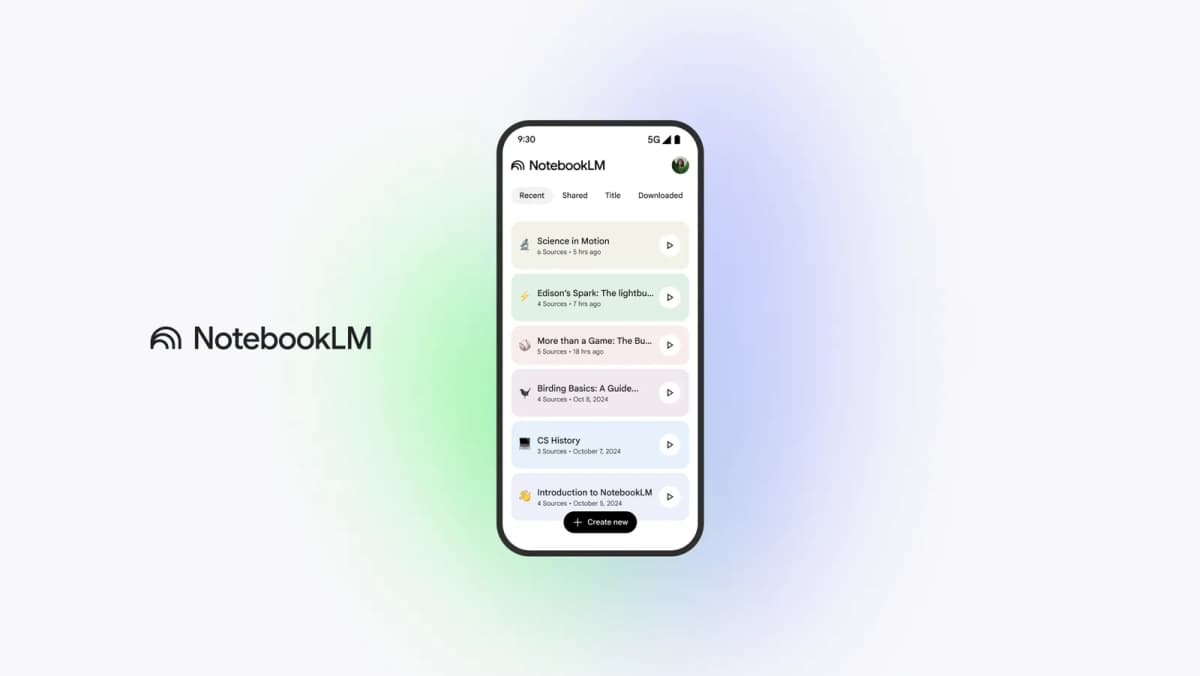
This legacy Google screenshot retains the NotebookLM name. It shows a list of notebooks and their source counts. Research in the app starts with one of these chosen sets.
Google explains how to add or find sources for a notebook. PDF, Word, text, supported web pages, and other formats have import constraints. Drive sources can refresh automatically when you open the notebook. Check whether a paper is complete and current before treating it as evidence.
NotebookLM can discover web and Drive sources through Fast Research and Deep Research. Review the suggested material before importing it: discovery is not a documented systematic search of every scholarly database. Its native mind map groups notebook content; it is not a citation network showing which papers cite each other. Keep a reference manager for the bibliography.
For academic work, use it to read and understand chosen sources. You still decide which papers belong, whether a citation supports a claim, and what the findings mean.
What to look for
Ask four questions before you choose a tool:
- Can it read the sources you trust?
- Can it show the passage behind a claim?
- Can it help you find papers that are still missing?
- Can you save a checked finding for later work?
NotebookLM research tools compared
This table shows where NotebookLM fits and when another tool helps.
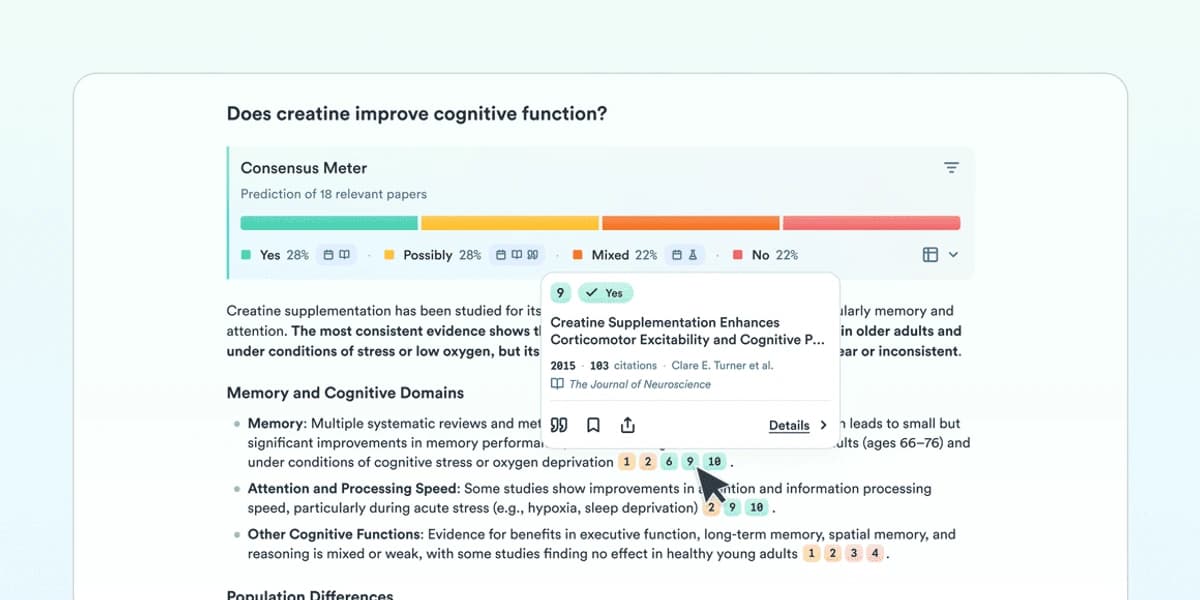
Consensus summarizes how papers in its evidence set answer a question.
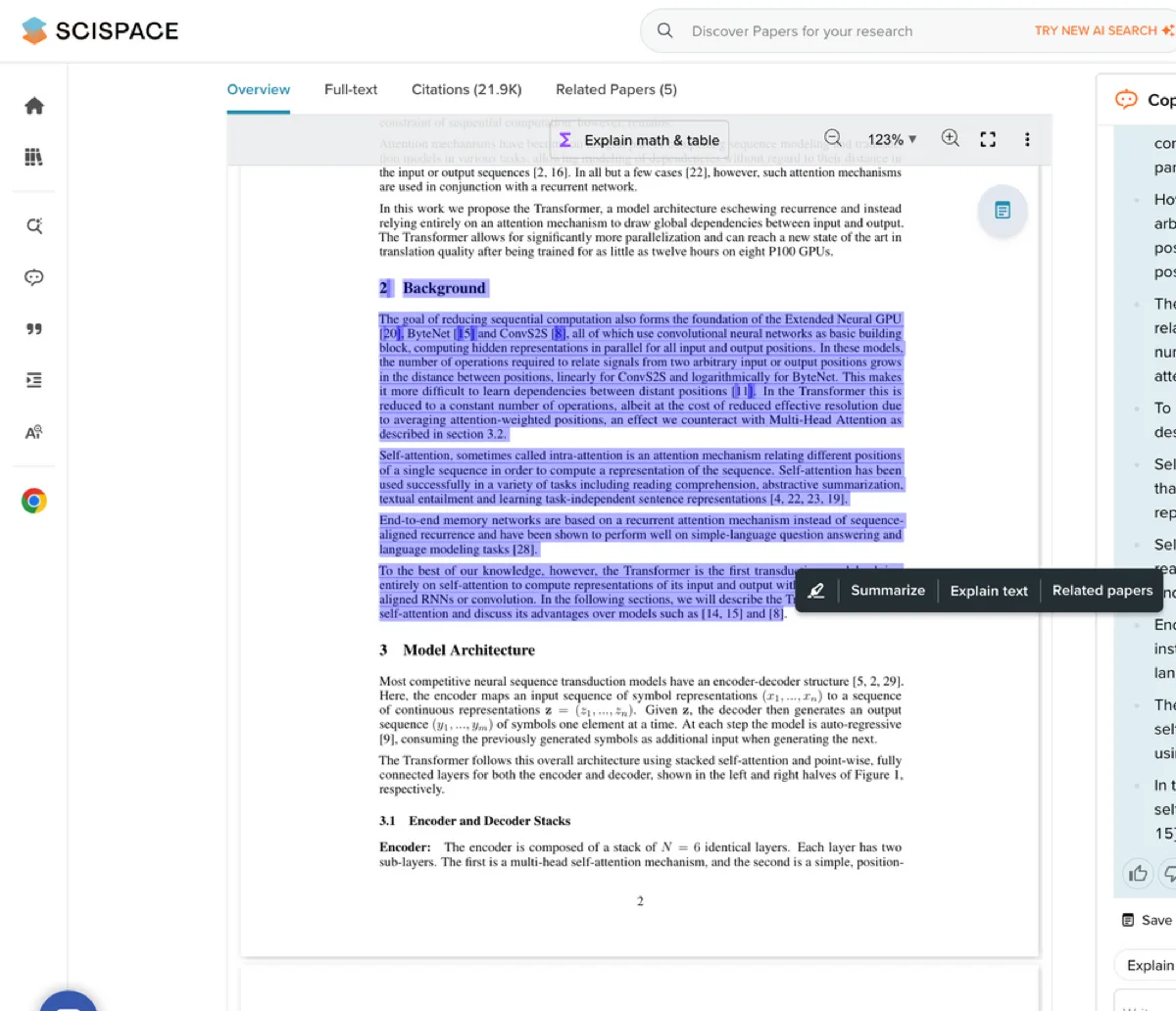
SciSpace keeps paper text visible beside an explanation.
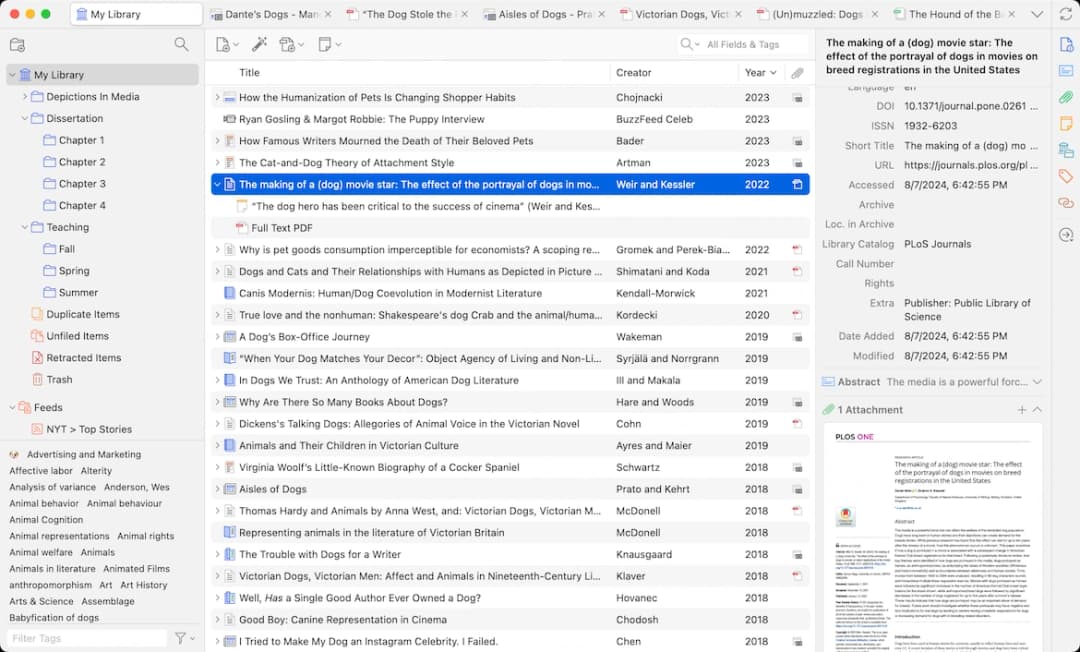
Zotero organizes a reference library for literature review work.
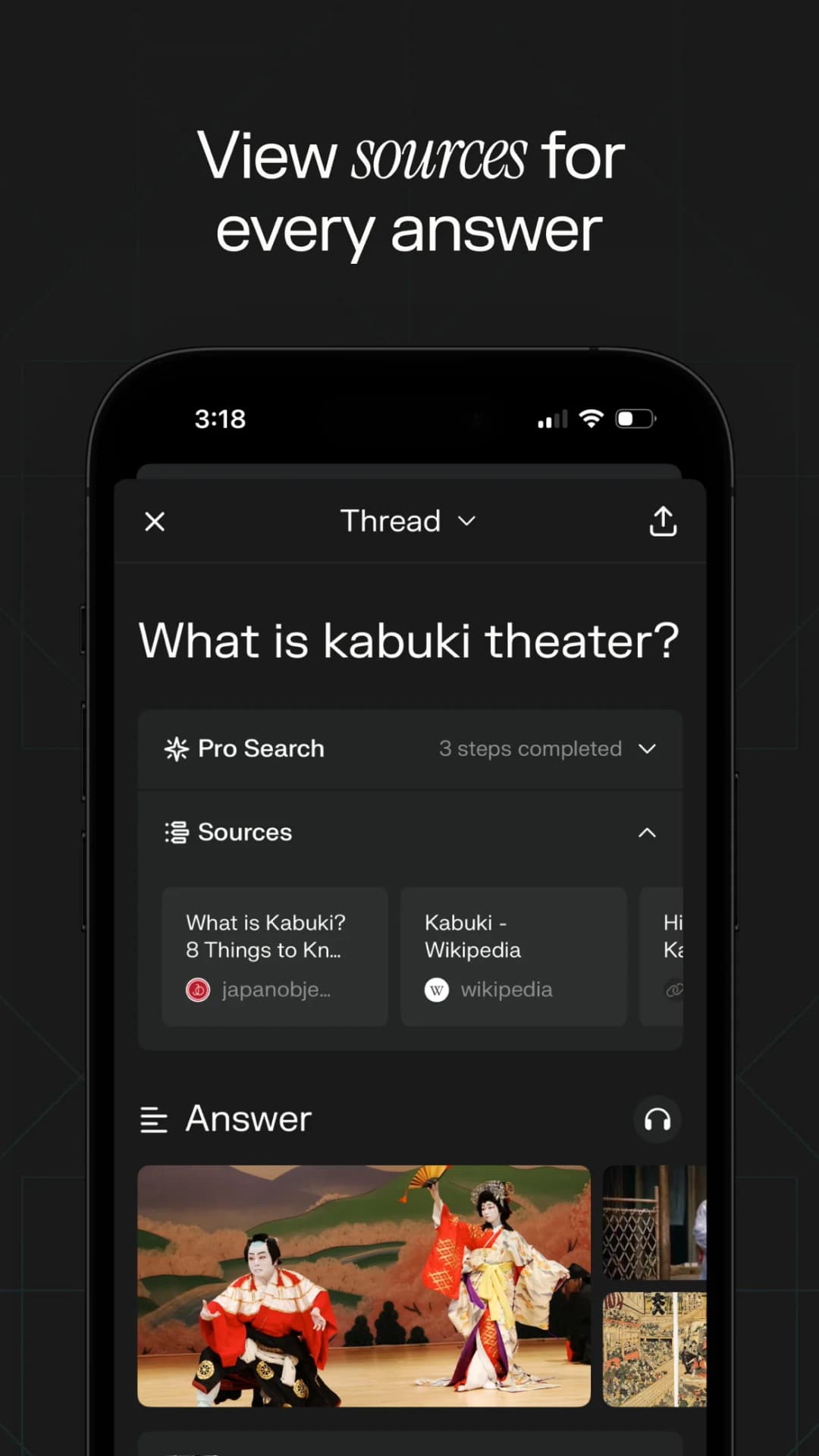
Perplexity presents web-source discovery and citations in its answer interface.
| Research job | NotebookLM fit | Better adjacent tool category | Verification step |
|---|---|---|---|
| Understand a fixed source set | Strong for summaries, questions, and study outputs over added material. | Source-grounded workspaces and PDF readers can complement it. | Open the cited passage before saving a finding. |
| Find new papers | Web and Drive discovery with reviewed imports; not a documented systematic scholarly-database search. | Elicit, Consensus, SciSpace, Semantic Scholar, or search databases. | Check search criteria and inclusion rules. |
| Extract structured evidence | Useful for orientation, but not always enough for review tables. | Elicit or systematic-review tools. | Compare extracted fields against the original paper. |
| Map citations | Not the main job. | ResearchRabbit, Litmaps, Connected Papers, or Semantic Scholar. | Inspect why a cited connection matters. |
| Manage references | Not a replacement for a citation library. | Zotero, Mendeley, EndNote, or Paperpile. | Keep bibliographic metadata clean. |
| Synthesize selected sources | Useful for first-pass synthesis. | Atlas or another cited workspace when passage inspection matters. | Preserve the source trail behind each claim. |
Table 1: NotebookLM works best after you choose trusted sources. Search tools find papers. Map tools show links between papers. Reference managers store citation details. For the job-by-job market view, compare the current NotebookLM competitors; for a wider category, see the AI research assistant guide.
Best NotebookLM research tools
Elicit for evidence extraction
Use NotebookLM when your question starts with papers you already chose.
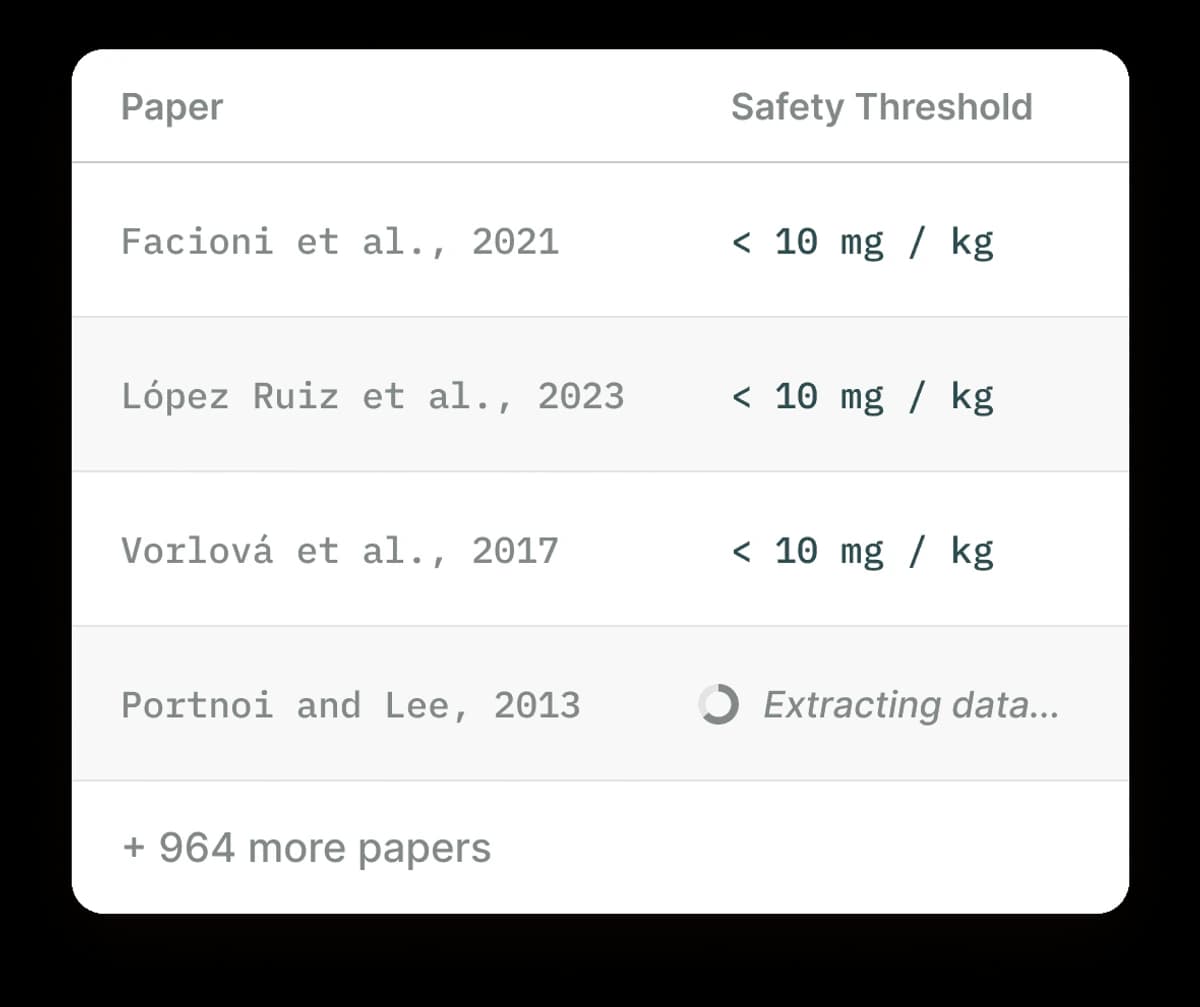
Elicit organizes evidence extraction across research papers.
Use Elicit when you need to find papers and pull the same facts from each one. The official Elicit site focuses on scientific research and literature reviews. Consensus gives quick answers backed by studies. SciSpace combines paper search, PDF chat, and review tools.
Citation-map tools for discovery
Use ResearchRabbit, Litmaps, or Connected Papers to see how papers cite each other. Use Zotero or Mendeley to store papers and make a bibliography. Zotero's quick start guide explains how to collect, sort, and cite sources. Use Perplexity or a search engine to find web sources.
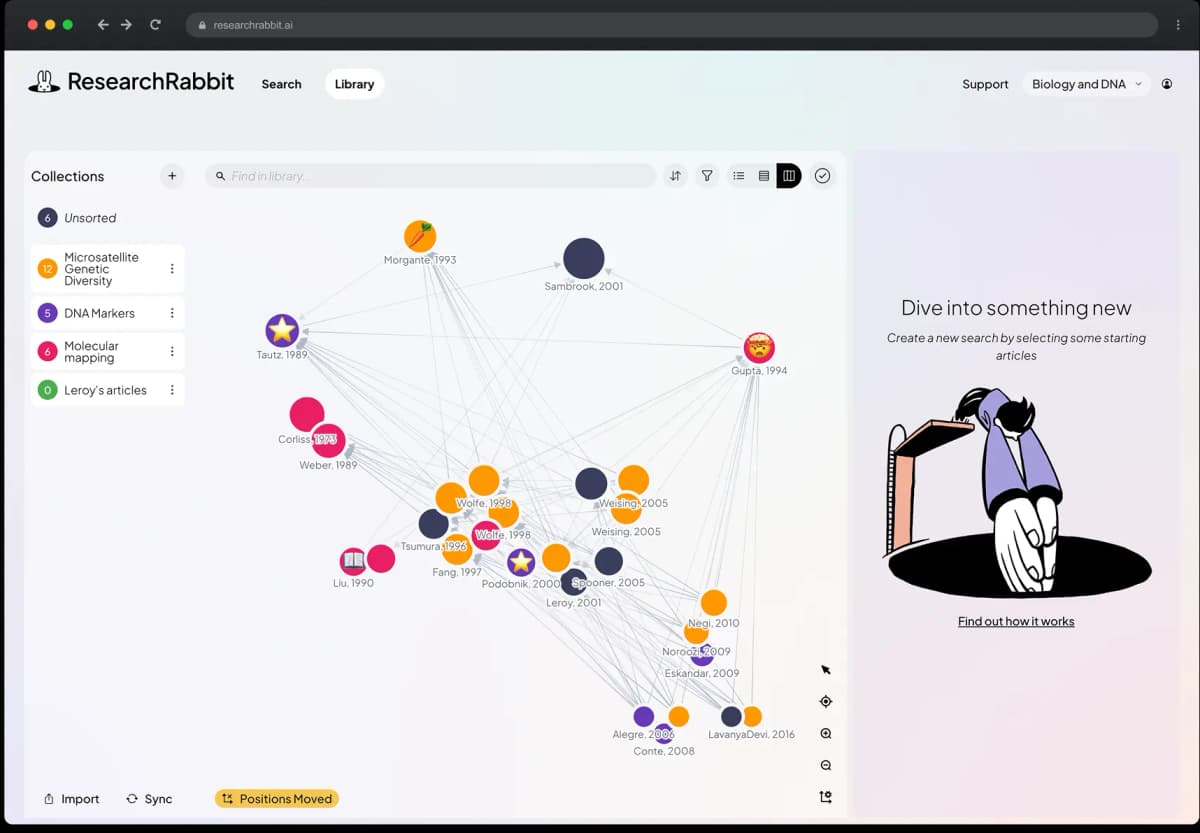
This retained ResearchRabbit screenshot illustrates citation-network discovery, a different job from the native NotebookLM content mind map. ResearchRabbit helps you find related papers before you choose the final set. NotebookLM helps you read and question that set afterward.
Atlas for selected sources
Atlas helps after you choose the sources. You can ask a question across them, compare their claims, and open the passage behind each citation. Use this when a NotebookLM answer must become a note or report section that others can check.
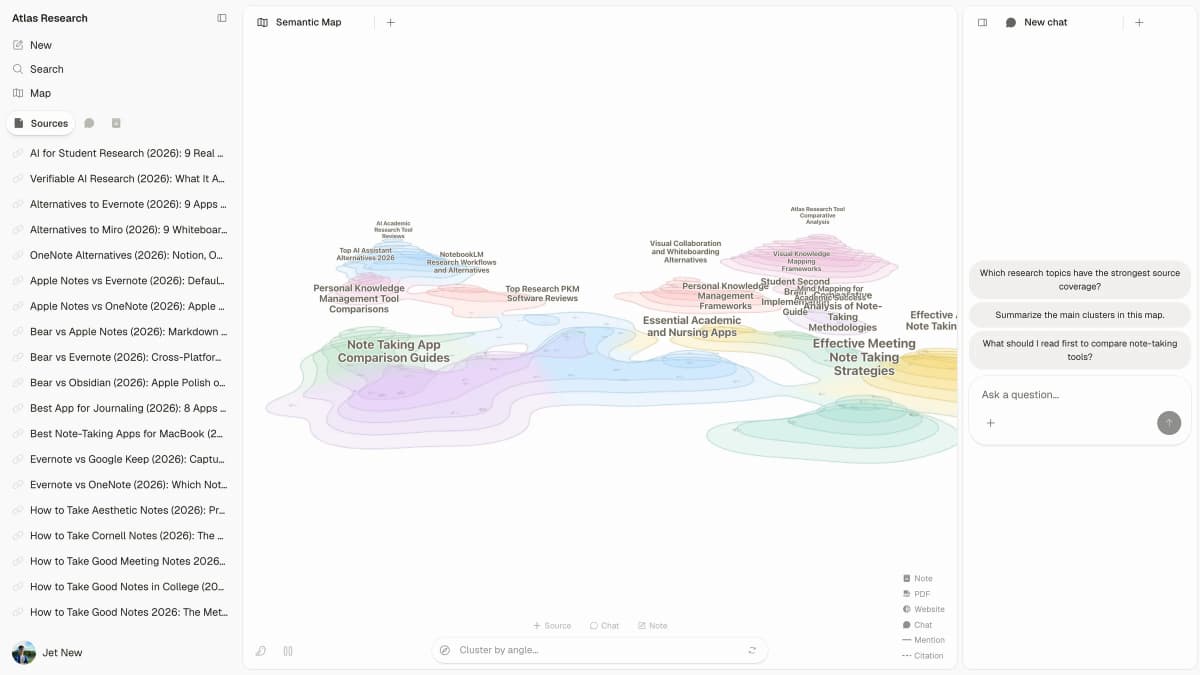
Atlas is useful when a selected source set needs an inspectable synthesis.
A safer NotebookLM research workflow
First, define the research question and inclusion rules. Record the database, query, date, and exclusions in your review notes. Add the papers, pages, reports, or notes that meet those rules. Ask one narrow question at a time, open its citation, and read the surrounding text.
Before a long reading session, check Usage in settings. Current compute limits depend on task complexity and reset every five hours, with a weekly limit as well. Source capacity is a separate plan limit. Avoid planning a review around obsolete daily chat or audio counts.
If you attach the notebook in the Gemini app, its context can accompany wider conversation and tools. For a question restricted to the selected notebook sources, use the standalone Notebook chat. Studio outputs still belong in the standalone app.
Next, judge how much the passage proves. It may support only part of the answer. Look for warnings, study limits, and results that disagree. If the support is weak, narrow the claim.
This check takes time, but it stops an AI answer from growing broader as it moves into a review or report.
When to continue the research in Atlas
Continue in Atlas when you want to compare sources in a project and keep the checked findings beside your notes. NotebookLM also offers citations; citation availability alone does not require moving tools. After NotebookLM helps you read a paper set, add the key PDFs, web pages, or notes to an Atlas project. Wait for Atlas to process them.
Ask one focused question, such as "Where do these papers disagree?" or "Which source supports this claim, and what warning does it include?" Atlas marks cited claims with numbered badges. Open each badge and read the nearby text. Keep only what the passage supports.
If a badge opens a weak passage, change the prompt before you save the finding. Name one paper, ask for a citation on each bullet, or ask to see the exact support. Narrow any claim that the cited text does not prove.
NotebookLM helps you understand one chosen source set. Atlas keeps a visible path from the question to the answer and cited text. This matters when the answer will become a literature-review note, grant paragraph, client memo, or team decision.
Which research workflow should you choose?
Match the tool to the next task in your research process. Use these choices as a guide:
- Choose NotebookLM to ask questions about a source set you already have.
- Choose a paper search tool when you still need to find studies.
- Choose a citation map when you need to see links between papers.
- Choose a reference manager to store sources and make bibliographies.
- Choose Atlas to compare chosen sources and open the text behind each claim.
Most research workflows use more than one tool. Find the sources, read them, check the cited text, and then write the claim.
Continue your source research in Atlas
Compare research sources and inspect citations before reusing the answer.