


Free AI tools can explain hard ideas, turn notes into study aids, find sources, polish writing, and help with exam prep. The hard part is choosing the right tool for the job. You also need to know when an answer has no source trail.
Use this page as a study-job router. Pick the tool for today's task. Then check free limits and school policy before you rely on it for graded work.

Compare class sources with citations
Add class readings, compare answers, and inspect the cited passages.
Quick verdict
Choose the tool by study job before brand.
Start with the study job:
-
Use ChatGPT or Gemini for broad explanations, brainstorming, and first-pass study help.
-
Use NotebookLM, Mindgrasp, StudyFetch, or Penseum when you want study guides, quizzes, or flashcards from class materials.
-
Use Atlas when the answer must come from your own readings, papers, PDFs, websites, or notes. It fits source passage checks.
-
Use Perplexity when the job is finding current web sources before you read them.
-
Use Grammarly or QuillBot when the job is writing feedback, grammar, citations, or sentence cleanup. Free plans and student offers change often. Refresh upload limits, model access, region rules, and student checks on official pages such as the ChatGPT free plan, Gemini student page, and NotebookLM student page.
Choose by study job
The best free AI tool for students is rarely one tool. A safer setup uses each tool for the job it handles best.
| Study job | Good starting tools | What to check before trusting it |
|---|---|---|
| Explain a concept | ChatGPT, Gemini, Copilot, Claude | Does the answer match your class material and textbook wording? |
| Study uploaded notes | NotebookLM, Mindgrasp, StudyFetch, Penseum | Can you see which source or note supports the answer? |
| Find current sources | Perplexity, Gemini, ChatGPT search | Are the cited pages relevant, current, and worth reading yourself? |
| Polish writing | Grammarly, QuillBot, ChatGPT | Does the edit preserve your meaning and follow class AI policy? |
| Make practice questions | StudyFetch, Mindgrasp, Penseum, Copilot | Are the questions based on your course material? |
| Compare evidence | Atlas, NotebookLM, Perplexity | Can you open the passage behind each claim? |
| Prepare for exams | NotebookLM, StudyFetch, Mindgrasp, Penseum | Are weak topics tracked, or are you only generating more cards? |
Table 1: The risky jobs use class notes, lab reports, research summaries, and answers that may become paper claims. A general chatbot can help you explore the topic. Before using the claim, open the source and read the passage.
What to look for
For a free student AI tool, check the job fit before the feature list. General chatbots should explain concepts in language you can compare with your course material. Study tools should show which notes, slides, readings, or uploads shaped the answer. Research tools should send you to sources worth opening and checking. Writing tools should preserve your argument and make AI use easy to disclose when your course requires it.
Use a stricter standard when the output becomes evidence. A general answer is lowest trust. A web-cited answer is better if the cited page is relevant. An uploaded-source answer is stronger when the tool shows the source. A passage-verified claim is strongest because you opened the cited text and checked whether it supports the sentence you plan to use.
Free AI tools for students compared
| Tool | Best study job | Free-entry status | Source support | Main limit to check | Choose it when |
|---|---|---|---|---|---|
| Atlas | Cited answers from your sources | Bounded Free preview; Pro is paid | Project sources, citation badges, synthesis | Account usage and source-processing limits | You need to compare class sources |
| ChatGPT | General explanation and draft planning | Ongoing Free; Plus student offer is temporary | File and image uploads depend on current limits | Uploads, model access, and school policy | You need flexible tutoring or brainstorming |
| Google Gemini | Google-connected study help | Free app; student AI plans are regional offers | Works across Google surfaces where supported | Offer availability and account eligibility | You already study in Google tools |
| NotebookLM | Studying your own materials | Free access with usage limits; paid upgrades | Built around selected sources | Source limits and output fit | You want study guides from class material |
| Perplexity | Web source discovery | Standard Free; Education Pro is paid | Web citations and source links | Eligibility, price, and source quality | You need current pages to read next |
| Microsoft Copilot | General study support | Free web app; Microsoft 365 features differ | Web and Microsoft ecosystem support | Which features are free for your account | You work in Microsoft tools |
| Claude | Guided reasoning | Ongoing individual Free; Education is institutional | Depends on current access and uploads | Institutional access and limits | You want Socratic learning and structure |
| Grammarly | Writing feedback | Ongoing Free; student Pro discount is paid | Writing-focused support | AI disclosure and plan limits | You want grammar and style help |
| QuillBot | Paraphrase, grammar, citation help | Free plan; Premium is paid | Writing and citation surfaces | Academic integrity and feature limits | You need sentence-level cleanup |
| Mindgrasp | Notes, summaries, quizzes | Free-to-try; ongoing free allowance unverified | Class material upload workflows | Trial, plan, and upload details | You want study outputs from lectures |
| StudyFetch | Flashcards, quizzes, tutor | Free to start; ongoing allowance unverified | Course material upload workflows | Free plan and tutor limits | You want drill practice from notes |
| Penseum | Study guides and flashcards | Free to start; Premium is paid | Upload-based study guide workflows | Free access and file limits | You want quick study aids |
Table 2: Free access and a student promotion are different commitments. OpenAI's 2026 student Plus offer lasts four billing periods for eligible US students and then renews at a paid price; Google's student AI offers vary by region and can also convert to paid plans. Perplexity's plan guide separates Standard Free from paid Education Pro. Atlas has a bounded Free preview, not unlimited free research use. Check each provider's current account terms before relying on it for a semester. This table gives you a shortlist. For deeper student-tool comparisons, see best AI tools for students, the student workflow guide, NotebookLM for students, and the Google study guide.
Best free AI tools for students
Atlas
Atlas fits when students need cited answers from their own sources. Its Free plan is a bounded way to try that workflow; Pro is paid. Add readings, papers, PDFs, websites, or notes to a project. Ask a focused grounded question. Open citation badges and check the source passage before saving the answer as a study note.
Use Atlas after discovery and collection. It is not a replacement for every chatbot, flashcard app, or writing tool. It is the source-checking workspace for claims you need to trust.
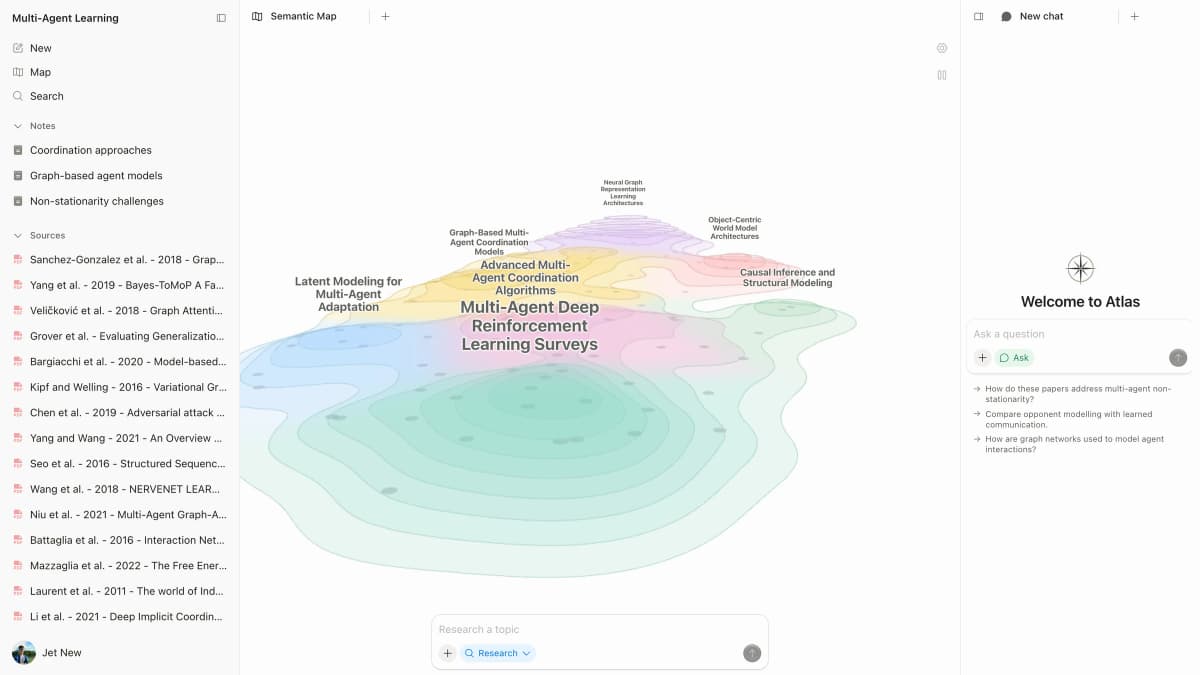
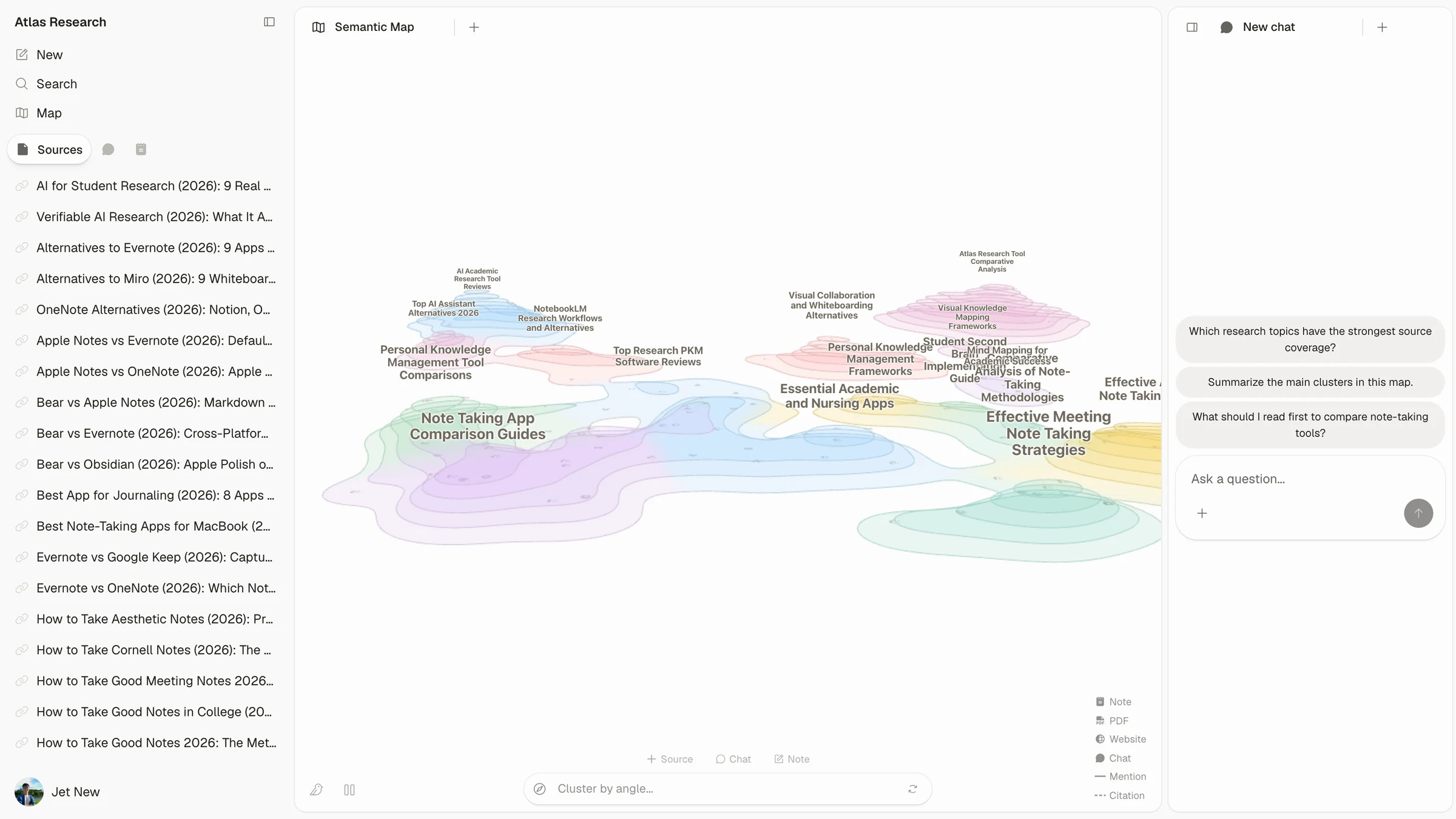
Atlas’s public demo shows a Multi-Agent Learning paper set beside its Semantic Map and suggested questions. The sample topic is unrelated to student materials; this image shows the interface, not a generated answer or a citation check. Source: Atlas public product fixture.
ChatGPT
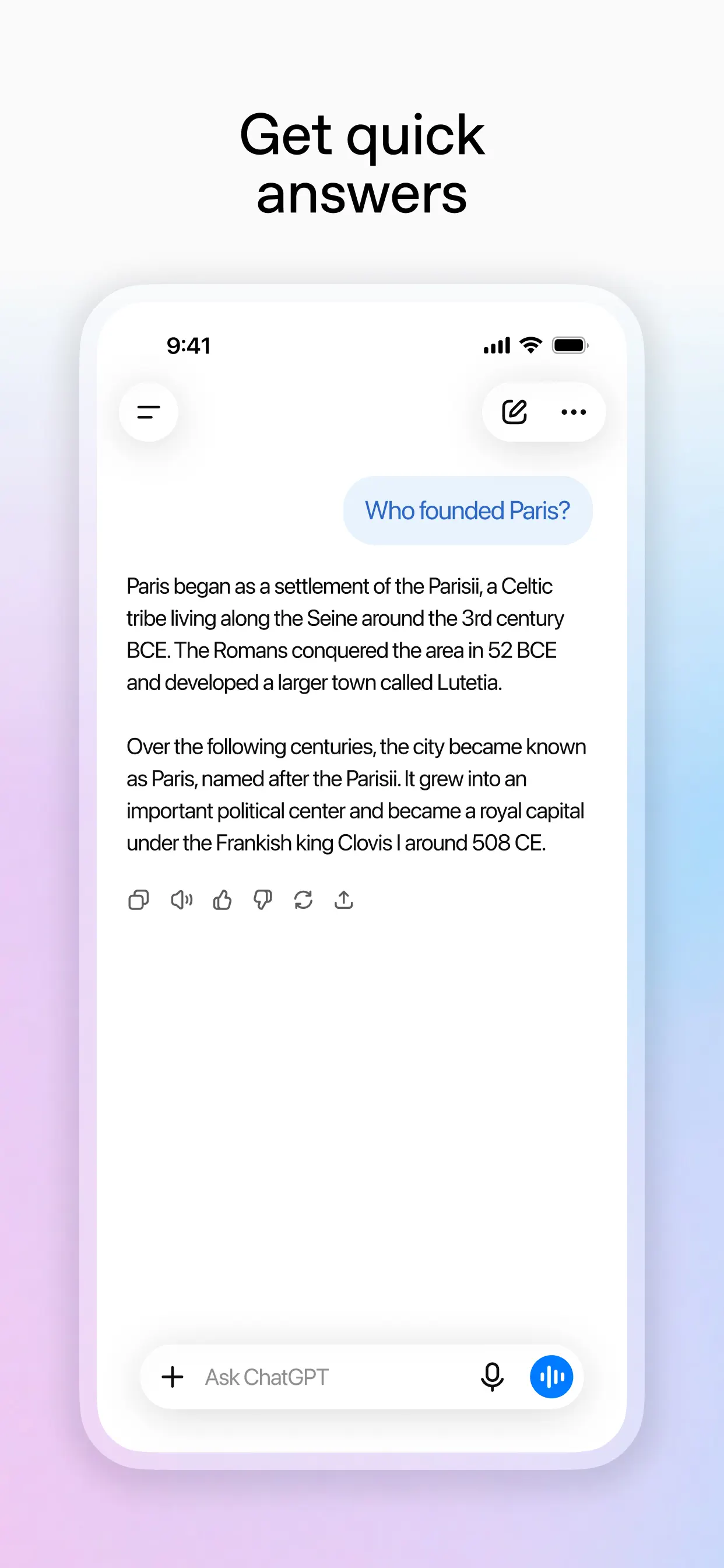
ChatGPT’s App Store preview shows a general question-and-answer exchange. It illustrates the assistant interface, not a student-specific task or a verified research answer. Source: ChatGPT — App Store.
ChatGPT is a flexible free-entry starting point for many students. Use it to explain a concept, plan a study session, or simplify a passage. It can also write practice questions or turn rough notes into a cleaner outline.
Its main risk is confidence without enough source control. If ChatGPT helps with a paper claim, trace the claim back to a source you have read. Use the student workflow guide when you want a deeper student workflow.
Google Gemini
Gemini is a strong fit for students already working inside Google tools. It can help with prompts, study plans, and Google-connected tasks when the student's account supports the feature.
Refresh the official student page before relying on any student offer. Promotions, regions, ages, and account rules change. Use Gemini for general study help, then move class sources into a source-focused tool when evidence matters.
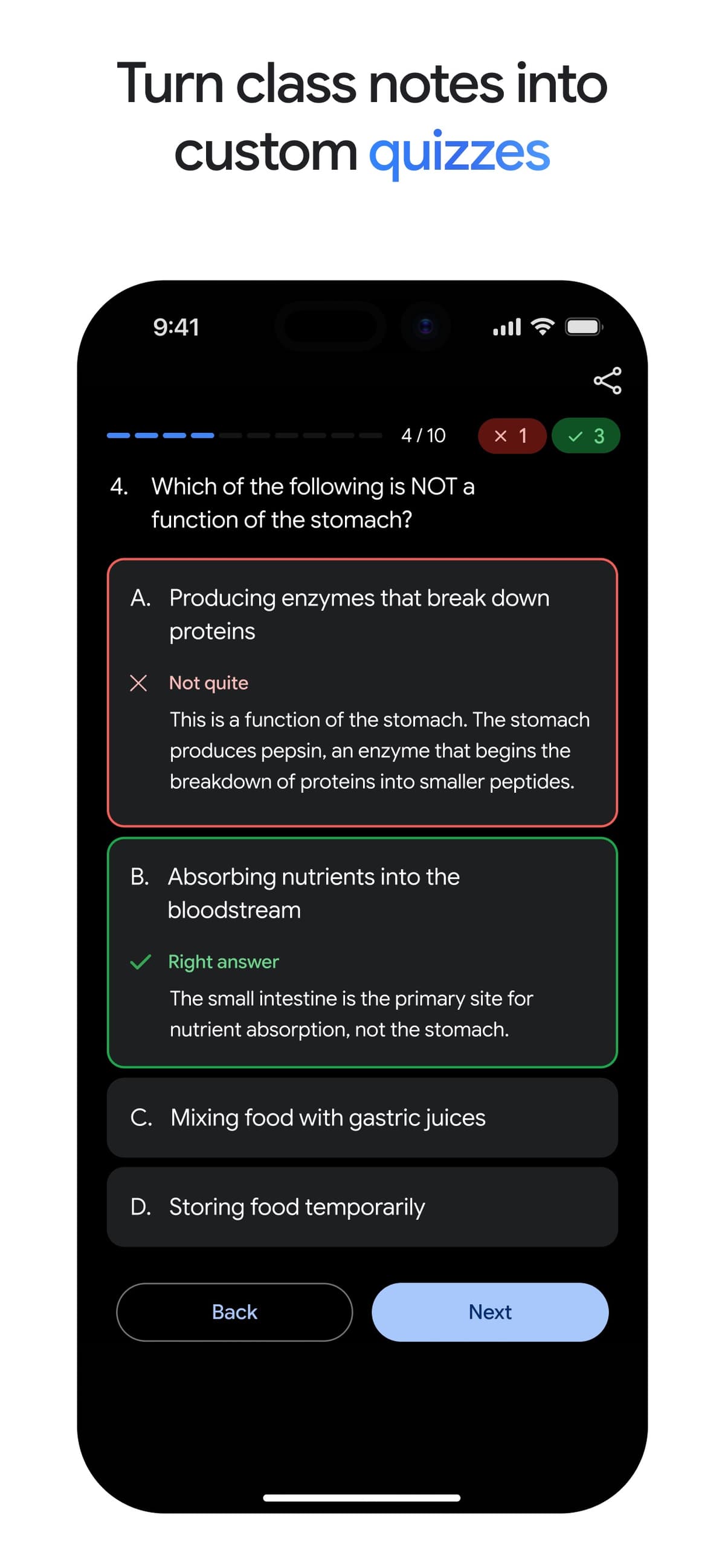
Google’s App Store preview demonstrates a class-notes quiz workflow. It is a promotional example, not an independent assessment or a promise that every account has the same feature access. Source: Google Gemini App Store listing.
NotebookLM
NotebookLM is one of the clearest fits for studying your own class materials. It is built around selected sources, so it works well for notes, readings, slides, and study guides.
Use it when the question is, "What do these materials say?" rather than "What does the web say?" For more, read NotebookLM for students or NotebookLM alternatives.
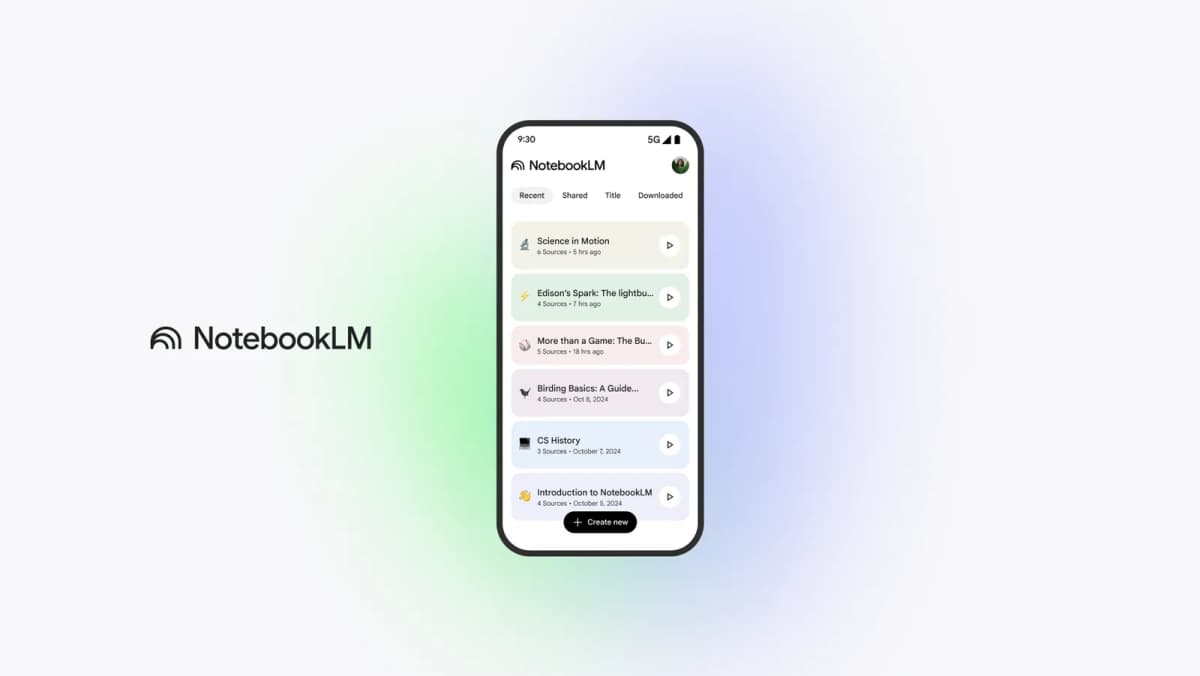
Google’s public product preview shows sample notebooks and their source counts. It demonstrates the notebook interface only; the sample titles are not student evidence, and the image does not verify answer quality or free access. Source: NotebookLM.
Perplexity
Perplexity is useful when you need current web sources fast. It can help you find articles, explainers, official pages, or research leads before you decide what to read.
Do not treat a web-cited answer as finished research. Open the sources, check whether they support the claim, and move important readings into your notes or source workspace. For more detail, see Perplexity for students.
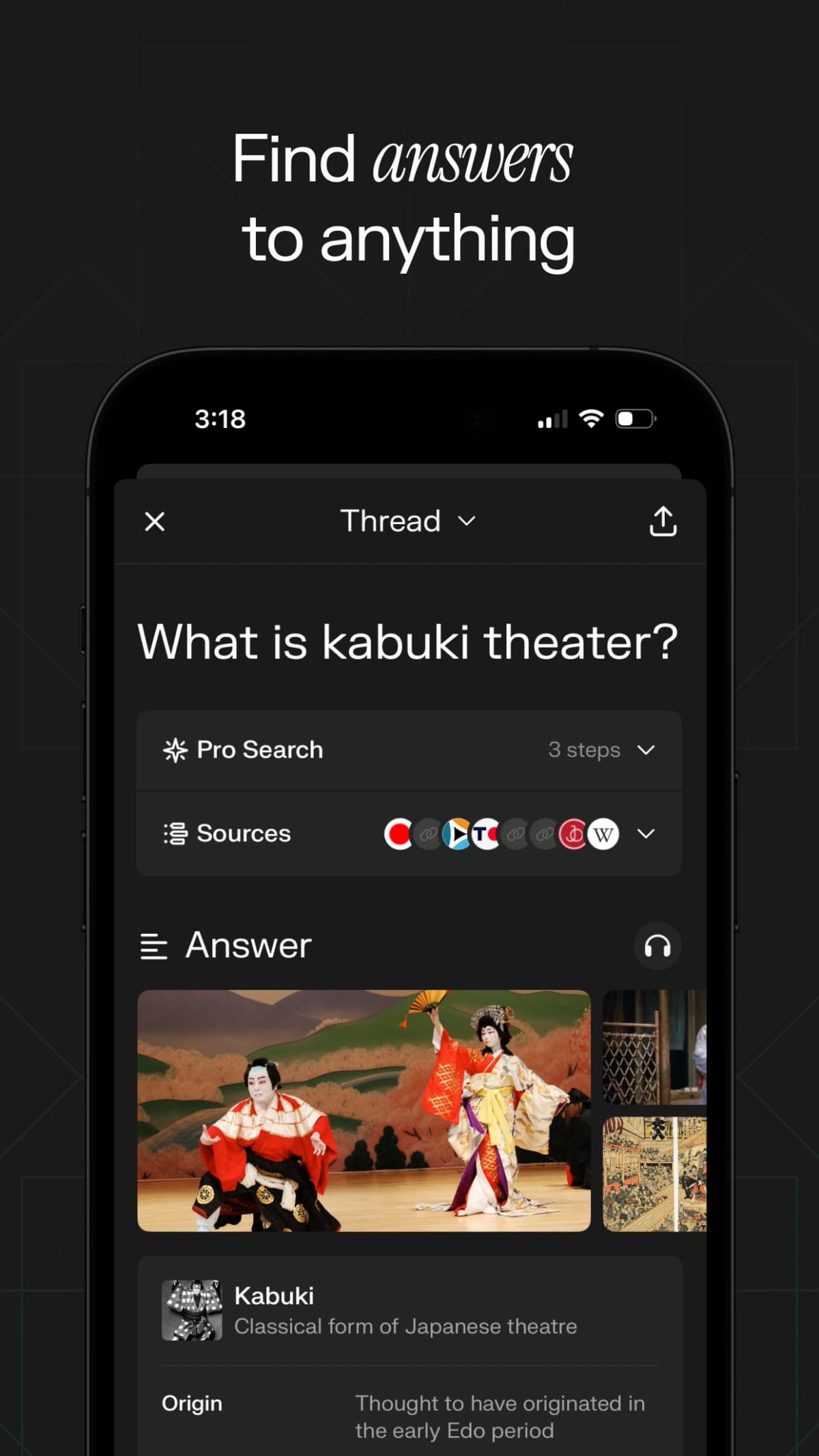
Perplexity’s App Store preview shows a source panel in a Pro Search thread. It is a promotional example, not evidence that the same interface is included in Standard Free, and its answer has not been independently checked. Source: Perplexity App Store listing.
Microsoft Copilot
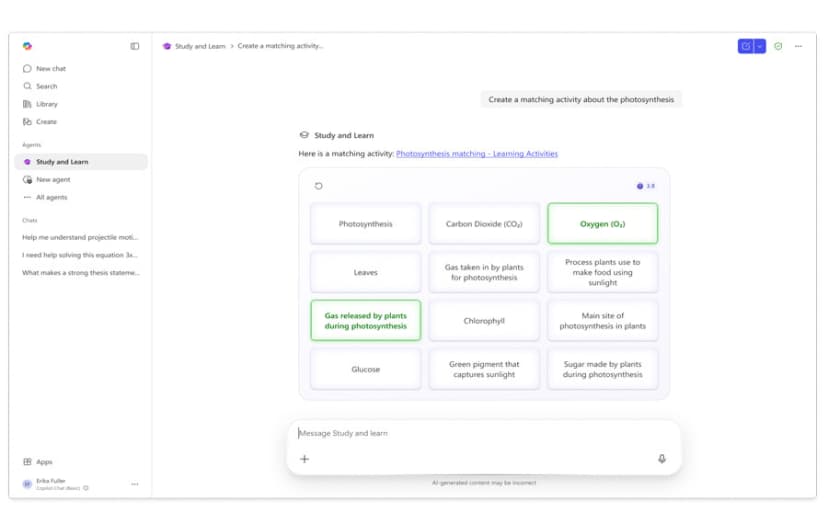
Microsoft’s Study & Learn example shows an interactive matching activity for practice. The education agent requires eligible school access; this image does not show a feature available in every free Copilot account. Source: Microsoft Education Blog.
Microsoft Copilot fits students who already work in Microsoft tools or want a free-entry general assistant. It can help break down concepts, create quiz questions, and support study planning.
Check which Copilot features are available with your account. Do not assume every premium Microsoft feature is free for every student. For the student-specific workflow, use the Microsoft study workflow guide.
Claude
Claude helps with guided reasoning, essay plans, and Socratic learning when you have access. Claude for Education frames Learning mode around questions, concepts, templates, and independent thinking.
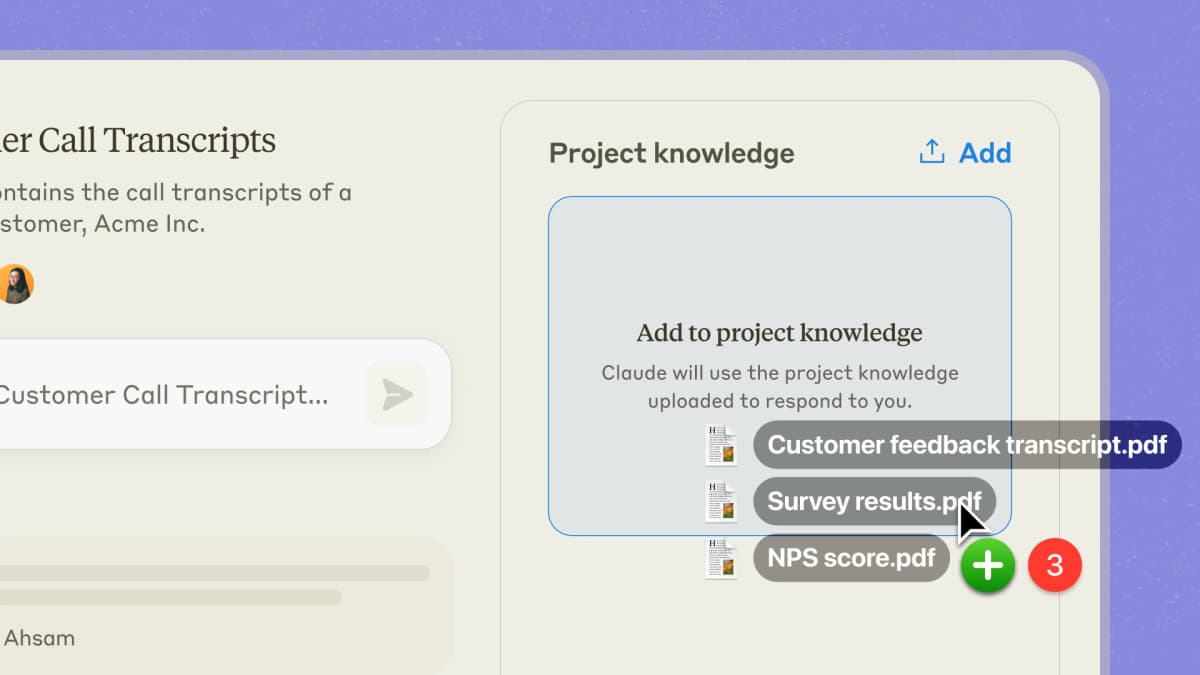
Anthropic’s Projects illustration shows uploaded documents becoming project knowledge. It is an interface example, not evidence of free-plan access or a student offer. Source: Anthropic Projects.
Use it when you want help thinking through a topic rather than a quick answer. If your school provides access, check the school policy on where Claude can and cannot be used.
Grammarly
Use Grammarly for students when the job is writing feedback, grammar, tone, clarity, revision notes, and responsible AI writing habits.
It is not a source-checking tool. Use Grammarly after you have done the thinking and source work. Keep your own argument intact, and disclose AI use when the course requires it.
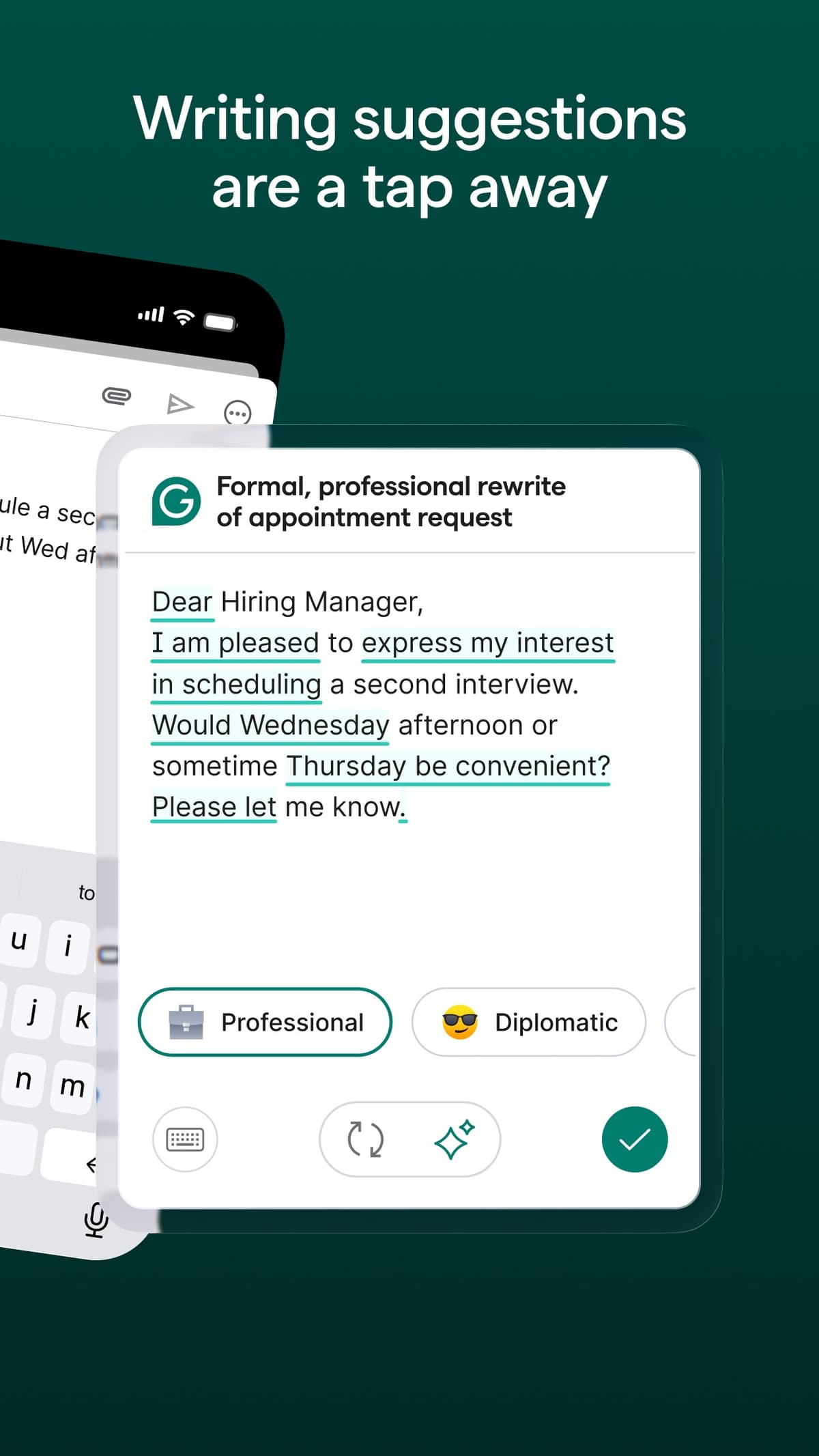
Grammarly’s App Store preview shows a writing-suggestion card and tone controls in its keyboard. The sample is a promotional email, not a student paper or a writing-quality assessment; check which features your plan includes. Source: Grammarly App Store listing.
QuillBot
QuillBot student resources help with sentence cleanup, grammar checks, short summaries, and citation-format support. It can improve wording, but it should not become a way to hide AI use.
Use it for revision and learning. Do not submit paraphrased text as a shortcut around reading, writing, or citation rules. Students comparing this lane can read QuillBot for students.
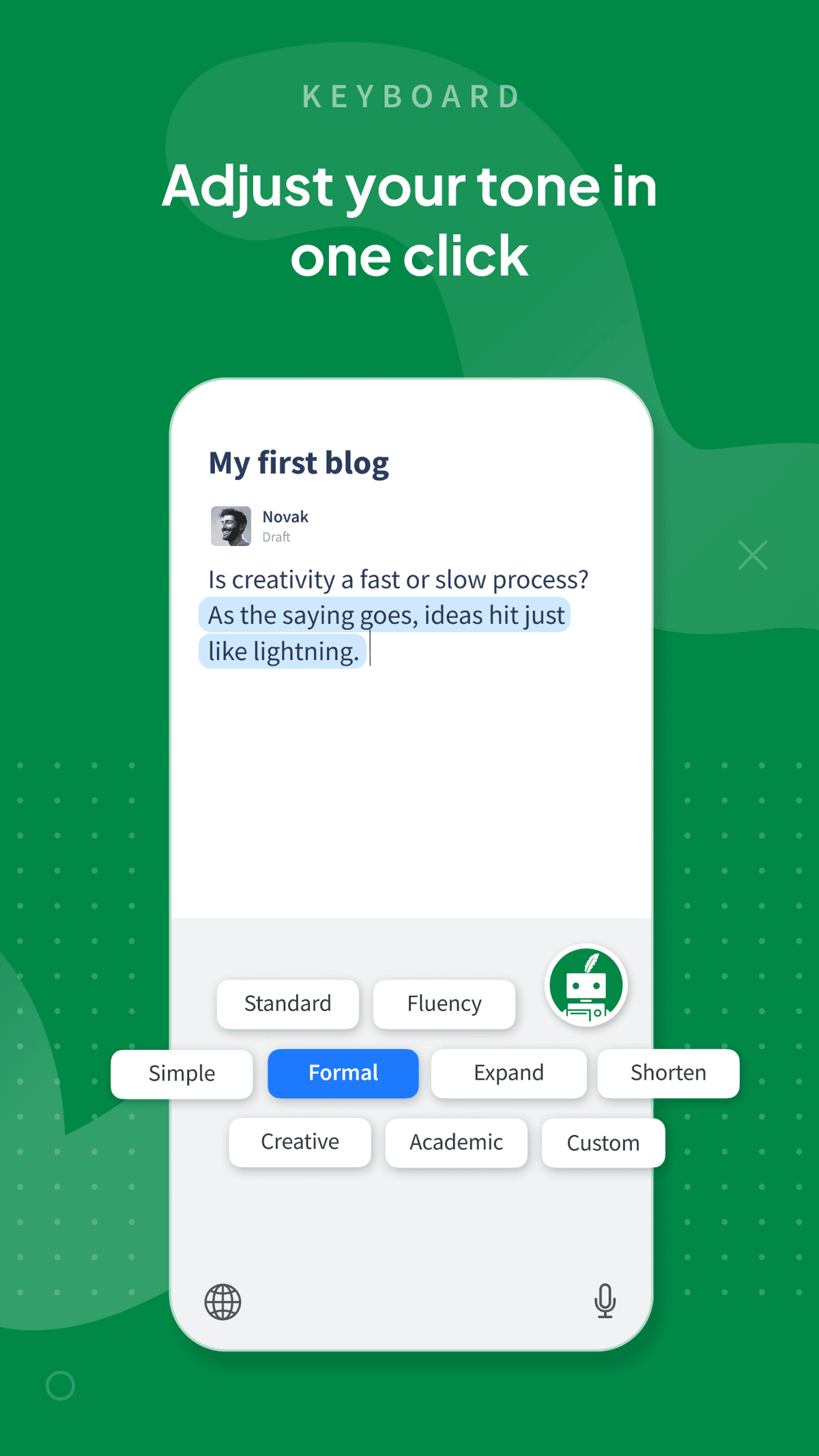
QuillBot’s App Store preview demonstrates its rewrite and tone controls. It does not show which options are free or whether an edit preserves your meaning; follow course AI-use rules and review every change. Source: QuillBot App Store listing.
Mindgrasp
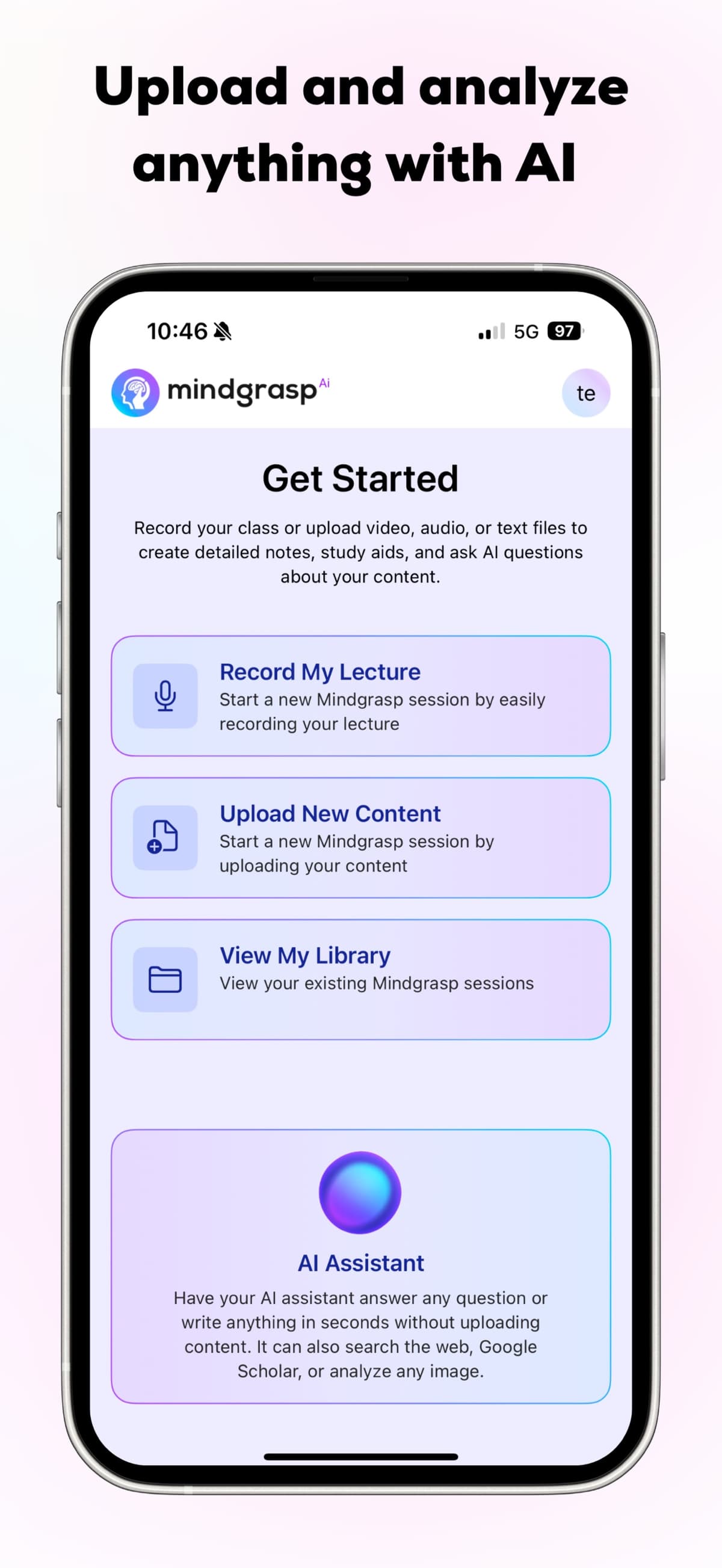
Mindgrasp’s App Store preview shows lecture recording, content upload, and the library entry points for creating study notes and asking questions. It does not show the quality of generated notes or answers. Source: Mindgrasp — App Store.
Mindgrasp is built for study outputs from lectures, readings, and links. It can turn class material into notes, cards, quizzes, and study sessions.
It is a good fit when your main task is exam prep from class material. Check current trial and plan limits before you build a whole study routine around it.
StudyFetch
Use StudyFetch for course-material study when you want notes, slides, lectures, and study guides turned into flashcards, quizzes, tests, and a tutor trained on uploaded coursework.
Use it when practice matters more than broad explanation. Check whether the generated questions match your class materials and whether free limits fit your study load.
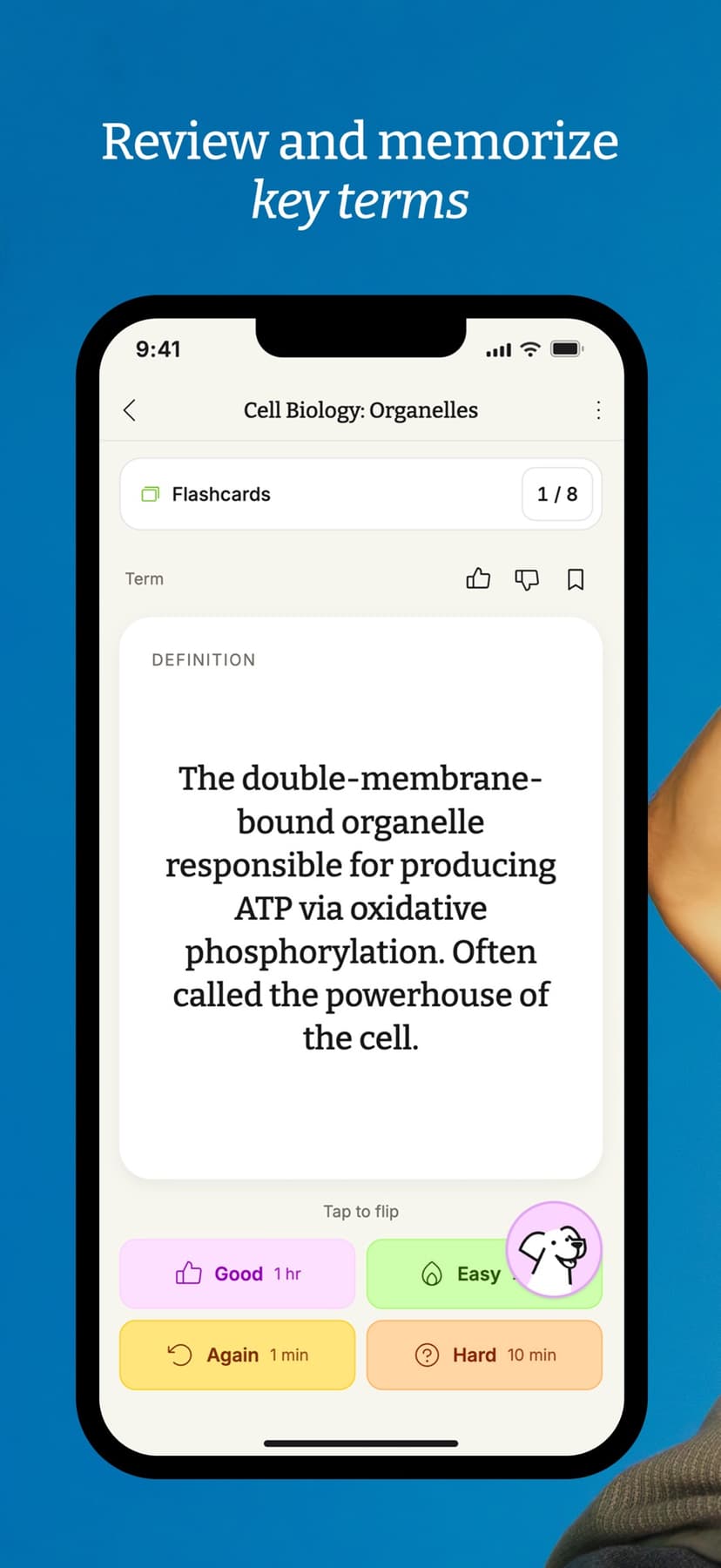
StudyFetch’s App Store preview demonstrates one flashcard review surface. It is a promotional example, not a test of answer accuracy or evidence about which features are free. Source: StudyFetch App Store listing.
Penseum
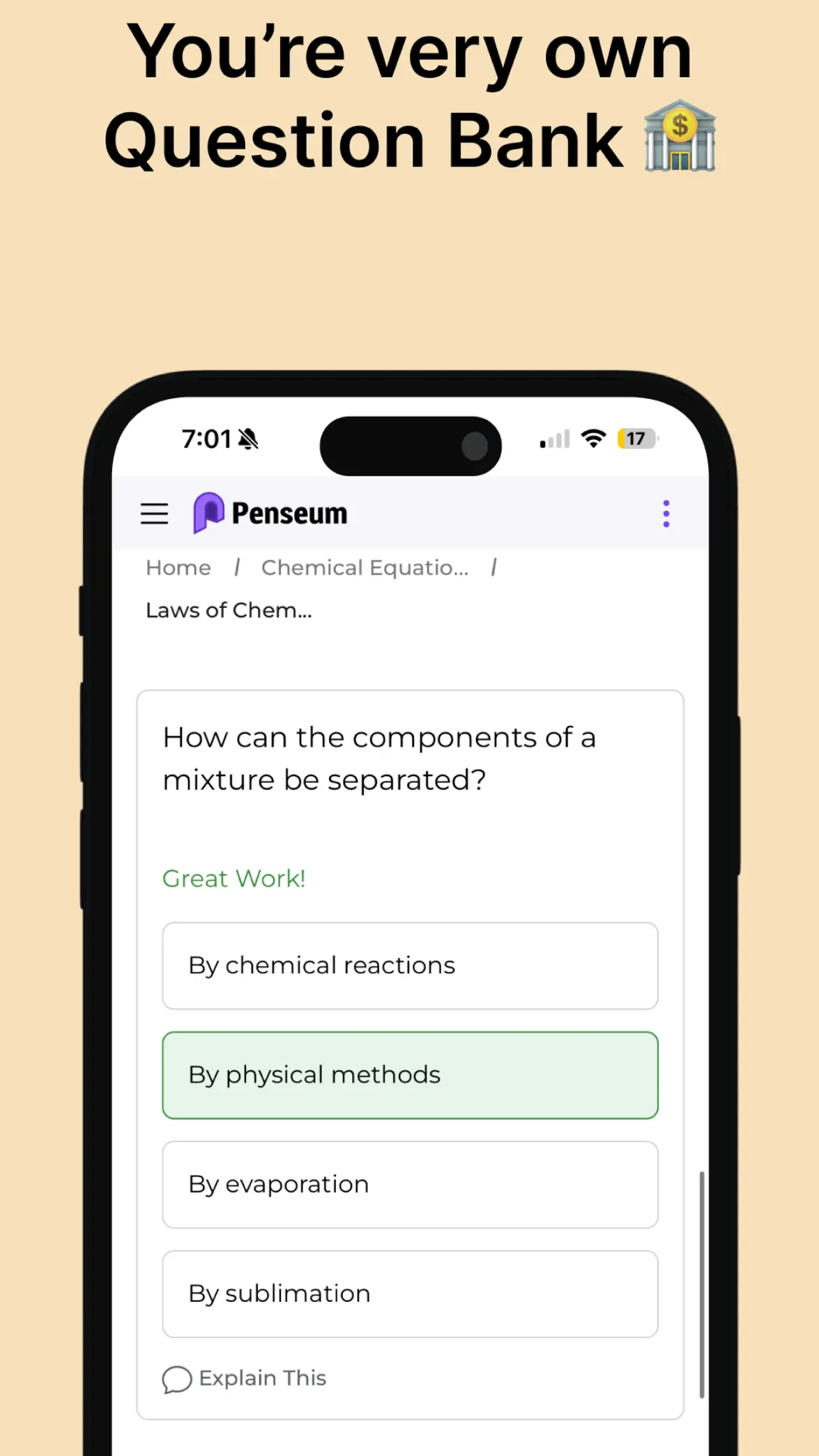
Penseum’s App Store preview shows a chemistry multiple-choice question with the correct option marked. It depicts a quiz screen and does not validate the answer or the app’s learning outcomes. Source: Penseum: AI Tutor & Study App — App Store.
Penseum fits quick study guides, notes, cards, and quizzes from uploaded material. Use it for a first pass over class content before you drill weak areas.
Like other study-output tools, it still needs checking. A flashcard is only useful if the source answer is right and relevant to your course. If flashcard review is the main decision, compare the Anki alternatives by review control, notes-to-cards workflow, AI card generation, and source checking.
Where Atlas fits
Here is the flow I would use for a class question that depends on sources:
- Add the readings, papers, PDFs, websites, or notes that matter.
- Ask a focused question, such as "Where do these sources agree and disagree about spaced repetition?"
- Ask Atlas to separate the answer by source if the first answer blends claims together.
- Open citation badges for the claims you plan to reuse.
- Read the surrounding passage as well as the highlighted sentence.
- Save the finding only if the passage supports the claim.
This matters when a study note becomes part of an essay, lab report, review, or presentation. A cited answer can still be wrong. The cited passage may be weak, incomplete, or more cautious than the summary.
Free plan caveats students should check
Free AI tools are useful, but "free" can mean many things:
Plan limits
- A free plan with message caps.
- A free trial that later requires payment.
- A student offer that depends on school email, age, region, or ID checks.
- A free-entry product where uploads, better models, or export features need a paid plan.
- A school-provided account with its own rules.
Do not count a discounted student subscription as a free plan. Perplexity's current plan guide distinguishes its free Standard plan from paid Education Pro for verified students and educators. Likewise, a promotion with an expiry date is not a permanent free tier. For each shortlist candidate, write down the official plan name, eligible account and country, what happens when a limit is reached, and whether the offer renews at a paid price. This check matters more than a roundup's “free” badge.
Before using a tool for class work, check the official page for current limits. Current student and education pages, such as Perplexity Education Pro and Microsoft student plan information, are better evidence than a roundup that may be stale. Then check your course policy. Many schools allow AI for explanations, study plans, or revision. They may restrict generated text, hidden rewrites, or uncited use.
Source checks
For source-heavy work, use a stricter rule. If a claim will appear in graded work, open the source before you use it.
Which free AI tool to start with?
Choose the smallest tool stack that covers your current study job.
Start with the job before the brand.
Use ChatGPT, Gemini, Copilot, or Claude when you need a general study assistant. Use NotebookLM, Mindgrasp, StudyFetch, or Penseum when you need study outputs from your own materials. Use Perplexity when you need sources to read next. Use Grammarly or QuillBot when you need writing feedback. Use Atlas when you need cited answers and passage checks across class sources.
The best free setup is usually a small stack. Let one tool explain, one tool help you practice, and one tool keep source-backed claims checkable.
Compare class sources with citations
Add class readings, compare answers, and inspect the cited passages.